Procedure
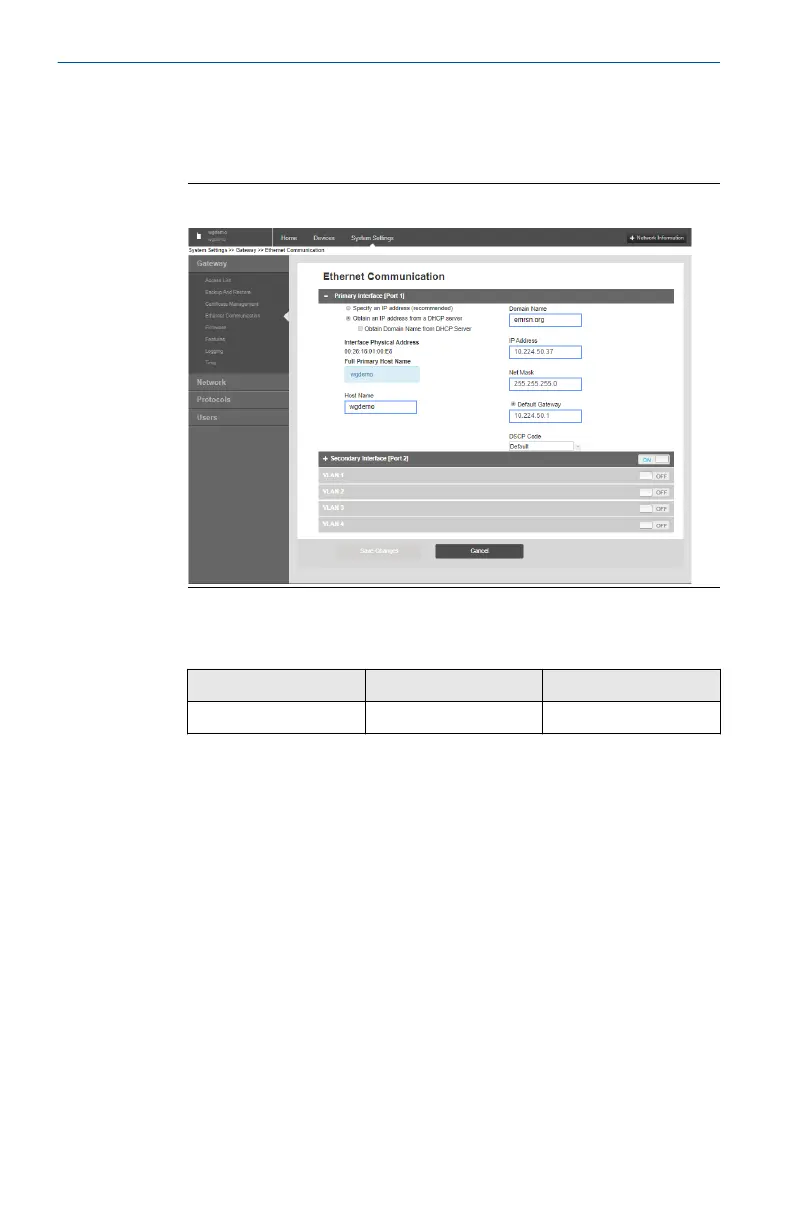
1. From the Gateway's integrated web interface, select Setup Network
Settings to obtain the Network ID and Join Key (see Figure 5-3).
Figure 5-3: Gateway Network Settings
2. To change the Network ID and Join Key in the wireless device, use a
Field Communicator and enter the following Fast Key sequence.
Function
Fast Key sequence Menu items
Wireless 2, 1, 1 Join Device to Network
3. Follow the on screen prompts.
Quick Start Guide April 2021
18 Emerson.com/Rosemount











 To Next Page