70
Reference Manual
00809-0100-4021, Rev GC
Section 3: HART commissioning
April 2014
HART® commissioning
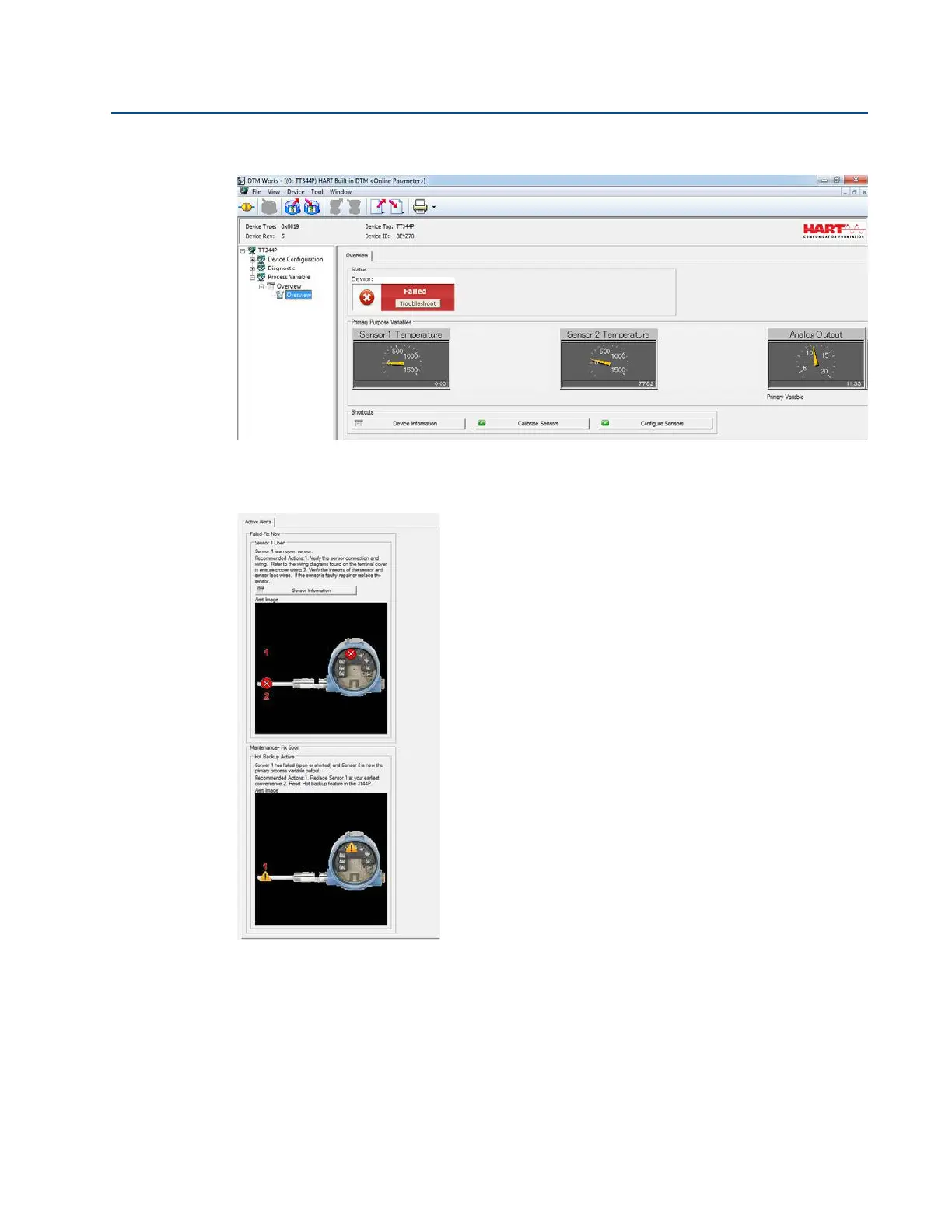
In the DTM, the device status will indicate a Failed status in the Process Variable Overview section,
shown below.
To investigate why the device displays a Failed status, choose Troubleshoot in the red device
status box. Another screen will display the active alerts indicating FAILED Sensor 1 Open, and
MAINTENANCE Hot Backup Active, as shown below.















 To Next Page