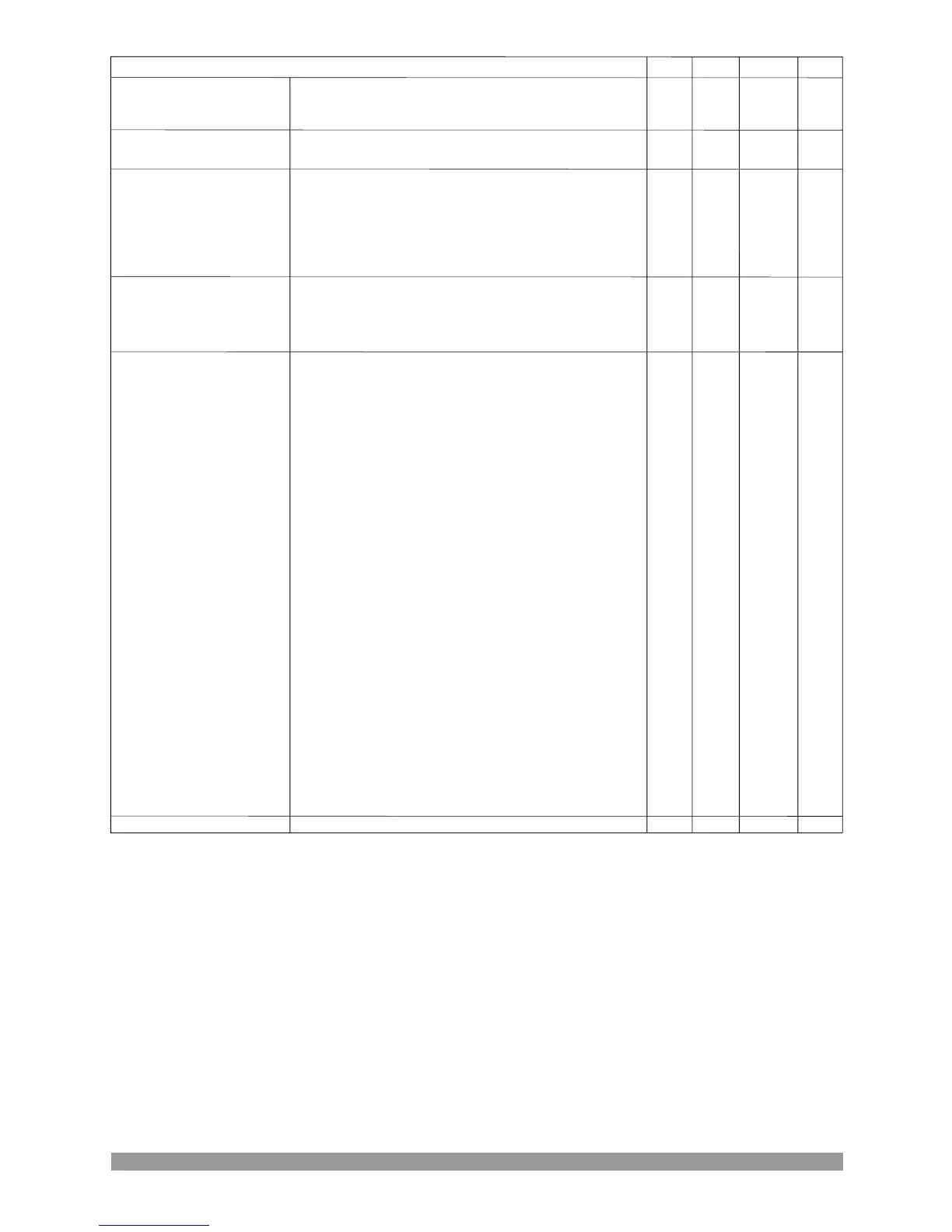
Min
Default
Unit
Max
0
2
20(dis)
10
4
20
0
2500
Sec
0
2
0
26 25
0
0- Disable
1- User Configured
2- Select From List
0- Normally Open (Close To Activate)
1- Normally Close (Open To Activate)
If User Configured
0- Status
1- Warning Non-Latching
2- Warning Latching
3- Electrical Trip
4- Shutdown
If User Configured
0- Active From Starting
1- Active From Safety On
2- Always Active
If Select From List
0-Remote Start On Load
1-Remote Start Off Load
2-Auxiliary Mains Fail
3-Simulate Lamp Test Button
4-Simulate Horn Reset Button
5-Simulate Alarm Reset Button
6-Simulate Auto Button
7-Simulate Test Button
8-Simulate Manual Button
9-Simulate Start Button
10-Simulate Stop Button
11-Generator Closed Auxiliary
12-Generator Load Inhibit
13-Mains Closed Auxiliary
14-Mains Load Inhibit
15-Auto Restore Inhibit
16-Auto Start Inhibit
17-Panel Lock
18-Scheduled Runs(Exercise) Inhibited
19-Priority Select
20-Transfer To Generator/Open Mains
21-Transfer To Mains/Open Generator
22-Remote Inhibit
23-Being Found Alive
24-Low Battery
25-Low Oil Pressure
26-Low Oil Level
Input active delay
56
Note: dis = disable
CONF. INPUT-4 (Inputs->Conf. input-4)
Dis,user conf.or list
Polarity
Indication
Activation
Select from list
Active delay


 To Next Page