MAINS
V12: 380V V1: 220V
V23: 380V V2: 220V
V31: 380V V3: 220V
Wait for start
21
22
23
24
25
26
19
15
18
Number
Comment
Warning and Alarm messages shortcut button.
Event Logs shortcut button.
16
17
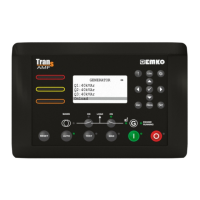
The LAMP TEST button illuminates all LED indicators.
This button is used for showing previous parameters on the currently selected page in
normal operation. In Programming mode, it operates as an Up button (changing cursor
position) or Increment button (increase parameter value).
This button is used for showing previous page in normal operation. In Programming mode, it
operates as an Left button (changing cursor position).
20
This button is used for entering parameter edit section and saving parameter value in
programming mode.
This button is used for showing next page in normal operation. In Programming mode, it
operates as an Right button (changing cursor position).
This button is used for showing next parameters on the currently selected page in normal
operation. In Programming mode, it operates as an Down button (changing cursor position)
or Decrement button (decrease parameter value).
The Escape button is used for exit previous section in programming mode.
When this button is pressed, the unit goes into its PROGRAMMING Mode.
This button will silence the alarm horn after a failure has been detected.
This button opens or closes the mains contactor, only operative when manual mode is selected.
This button opens or closes the gen. contactor, only operative when manual mode is selected.
This button will reset the controller after a failure has been detected.
The AUTO button is used for changing operating mode of the unit to the AUTO Mode.
The TEST button is used for changing operating mode of the unit to the TEST Mode.
The MAN button is used for changing operating mode of the unit to the MANUAL Mode.
The START button is used for starting the engine when the unit is in the Manual Mode.
The STOP button is used for changing operating mode of the unit to the STOP Mode.
The generator is stopped.
27
28
29
30
31
32
33
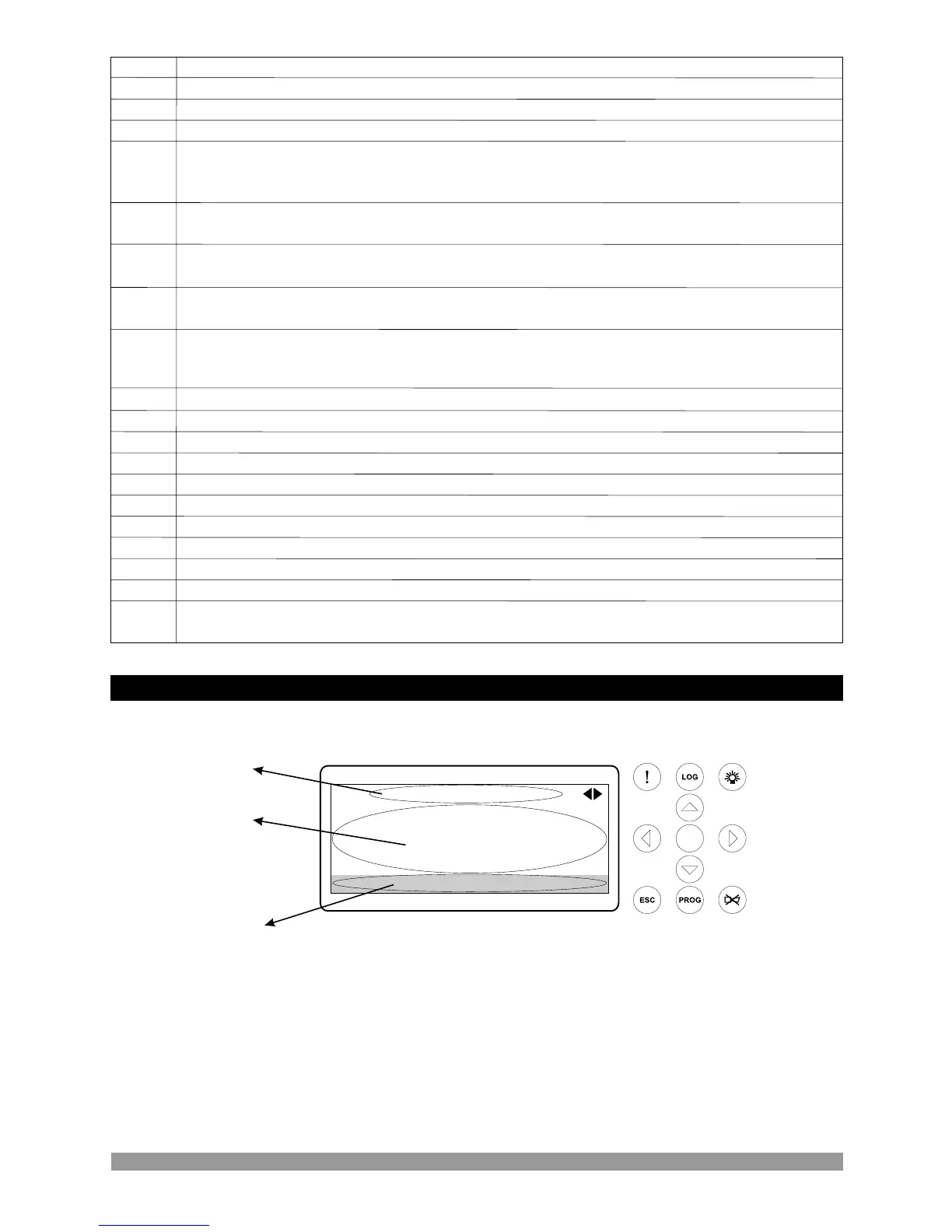
LCD display Description
Mains Page1
Measurement values
Engine Status or Error Messages
Current page name
128x64 Dot-matrix LCD display.
Use the Next and Previous buttons to select which Data display page (screen) is to be displayed.
When the Alarm (!) shortcut button is pressed, the Warning & Alarm display page is displayed.
When the Event log (LOG) shortcut button is pressed, the Event Log display page is displayed.
ü
8


 To Next Page