31
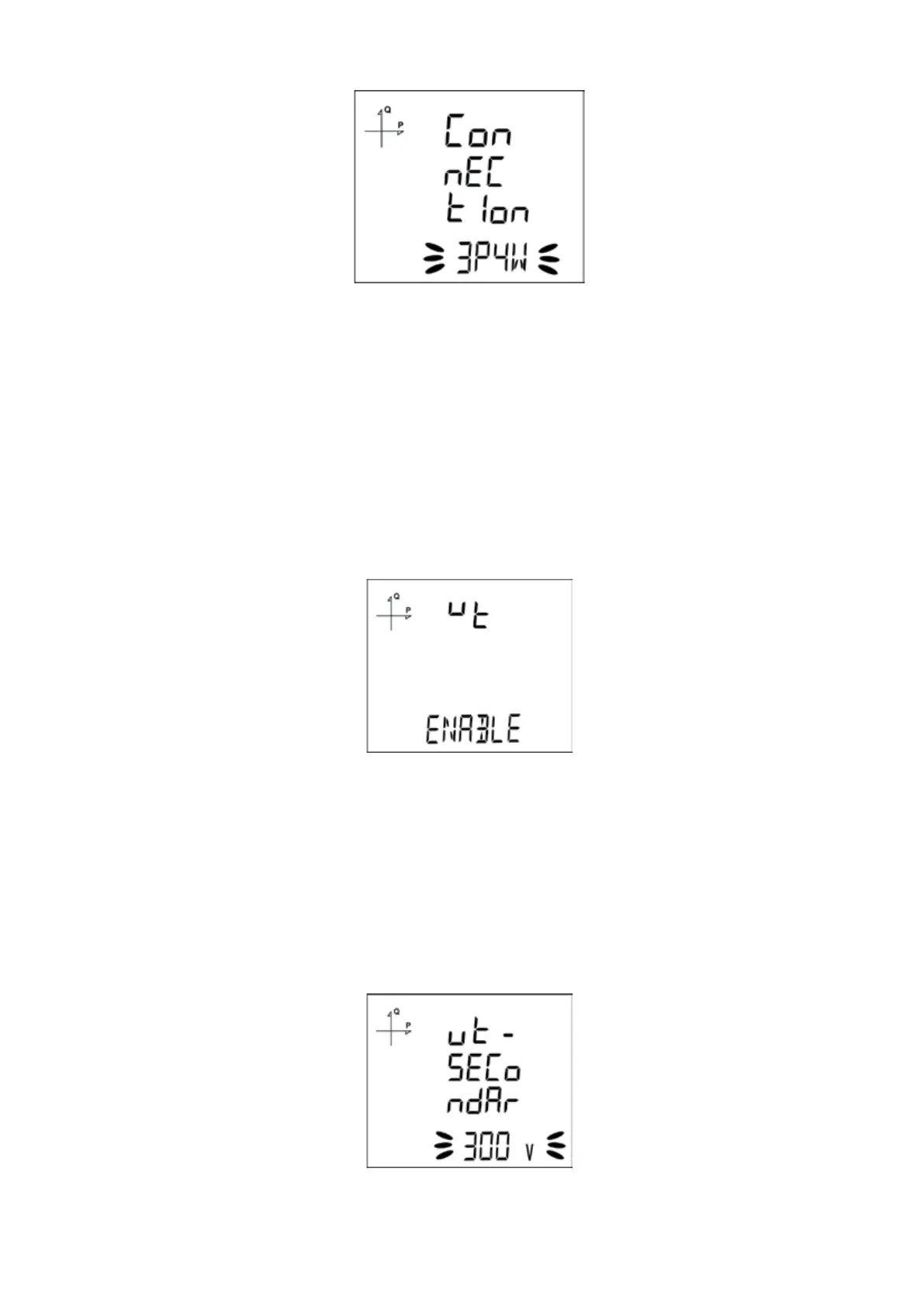
5.2.1.2 Connection Type Setting
1. By using UP/DOWN buttons, select your network connection type as 3P4W, 3P3W, ARON,
3P4W Balanced or 3P3W Balanced.
2. For unbalanced systems, 3P4W or 3P3W should be selected.
3. In balanced connections, the current information of the three phases is taken from the current
transformer connected to the 1st phase. These connection types are used in systems where 3
phases are balanced.
4. Press the SET button and go to the next step.
5.2.1.3. Voltage Transformer Usage
1. By using UP/DOWN buttons, select Enable or Disable indicating whether you use a voltage
transformer on your system.
2. If Passive option is selected, the steps where Secondary and Primary values are entered will be
skipped.
3. Press the SET button and go to the next step.
5.2.1.4. VT Secondary Value
1. Enter the secondary value of your VT by using SET and UP/DOWN buttons.
2. You can approve a digit value by pressing the SET button.
3. After entering the necessary value, Press the SET button and go to the next step.



 To Next Page