53
5.2.12. Operating Hours Settings
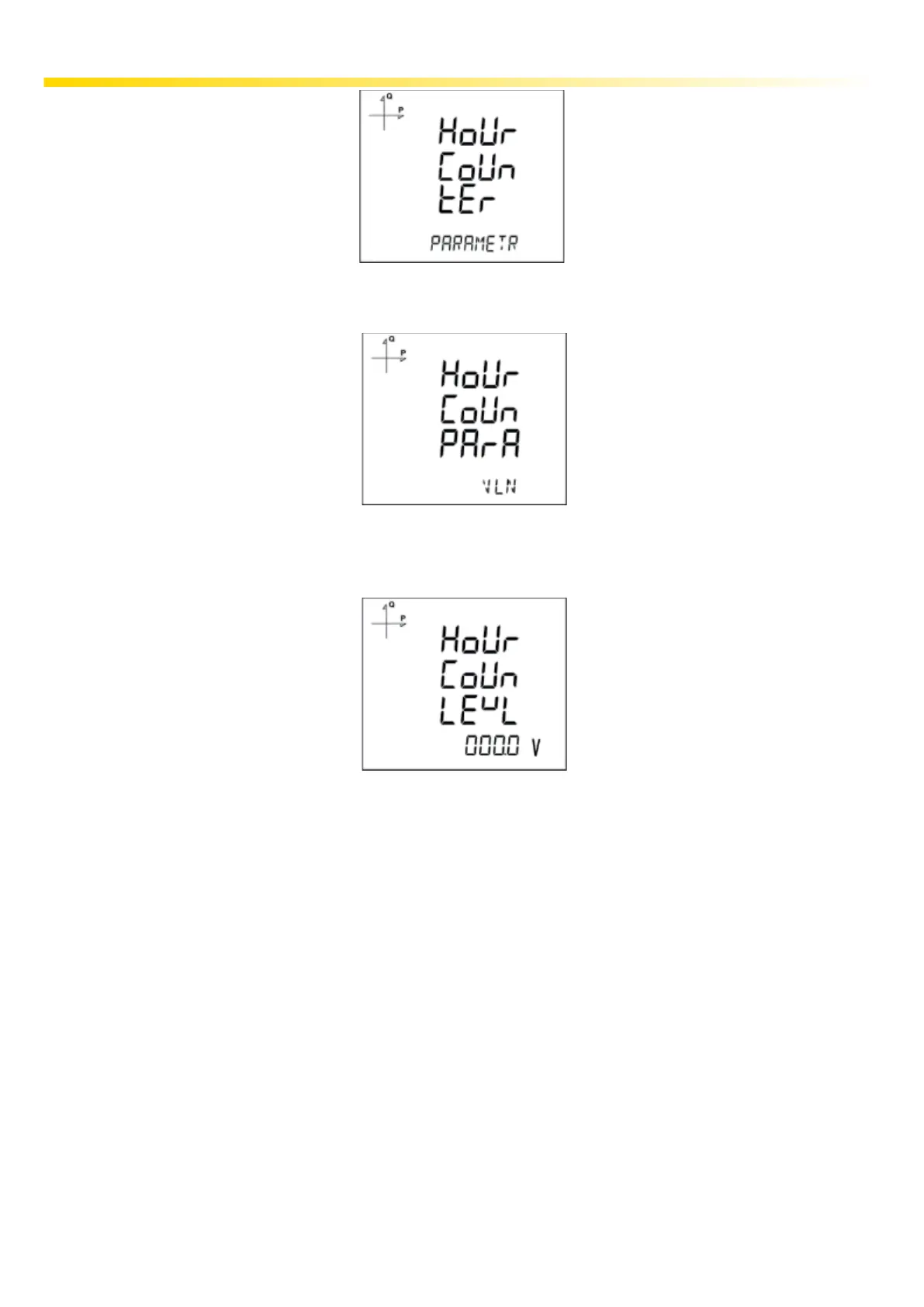
Parameter is selected from the Hour Counter menu. If you select VLN for example, display changes
as following
Afterwards, the limit value is selected. When the parameter exceeds this limit value, hour counter will
start.
Exit from the menu when selection is complete.
When exiting from the menu with the BACK or ESC button, don’t forget to save the changes.



 To Next Page