46
5.2.8. Recording Settings
The following parameters can be recorded to the internal memory of the device in adjustable time
intervals. Afterwards, the recorded values can be remotely viewed:
1.Load Prole 4. Powers
2.Voltages 5. THD values
3.Currents
5.2.9. Selecting Parameter to Be Recorded
The parameter to be recorded to the internal memory is selected as following:
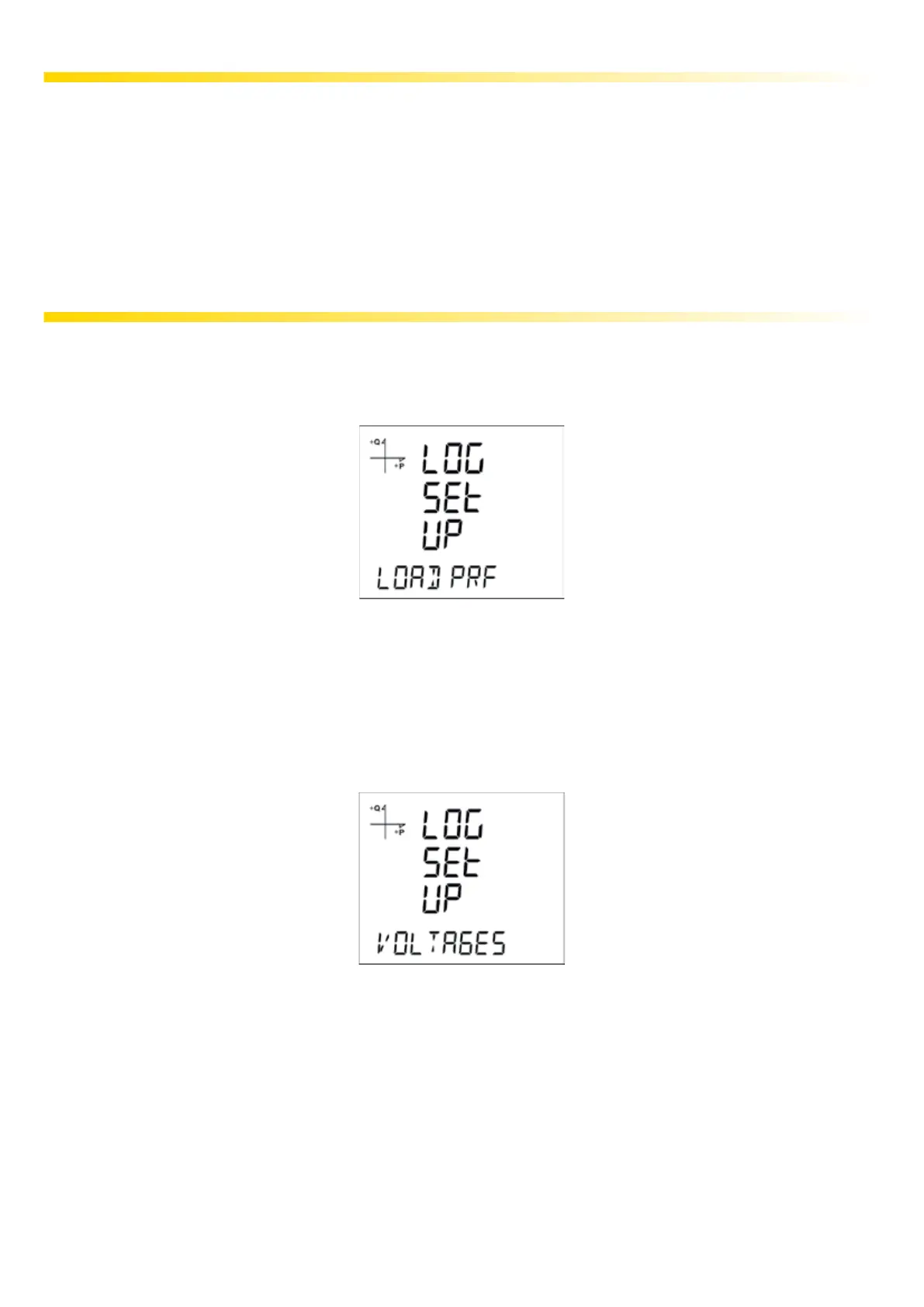
5.2.9.1 Load Prole Settings
1. Press the SET button while Log Setup-Load Prole is displayed.
2. Current option is displayed. Press the SET button again.
3. Finish the selection by pressing the SET button.
4. When exiting from the menu with the BACK or ESC button, don’t forget to save the changes.
5.2.9.2 Voltage Settings
1. Press the SET button while Log Setup-Voltages is displayed.
2. Current option is displayed. Press the SET button again.
3. Select Active or Passive with UP/DOWN buttons. Press the SET button.
4. Finish the selection by pressing the SET button.
5. When exiting from the menu with the BACK or ESC button, don’t forget to save the changes.



 To Next Page