54
5.2.13. Alarm Settings
Dierent parameters can be assigned to the 4 alarms that the device has. Following operations are
described for a single alarm but they are the same for the other 3 alarms.
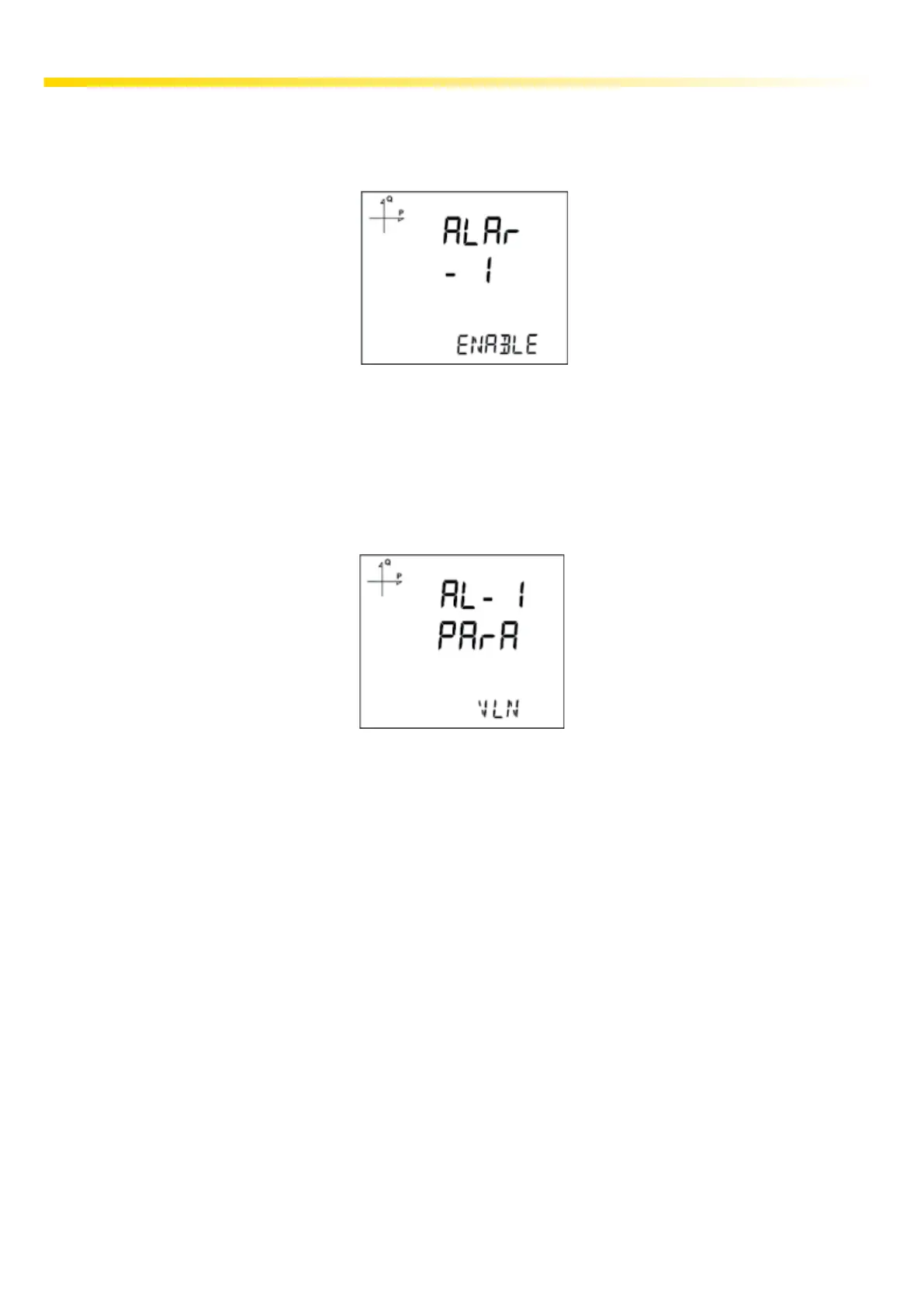
5.2.13.1. Activating alarm
Alarm is activated by following these steps:
1. Press the SET button while Setup Alarm is displayed.
2. While Alarm Enable is displayed, Press the SET button and select ENABLE or DISABLE with
UP/DOWN buttons.
3. Press the SET button after completing your selection.
4. When exiting from the menu with the BACK or ESC button, don’t forget to save the changes.
5.2.13.2. Alarm Parameter Selection
Alarm parametresini seçmek için aşağıdaki yolu izleyiniz:
1. Press the SET button while Alarm Setup is displayed.
2. Find Alarm Parameter by pressing UP/DOWN buttons.
3. Enter Alarm Parameter menu by pressing the SET button.
4. Select one of the following parameters with UP/DOWN buttons:
5. Press the SET button after completing your selection.
a.
Phase currents
b. Total Current
c. Current Demand
d. Total Current Demand
e. Active Power
f. Reactive Power
g. Apparent Power
h. Total Active Power
i. Total Reactive Power
j. Total Apparent Power
k. Active Power Demand
l. Apparent Power Demand
m. Total Active Power
Demand
n. Total Apparent Power
Demand
o. Cos Phi
p. Total Cos Phi
q. Frequency
r. THDV
s. THDU
t. THDI
u. Hour Counter
v. Digital Input
w. Taris
x. Phase-Neutral Voltage
y. Phase-Phase Voltage



 To Next Page