57
5.2.13.7. Alarm Delay Times Setting
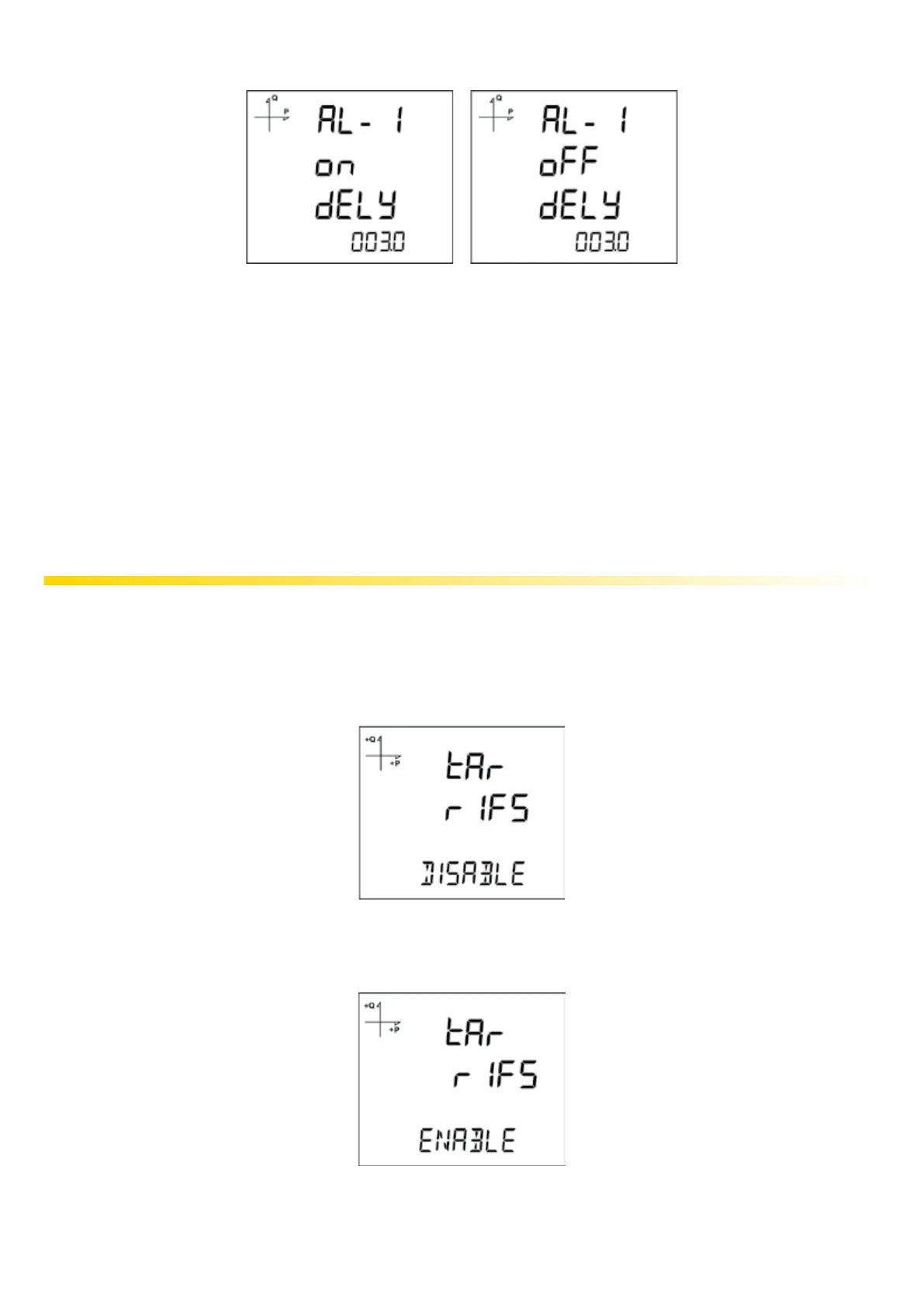
1. Alarm activation delay is determined by pressing the SET button after the alarm hysteresis
screen.
2. The delay time in seconds is adjusted by pressing the UP and DOWN buttons and switching
between digits with the SET button.
3. ALARM is generated when the alarm source specied in the above items exceeds the limit for
the time set at this stage.
4. By pressing the DOWN button, the alarm o time is also determined on the next screen.
5. The minimum time to clear the alarm is selected on the o delay screen that appears when the
SET button is pressed.
6. Set the desired value in seconds with the UP and DOWN buttons.
5.2.14. Tari Settings
5.2.14.1. Activating Taris
Press the SET button when Taris, under the Setup Menu is displayed. The following screen will be
displayed:
You can activate tari function of the device by pressing the SET button again and using DOWN
button.
Do not forget to save the changes while leaving the menu with BACK or ESC button.
Time settings of the Taris are entered with serial communication, according to Modbus Table.



 To Next Page