43
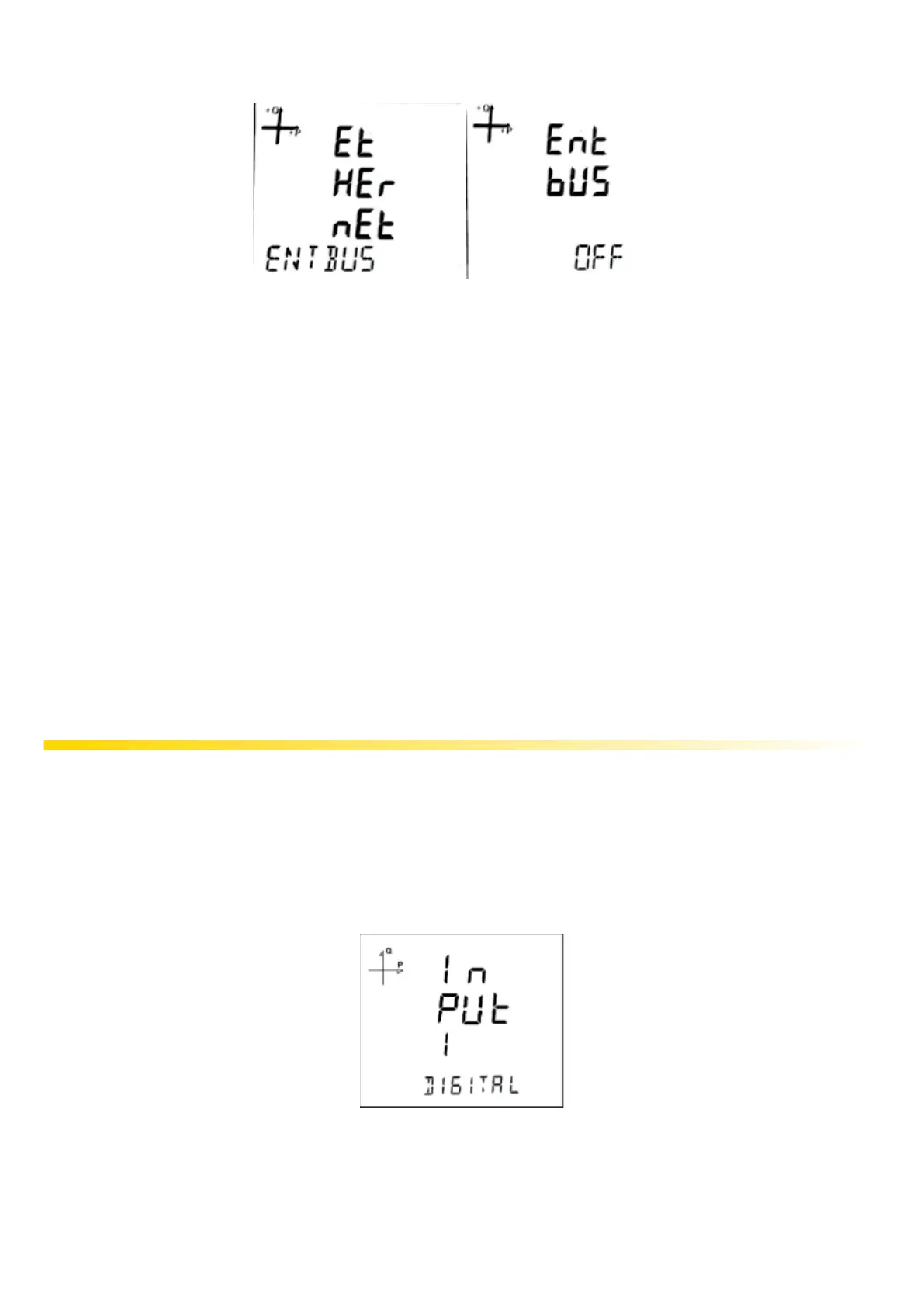
5.2.5.9. Entbus Mode
If the Entbus mode is set to OFF, the device will operate in server mode by accepting connection
requests over TCP port.
If the Entbus mode is set to ON, in client mode, the server will connect to the set server via TCP port.
1. While on the Ethernet Entbus screen, press the SET button.
2. Press the SET button while on the Entbus screen. Set the desired ON and OFF options
by using the UP and DOWN buttons and conrm with the SET button.
3. Do not forget to save your settings when exiting the menu with the BACK button.
5.2.5.10 Server Address
It is the server address that was set when the device was operating in client mode. This setting can
only be made via communication.
5.2.5.11 Server TCP Port
It is the port number to connect to the server address set when the device is operating in client mode.
This setting can only be made via communication.
5.2.6 Input Parameter Settings
When an Analog Input or Digital Input module is connected to the device, these menus become ac-
tive.
The number of appearing menus depends on how many inputs are available on the connected mod-
ule.
1. Digital Input: When this option is selected, the device detects the logic level on the input.



 To Next Page