68
5.3.Reporting Screen
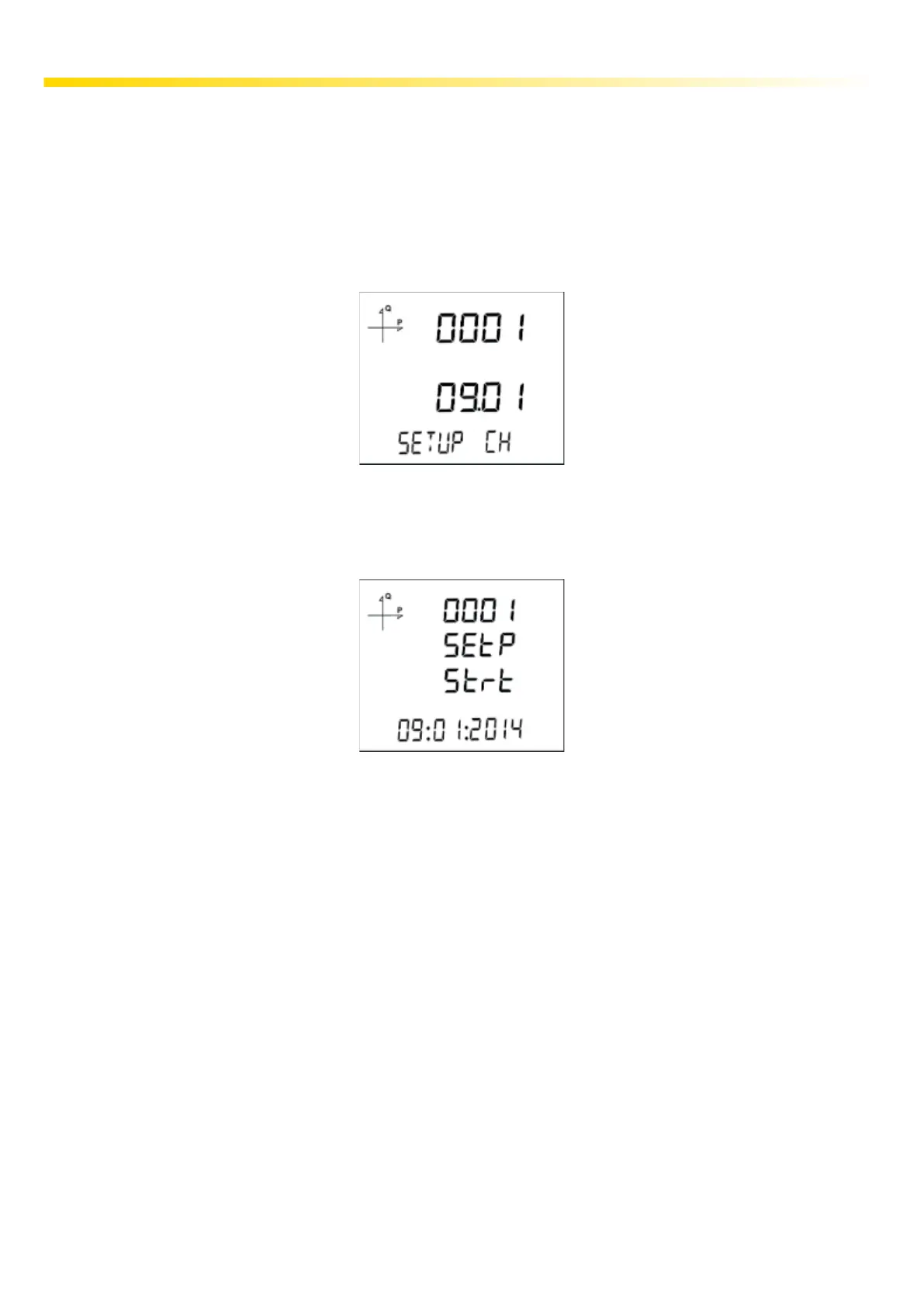
When the ESC button of the device is pressed for 3 seconds, reports of recorded events are dis-
played on the screen.
255 events can be recorded on the device.
Recorded event types are: Initial energization, short interruption (<3s), long interruption, alarm, set-
ting change, time change and reset.
You can switch between the recorded events with the UP/DOWN buttons
Events are listed in order of occurrence.
Record 1 is listed as the newest report, and record 255 as the oldest report.
After pressing the SET button, details of the event can be displayed in the following order;
1. Starting date,
2. Starting time,
3. Ending date,
4. Ending time,
5. Duration,
6. Parameter,
7. Source of the event,
8. Value that caused the event.
If no button is pressed for 60 seconds, the device returns to measuring screen.



 To Next Page