49
5.2.9.8. Accesing the records according to time
For this method, the date of the record to be accessed is entered in UNIX time format to the Modbus
addresses starting from 21100. There are 5 address elds. These addresses are for Load Prole,
Voltage, Current, Power and THD in that order. The device nds the record closest to the entered
date and writes the index belonging to this record to the related index registers. When the user writes
this index to the index register at the bottom of the tables at register addresses 23000, 24000, 25000
etc., the details of the entered register will be accessible on the same tables.
5.2.9.9. 5.2.9.9. Accesing the records according to index
For this method, the user writes the record index number to the index register at the bottom of the
tables at register addresses 23000, 24000, 25000 etc., the details of the entered register will be
accessible on the same tables.
5.2.10. Pulse Input Settings
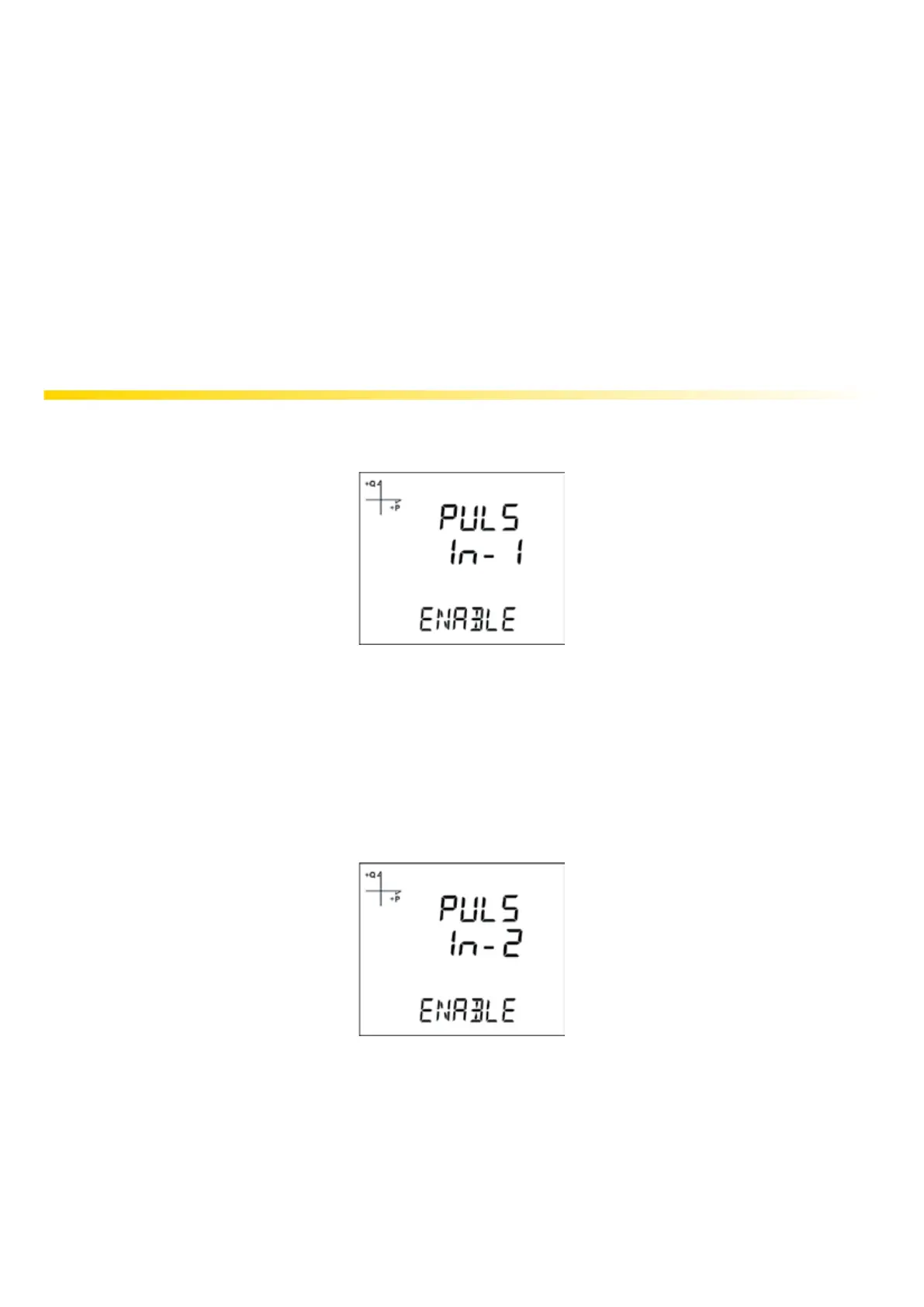
5.2.10.1. Activating Pulse-1 Input
1. Press the SET button while SETUP-PULSE IN is displayed.
2. Select the input that you want to activate with UP/DOWN buttons and press the SET button.
3. Select ENABLE or DISABLE with UP/DOWN buttons and press the SET button.
4. When exiting from the menu with the BACK or ESC button, don’t forget to save the changes.
5.2.10.2. Activating Pulse-2 Input
1. Press the SET button while SETUP-PULSE IN is displayed.
2. Select the second input with UP/DOWN buttons and press the SET button.
3. Select ENABLE or DISABLE with UP/DOWN buttons and press the SET button.
4. When exiting from the menu with the BACK or ESC button, don’t forget to save the changes.



 To Next Page