37
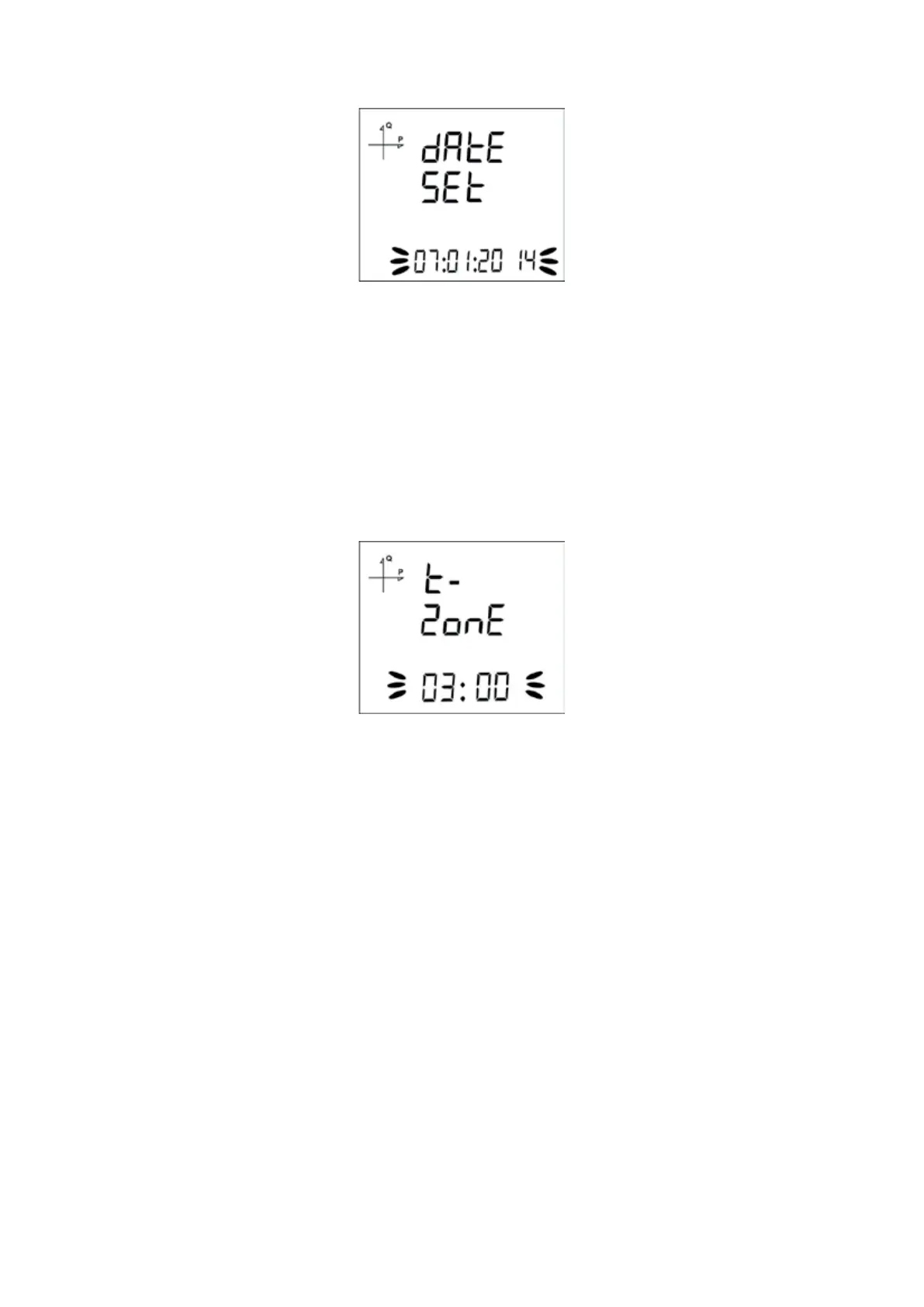
5.2.3.2. 5.2.3.2. Date Setting
To set the date, follow these steps:
1. Press the SET button on the Date Set screen.
2. Press the SET button. Adjust the day with UP/DOWN buttons
3. Press the SET button. Adjust the month with UP/DOWN buttons.
4. Press the SET button. Adjust the year with UP/DOWN buttons.
5 When exiting from the menu with the BACK or ESC button, don’t forget to save the changes.
5.2.3.3. Time Zone Setting
1. Press the SET button while “Clock Time Zone” is displayed
2. Selected Time Zone screen is displayed.
3. Enter the menu by pressing the SET button
4. Select your time zone in 30 minutes increments by using UP/DOWN buttons.
5. Press the SET button after you’re nished with selection.
6. When exiting from the menu with the BACK or ESC button, don’t forget to save the changes.



 To Next Page