23
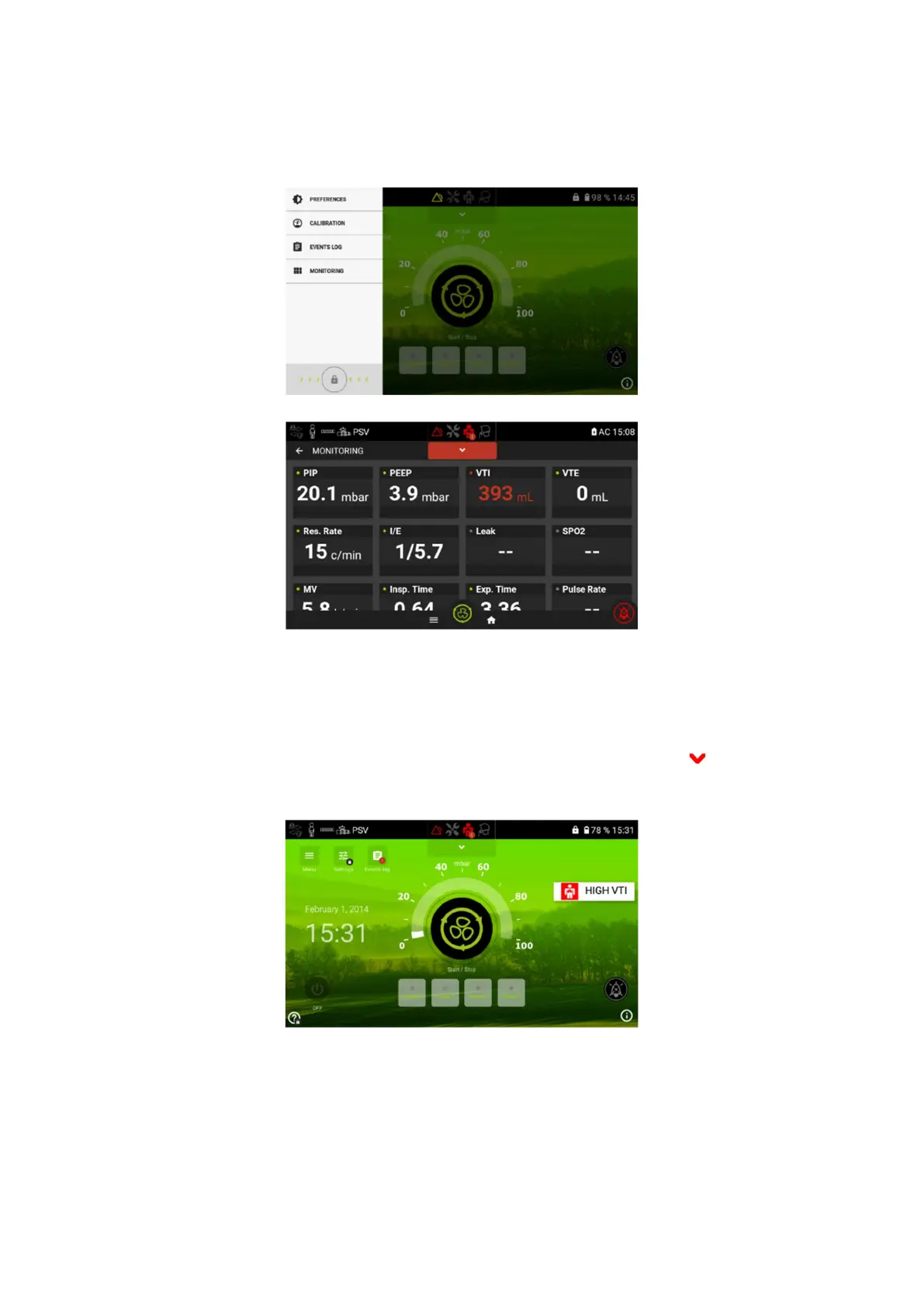
Navigating the Monitoring Menu
From this screen the patient or caregiver can access the monitoring menu.
This menu is the same as the monitoring menu that can be found in the Clinical menu.
Active alarm list
To access the list of active alarms for the ventilator, from the Home Screen, touch active alarm
list.
On the screen you will see the list of current active alarms.


 To Next Page