28
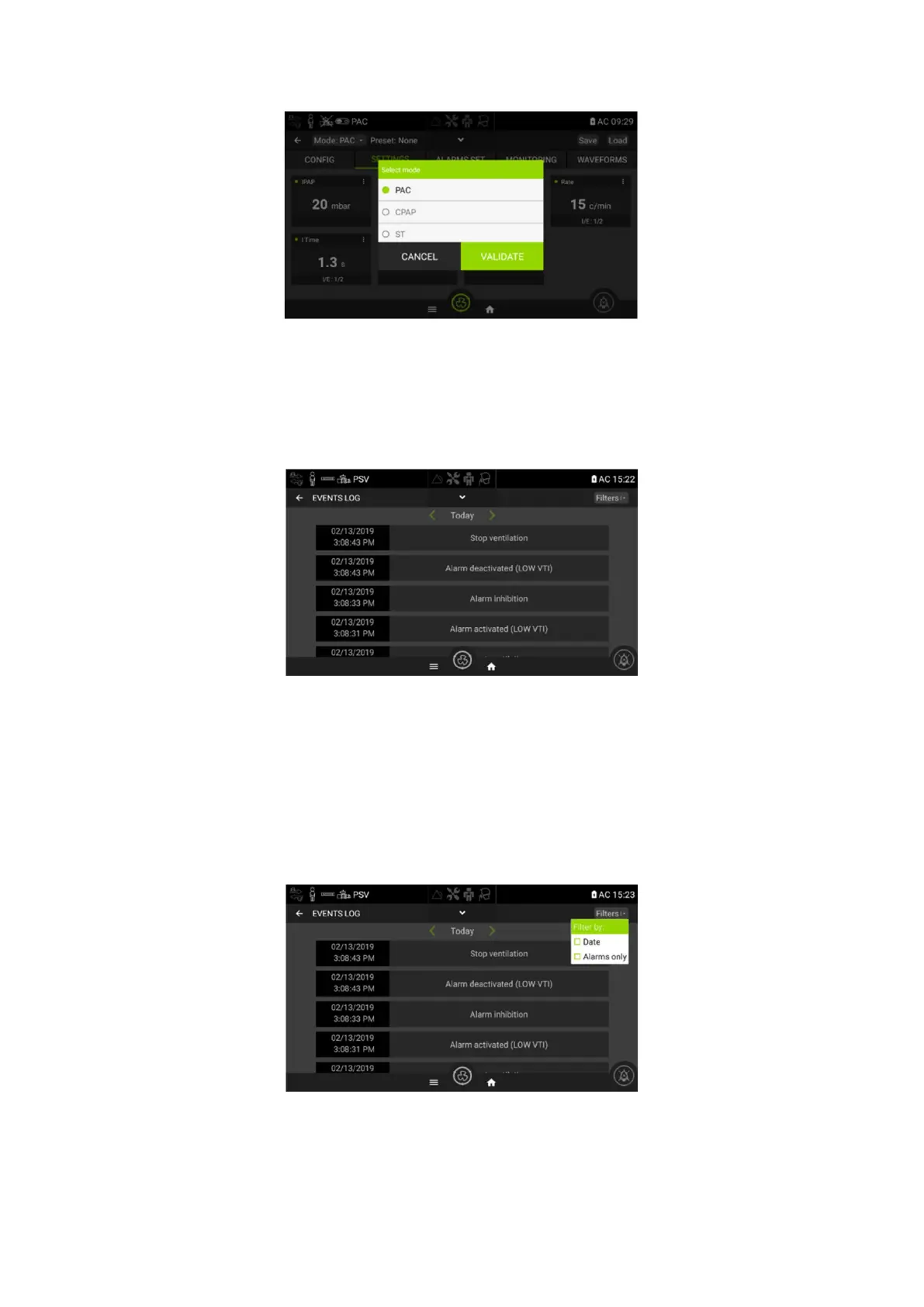
Scroll down to choose the required mode. Modes with background in grey are not accessible.
Other screens
Events Log Screen
This screen shows all alarms, setting changes, configuration changes and any power on/off events.
More than 10000 events can be saved and consulted.
The events are displayed by date. To see event from a previous day, click the left or right arrow to
rich the expected date or use the available filters.
Two filters are available to sort the event:
- Filter by date to display event of a precise date
- Filter by Alarms only to display only the event related to alarms
The two filters can be activated at the same time.


 To Next Page