60
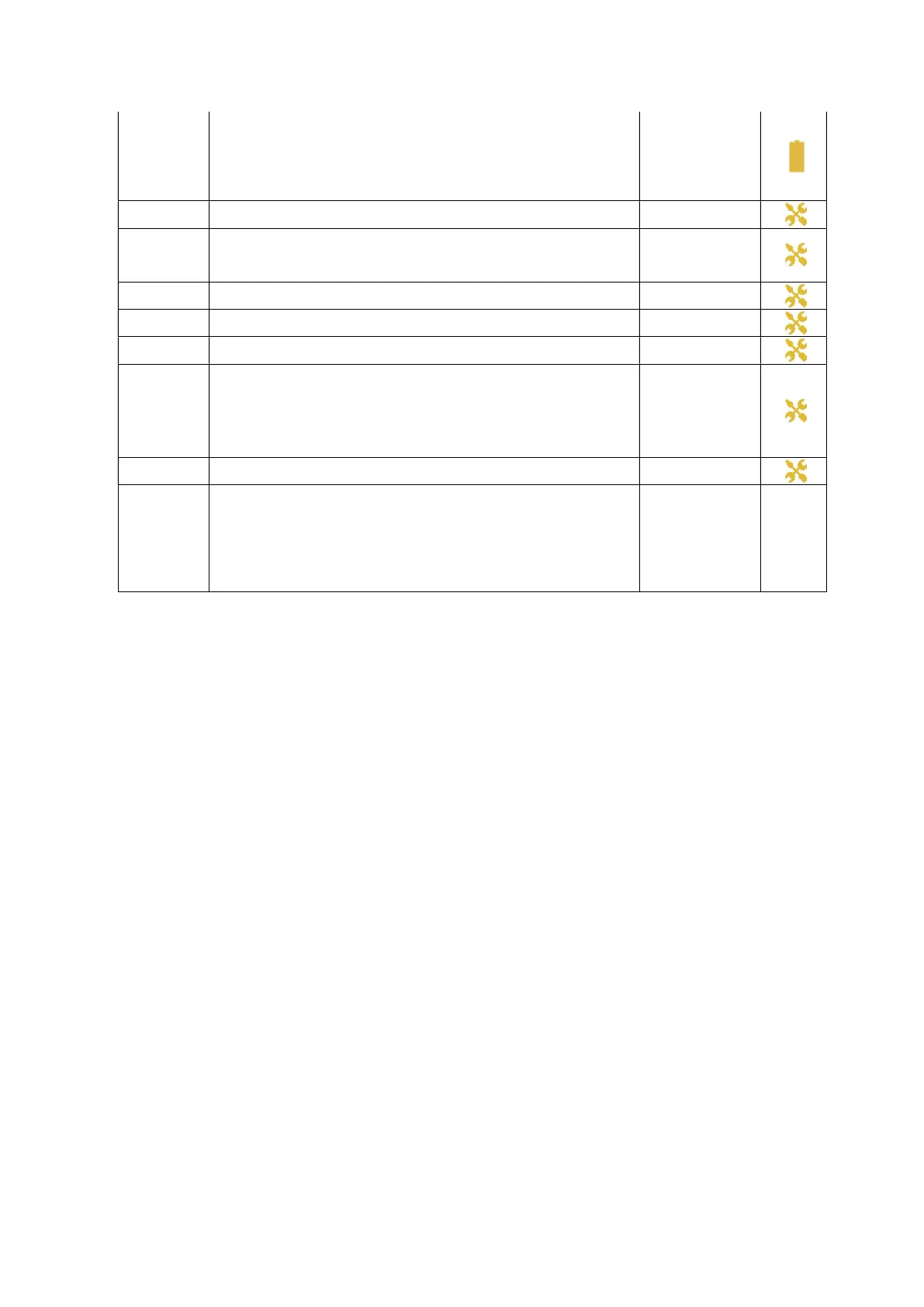
Battery Fail
Medium Priority
The ventilator cannot be used on internal battery.
Alarm activates after 10 seconds.
Warning: If a “BAT. CHARGE FAIL” or a “BATTERY FAIL” alarm triggers, the ventilator
internal battery needs to be changed. For ventilator dependent patient, contact your
technical assistance immediately after ensuring the patient is safely ventilated with the
backup device and wait for further instructions.
Switch to backup
ventilator (for ventilator
dependent patient).
Contact your service
provider.
Buzzer Fail
Medium Priority
One of the buzzers is not functioning properly. Backup buzzer activated.
Alarm activates after 1 buzzer cycle
Contact your service
provider
Buzzer Batt. Low
Or
Buzzer Batt. Fail
Medium Priority
The buzzer battery is too low to sound the SUPPLY FAIL alarm. Alarm activates
after 1 second
Contact your service
provider
CPU Fail
Medium Priority
Internal failure
Contact your service
provider
Valve Fail
Low
Exhalation control valve failure. Alarm activates after 1 cycle.
Contact your service
provider
Keyboard Fail
Medium Priority
Keyboard stopped working. Alarm activates after 20 seconds.
Contact your service
provider
Batt. Charge Fail
Medium Priority
Internal battery cannot be charged. Alarm activates after 2 seconds.
Warning: If a “BAT. CHARGE FAIL” or a “BATTERY FAIL” alarm triggers, the ventilator
internal battery needs to be changed. For ventilator dependent patient, contact your
technical assistance immediately after ensuring the patient is safely ventilated with the
backup device and wait for further instructions.
NOTE : This alarm is merged into “BATTERY FAIL ALARM” for CPU software versions from
C150000417.
Switch to backup
ventilator (for ventilator
dependent patient).
Contact your service
provider.
Device Data Lost
Medium Priority
Maintenance Serial information or counter lost
Contact your service
provider
Interface system
messages
If the screen is displaying one of the following messages:
“Com.eove150 keeps stopping”
Or
“Com.eove150 isn't responding”
Or
“Unfortunately, system UI has stopped”
It means the interface software needs to
reboot. Clicking on “OK” or “Close App” will reboot the
interface software without any impact on ventilation if running.
Follow pop-up
instructions
-


 To Next Page