127
Troubleshooting
6
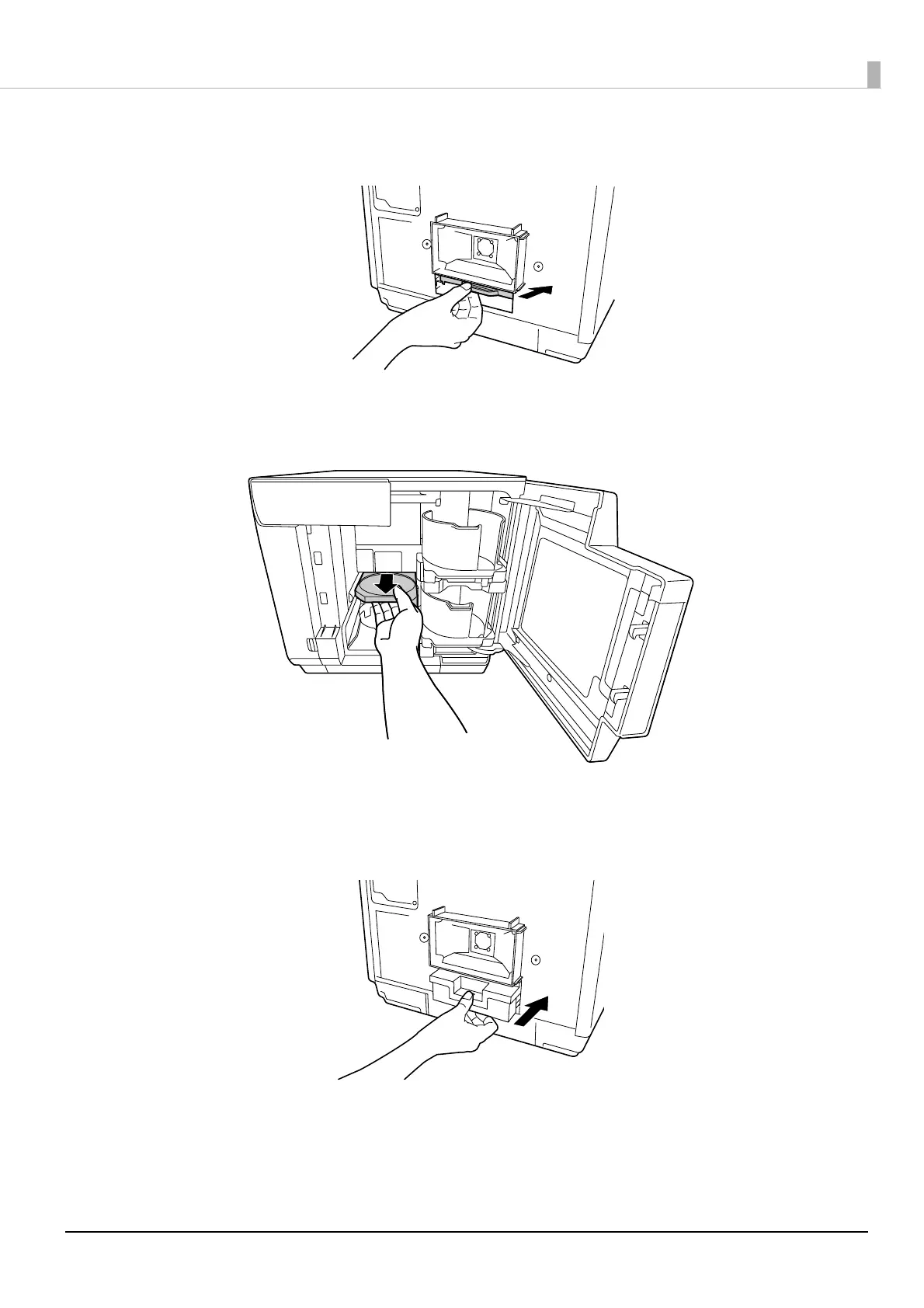
Grasp the fixture as shown in the figure below, and push the printer tray in the direction of
the arrow indicated below.
7
Open the disc cover.
8
Pull out the printer tray.
9
Remove the disc, and close the disc cover.
The printer tray automatically closes when the power is turned on in Step 13.
10
Reinstall the maintenance box.



 To Next Page
 Loading...

