92
Correcting the Printing Position
Adjust the printing position if it has shifted towards the top, bottom, left, or right.
1
Set one unprinted disc into Stacker 1.
2
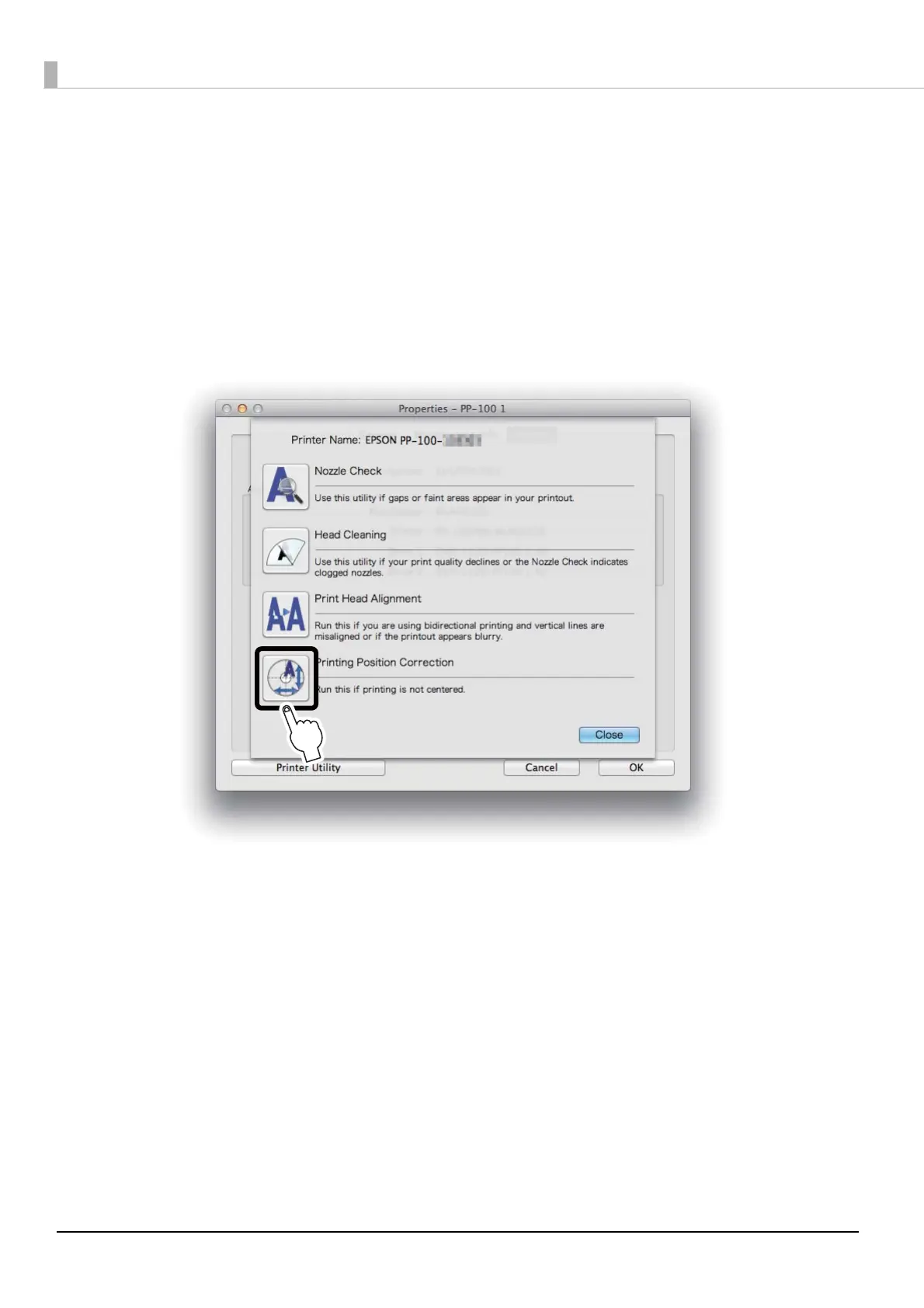
Display the Printer Utility screen of the EPSON Total Disc Utility.
See “Properties screen (General screen)” on page 40 for display procedure.
3
Click Printing Position Correction.



 To Next Page
 Loading...

