Print Settings
Select Two-sided Printing Settings from the pop-up menu. Select the method of 2-sided printing, and then make
the Document Type settings.
Note:
❏ Printing speed may be reduced depending on the document type.
❏ When printing photos with dense data, select Text & Graphic s or Text & Photos in the Document Type setting. If the
printouts are smeared or ink bleeds through to the other side of the paper, adjust the Print Density and Increased Ink
Drying Time in Adjustments.
Related Information
& “Printing Basics” on page 80
& “Menu Options for Two-sided Printing Settings” on page 86
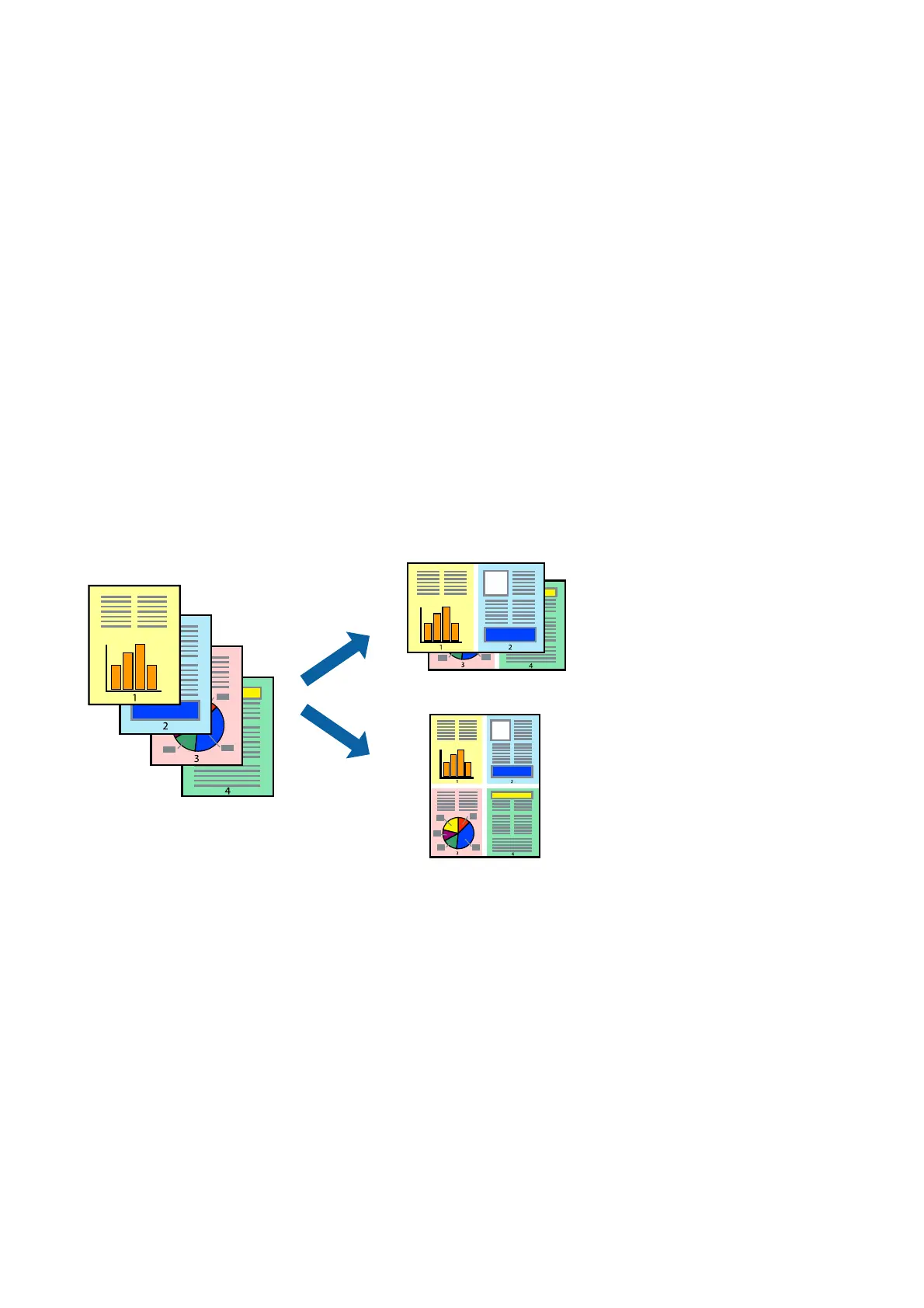
Printing Several Pages on One Sheet
You can print two or four pages of data on a single sheet of paper.
Print Settings
Select Layout from the pop-up menu. Set the number of pages in Pages per Sheet, the Layout Direction (page
order), and Border.
Related Information
& “Printing Basics” on page 80
& “Menu Options for Layout” on page 85
User's Guide
Printing
82



 To Next Page
 Loading...








