EasyManua.ls Logo

Epson LX-810 - Mixing Print Styles

Epson LX-810
313 pages
Print Icon
To Next Page IconTo Next Page
To Previous Page IconTo Previous Page
Loading...
User-defined
Characters
The
command
format
is:
^
ESC
:
0
n
0
^
Note:
This
command
will
cancel
any
user-defined
characters
you
have
created.
You
must
send
this
command
to
the
printer
before
you
define
characters.
If
you
use
this
command
at
the
begirming
of
a
program,
then
define
your
special
characters
and
select
the
user-defined
character
^
set,
you
can
print
with
the
user-defined
character
set
as
your
normal
character
set.
You
never
need
to
switch
back
and
forth
between
sets.
Mixing
print
styles
^
The
user-defined
character
set
can
be
used
in
combination
with
most
print
styles.
For
example,
emphasized
and
double-wide
^
printing
both
work
well
with
user-defined
characters.
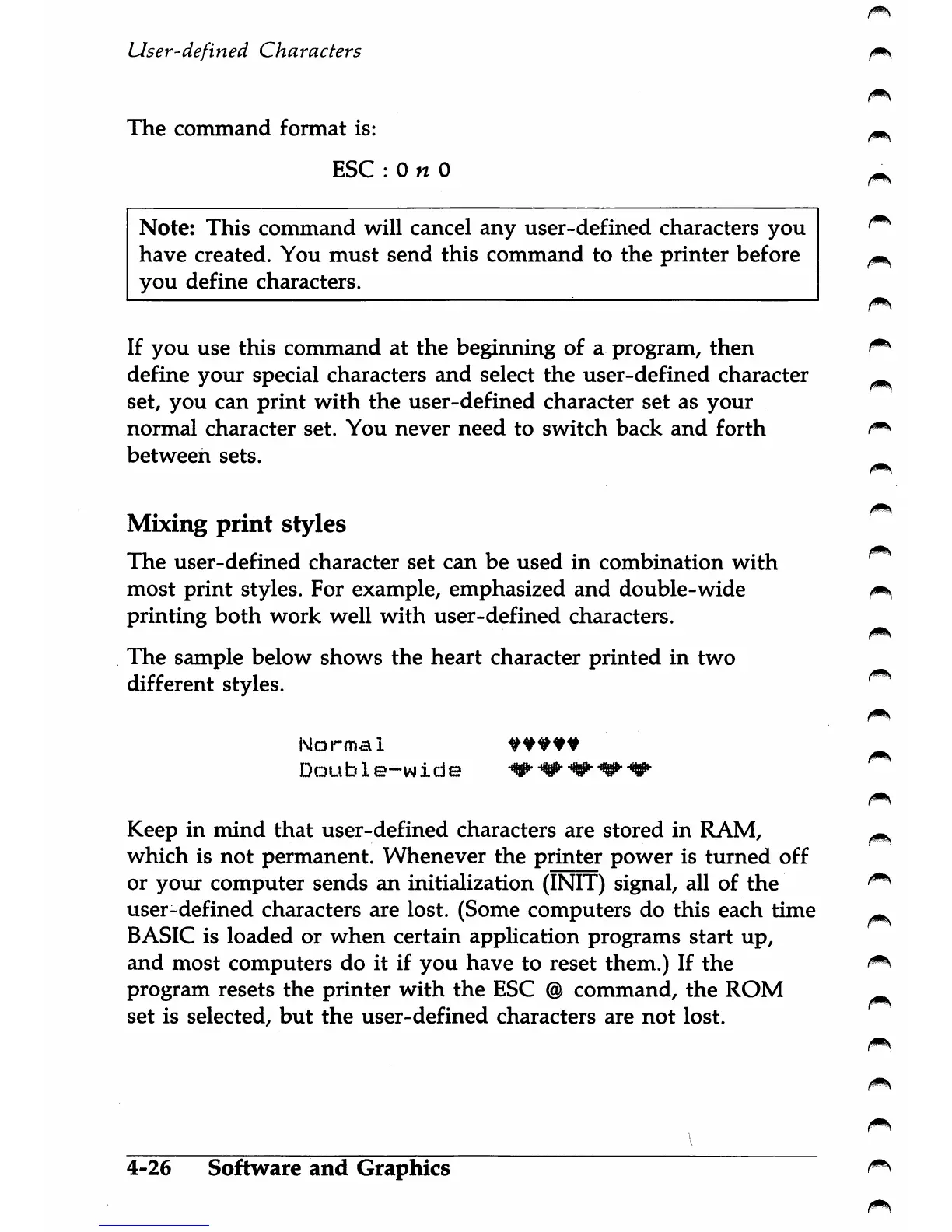
The
sample
below
shows
the
heart
character
printed
in
two
different
styles.
Normal
Double-wide
Keep
in
mind
that
user-defined
characters
are
stored
in
RAM,
which
is
not
permanent.
Whenever
the
printer
power
is
turned
off
or
yoiu:
computer
sends
an
initialization
(INIT)
signal,
all
of
the
user-defined
characters
are
lost.
(Some
computers
do
this
each
time
^
BASIC
is
loaded
or
when
certain
application
programs
start
up,
and
most
computers
do
it
if
you
have
to
reset
them.)
If
the
program
resets
the
printer
with
the
ESC
@
command,
the
ROM
^
set
is
selected,
but
the
user-defined
characters
are
not
lost.
4-26
Software
and
Graphics

Table of Contents

Other manuals for Epson LX-810

Related product manuals