EasyManua.ls Logo

Epson LX-810 - Chapter 3 Using the Printer

Epson LX-810
313 pages
Print Icon
To Next Page IconTo Next Page
To Previous Page IconTo Previous Page
Loading...
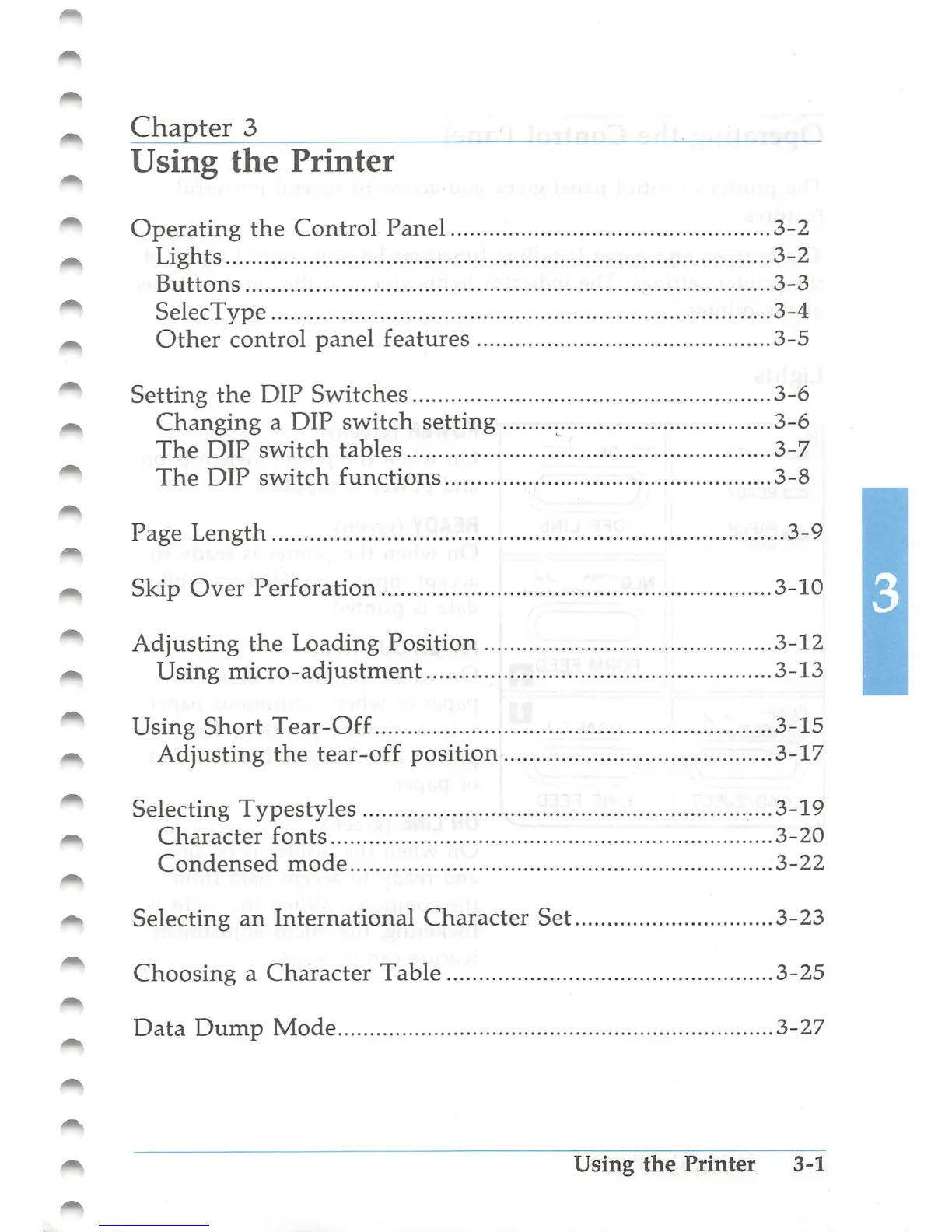
Chapter
3
Using
the
Printer
Operating
the
Control
Panel
3-2
Lights
3-2
Buttons
3-3
SelecType
3-4
Other
control
panel
features
3-5
Setting
the
DIP
Switches
3-6
Changing
a
DIP
switch
setting
3-6
The
DIP
switch
tables
3-7
The
DIP
switch
functions
3-8
Page
Length
3-9
Skip
Over
Perforation
3-10
Adjusting the
Loading
Position
3-12
Using
micro-adjustment
3-13
Using
Short
Tear-Off
3-15
Adjusting
the
tear-off
position
3-17
Selecting
Typestyles
....3-19
Character
fonts
3-20
Condensed
mode
3-22
Selecting
an
International
Character
Set
3-23
Choosing
a
Character
Table
3-25
Data
Dump
Mode
3-27
Using
the
Printer
3-1

Table of Contents

Other manuals for Epson LX-810

Related product manuals