Press to release the lens.
If necessary, retouch the lens.
Otherwise, start edging the second lens. Select the lens directly on the screen, on the left or right of the
work area.
The edging screen for the second lens is displayed. All finishes chosen and the modifications made
are kept.
High-base bevel in “front surface tracking” mode
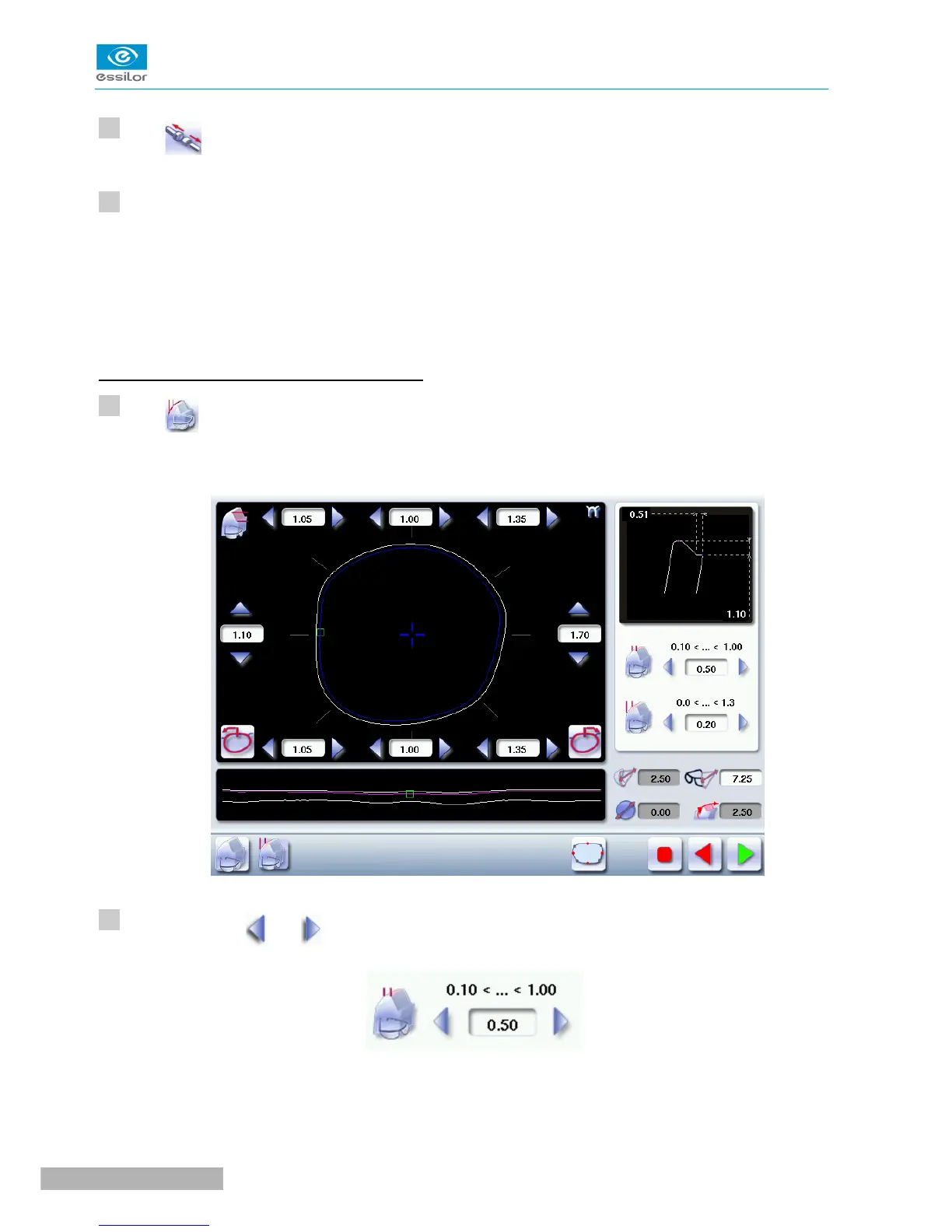
Press to select the bevel in “front surface tracking” mode.
The following screen will appear:
Press the buttons and on the right of your screen to modify the width of the flat side of the bevel.
The result can be viewed in the zoom window.



 To Next Page