ES720.1 - User’s Guide54
Troubleshooting Problems ETAS
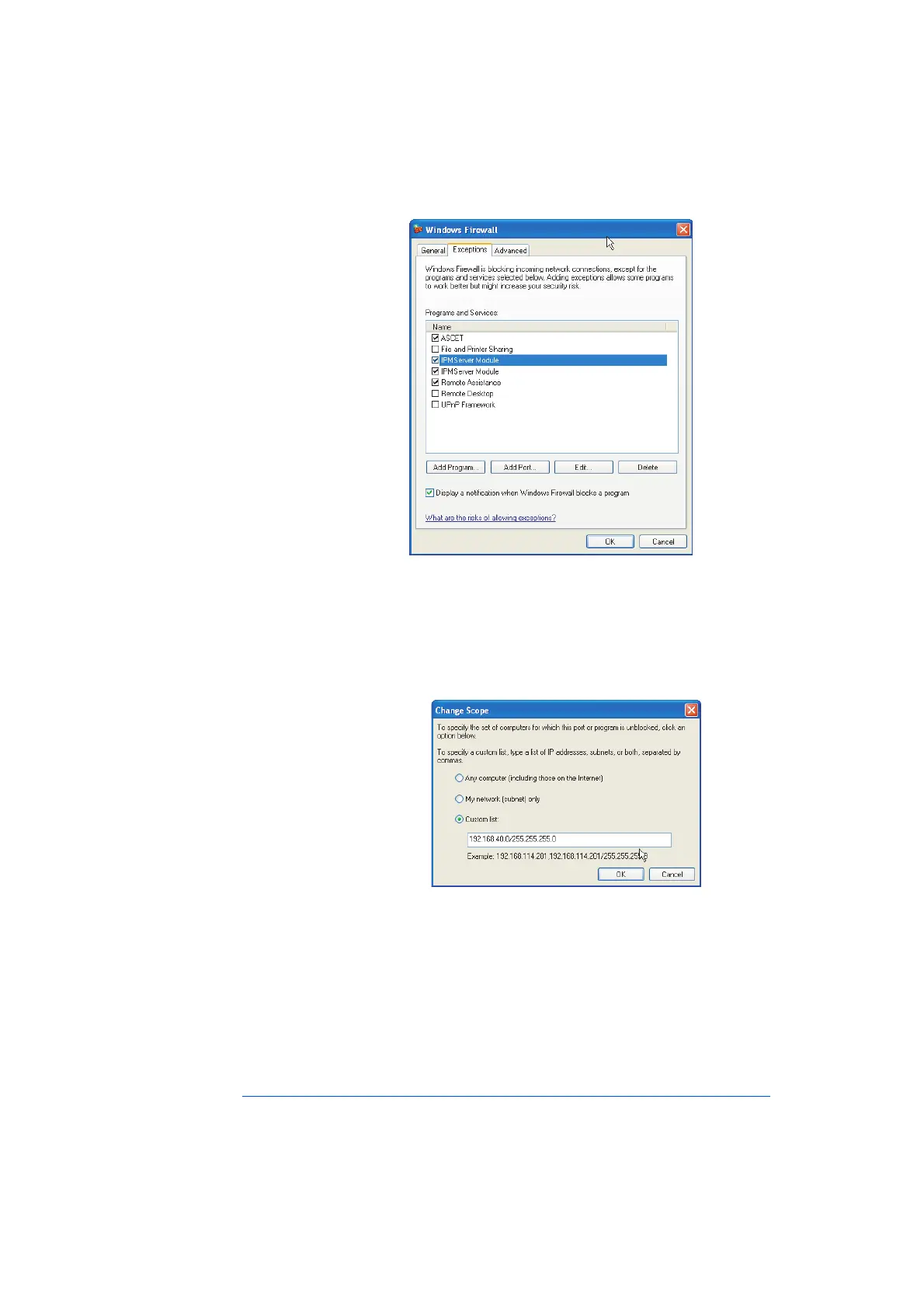
• In the "Windows Firewall" dialog window, open
the "Exceptions" tab.
This tab lists the exceptions not blocked by the fire-
wall. Use Add Pr
ogram or Edit to add new pro-
grams, or edit existing ones.
• Make sure that the ETAS products and services you
w
ant to use are properly configured exceptions.
– Open the "Change Setup" window.
– To ensure proper ETAS hardware access, make
sure that at least the IP addresses
192.168.40.xxx are unblocked.
– Close the "Change Setup" window with OK.
• Close the "Windows Firew
all" dialog window with
OK.
The firewall no longer blocks
the ETAS product in
question. This decision survives a restart of the PC.
Solution for Windows XP Firewall, Users without Administrator Privileges
This section addresses users with restricted privileges, e.g., no system changes,
write restrictions, local login.



 To Next Page