ES720.1 - User’s Guide 53
ETAS Troubleshooting Problems
To unblock a product:
• In the "Windows Security Alert" dialog window,
click on Unblock.
The firewall no longer blocks
the ETAS product in
question (in the example: ASCET). This decision sur-
vives a restart of the program, or even the PC.
Instead of waiting for the "Windows Security Alert" dialog window, you can
unb
lock ETAS products in advance.
To unblock ETAS products in the firewall control:
• From the Windows Start Menu, select Settings
Control Panel.
• In the control panel, double-click the Windows
Firewall
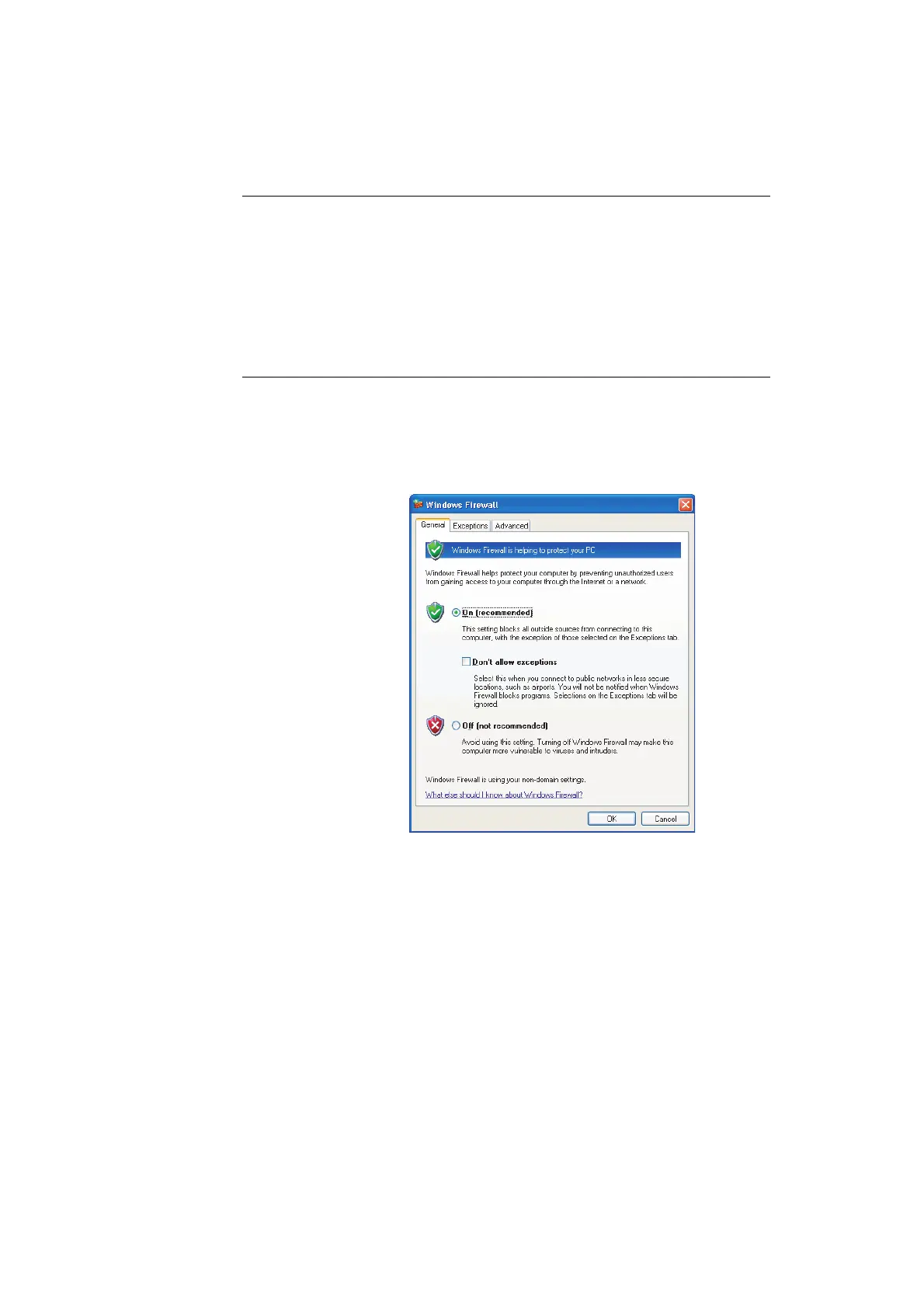
icon to open the "Windows Firewall" dia-
log window.



 To Next Page