Wireless TimeClock Configuration Guide 7
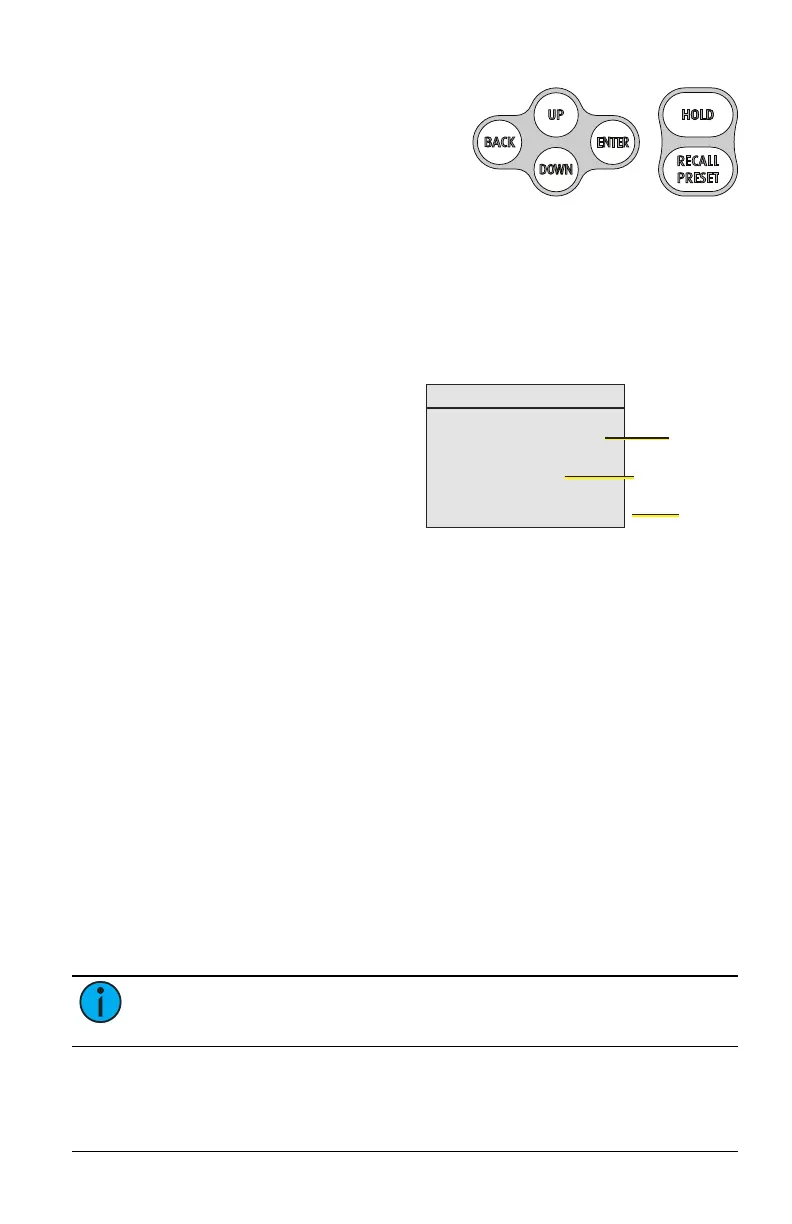
Use the [Up] or [Down] buttons to scroll
through menu levels and options. Use
the [Enter] button to make a menu selec-
tion or to set a configuration parameter.
Press [Back] to exit a menu or cancel a
change without saving.
Home Screen
The Home Screen displays the date and time and system messages, such as
active Holds. It reverts to dimmed sleep mode after two minutes of keypad
inactivity. Press the [Back] button to wake up the Home Screen.
To change the display contrast, press and hold the [Back] button while tap-
ping [Up] or [Down] on the keypad.
Mon, Aug 5, 2024
4:20pm
v2.1.0
Lighting TimeClock
Current date
and time
Software
version
System status
message, if any
To return to the Home Screen from
any menu level, press [Back] until
you completely exit the menu struc-
ture.
Getting Started
The WTC is part of a designed solu-
tion made up of connected devices. It coordinates the lighting controllers
by setting levels, recalling lighting scenes, and can send instructions to
ignore linked sensors or stations.
In addition to other settings, Echoflex controllers each have 15 preset light
intensity levels that are configurable from 0% to 100%, and one preset
level reserved for OFF that is not configurable.
Presets are used to create lighting scenes. For Echoflex controllers that sup-
port tunable white fixtures, presets can be used to set the color tem-
perature as part of the lighting scene.
A lighting space may be divided into multiple zones and include different
types of fixtures. To provide independent control of each zone or class of fix-
ture, Echoflex controllers can be assigned to logical groups. Up to 24
groups are supported and each controller can be a member of one or more
groups. Controller groups can be set independently or in combination with
one another. In Echoflex architecture, lighting scenes are created by
instructing groups of controllers to activate one of their presets. The WTC
can be used to recall scenes on a schedule. Multi-Scene Stations (MSS) can
be used to recall scenes manually.
Note: Garibaldi Pro is required to configure presets and controller
groups. Controllers are associated with Group 1 by default.



 To Next Page