Wireless TimeClock Configuration Guide 1
Overview
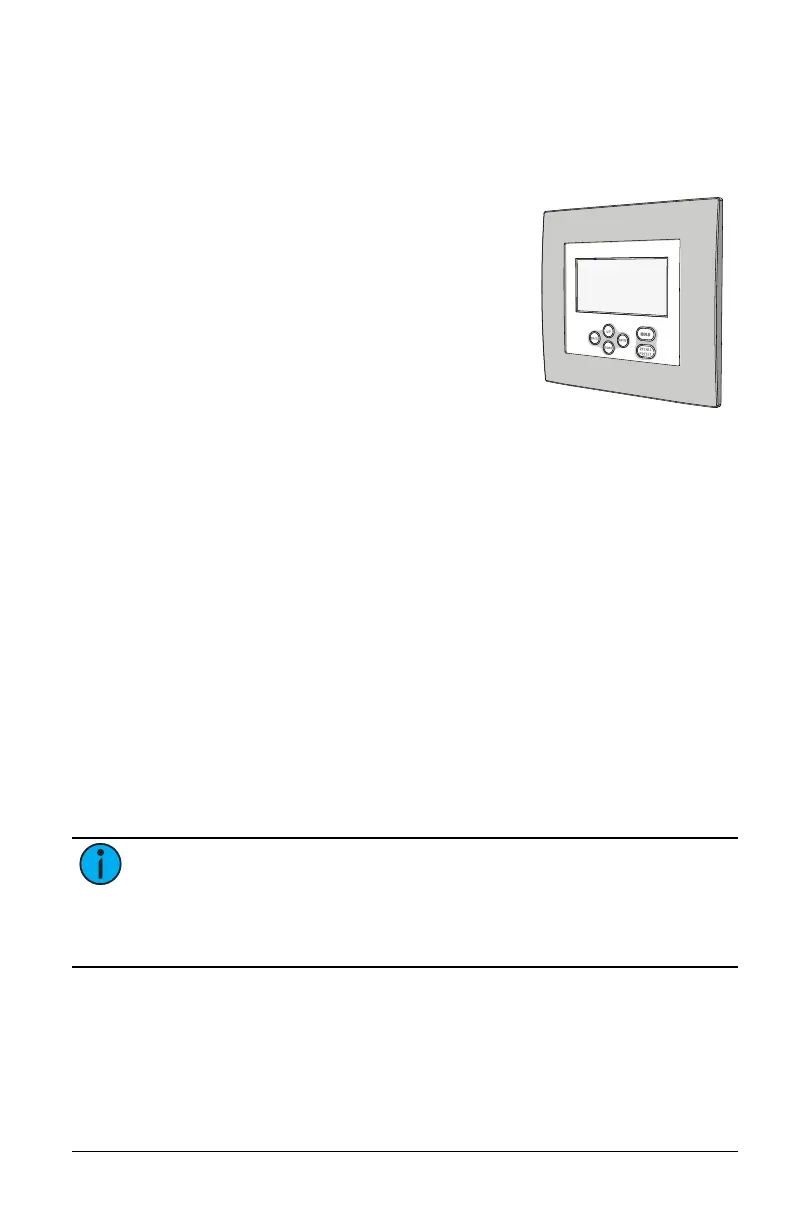
The Wireless TimeClock (WTC) provides effortless time-based control for
your Echoflex solution.
Its comprehensive event scheduling cap-
abilities, powerful grouping features, and mask-
ing logic maximize energy efficiency to meet
Title 24, IECC, and ASHRAE-90.1 energy
requirements. The six-button user interface
and large back-lit display allow for simple setup
and operation.
This guide describes the procedures to install
and configure the WTC for use with linked
devices that are part of an Echoflex solution.
The product package includes the TimeClock,
24 V power pigtail, a battery, four screws,
eight receptacle spacers, and two WAGO
®
connectors.
Features
• Create and control 15 different scenes for up to 24 groups
• Schedule and connect up to 50 events across 24 separate groups
• Schedule temporary configuration settings
• Link and group up to 20 controllers
• Meets California Title 24, IECC, and ASHRAE 90.1 requirements
• Astronomical timeclock schedule with before/after sunset or sunrise
calculation based on latitude/longitude settings
• 24-hour real-time clock with user configurable Daylight Saving Time
• Recurrent settings: every day, weekdays, weekends, or day of week
• Hold feature suspends scheduled events for up to two hours
• Simple manual control of scenes with overrides
• Resumes program automatically after power loss
• Backlit graphical LCD display
• Mounts in industry-standard two-gang electrical box
Note: Garibaldi Pro software is required to create controller groups
and edit default lighting levels for custom scenes. For information
about Garibaldi Pro or pre-commissioning services that provide com-
plete system solutions, contact Echoflex. Garibaldi Pro is available
for download from the Echoflex website at echoflexsolutions.com.



 To Next Page