Wireless TimeClock Configuration Guide 9
Note: Consider recording the assignments that you create for each
numbered element. See Record of Numbered Elements on page24.
Link and Configure
The WTC must be linked to the target lighting controllers to create lighting
effects using scheduled events and scenes. Recommended steps, if the WTC
is not pre-commissioned:
1. Configure TimeClock defaults, see TimeClock Settings on page17.
2. Link target controllers, see Link or UnLink on page1.
3. Determine the groups required for the space you want to control.
4. Determine each controller’s preset lighting levels for the scene.
5. Define and schedule events, see About Events below.
The WTC can be linked to a project’s lighting controllers using Echoflex pre-
commissioning services. Contact customer service for information about
pre-commissioning services.
About Events
The WTC supports up to 50 programmed events that can be scheduled to
occur and re-occur every day, on weekdays, on weekends, or on individual
days of the week.
Events can be set to occur at a particular time of day by setting a specific
time, or by setting an offset time based on an astronomical event, such as
before sunrise, after sunrise, before sunset, or after sunset. Events can also
be connected to create a compound event, where one event triggers other
events to execute, see Stage an Event on the next page.
Event Actions
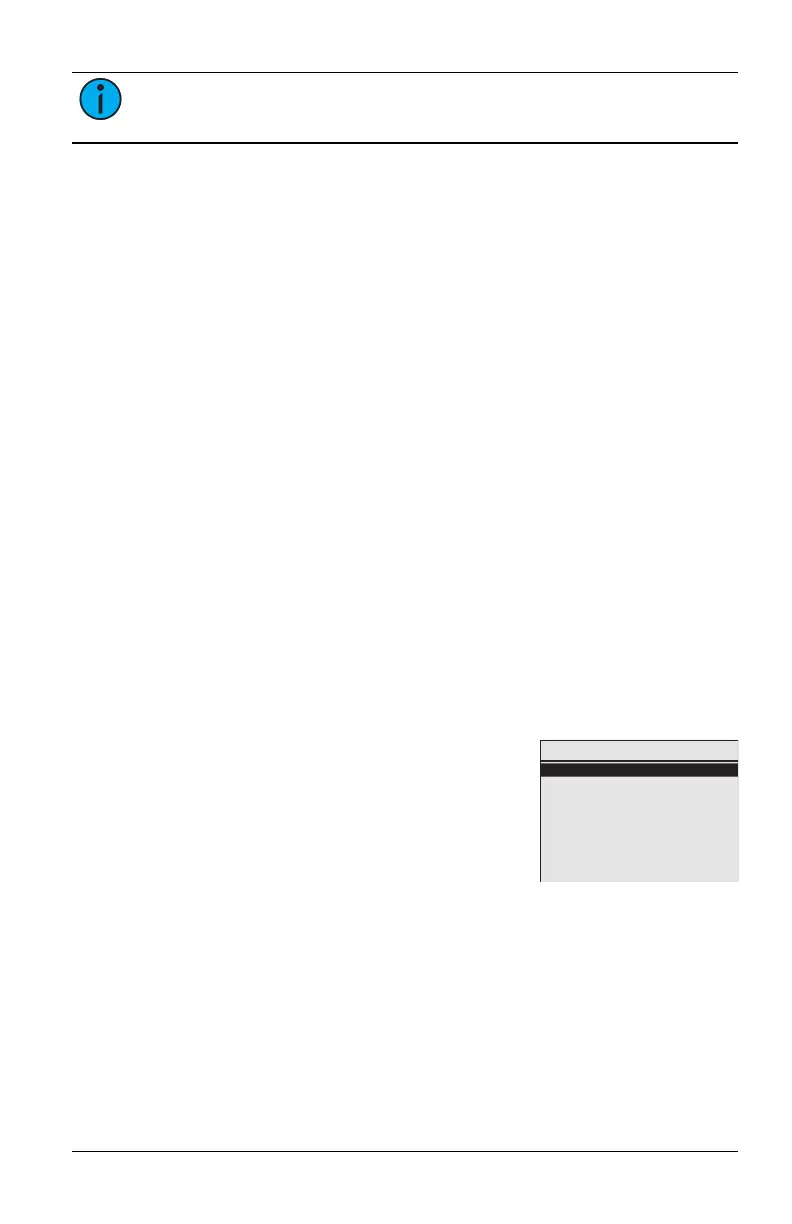
Main Menu
Schedule Events
TimeClock Settings
Holiday Shut-Off
Link or Unlink
System
Aug 5, 2024 4:20pm
An event is controlled by the type of Action selec-
ted. Types of Action include:
Scene - defines the light intensity and color tem-
perature for an event managed by a designated
group. The effect is created by activating con-
figurable presets stored in each controller. If a
controller does not support light intensity and
color temperature features, its lighting control in an event is either ON or
OFF.
OFF - defines an event that turns OFF controllers in a designated group.
ON to Level - defines the light intensity or color temperature for an event
managed by a designated group. For example, ON to Level can be used to
set the output for controllers in a group to 50%.



 To Next Page