Wireless TimeClock Configuration Guide 21
Holiday Shut-Off Duration
Set the Holiday Shut-Off duration, from one to seven days. The default
shut-off duration is one day.
1. Select Start Holiday Shut-Off from the Holiday Shut-Off menu and
press [Enter].
2. Press [Down] to focus on Shut-Off for and press [Enter] to modify.
3. Press [Up] or [Down] to change the number of days (1–7), and press
[Enter] to select.
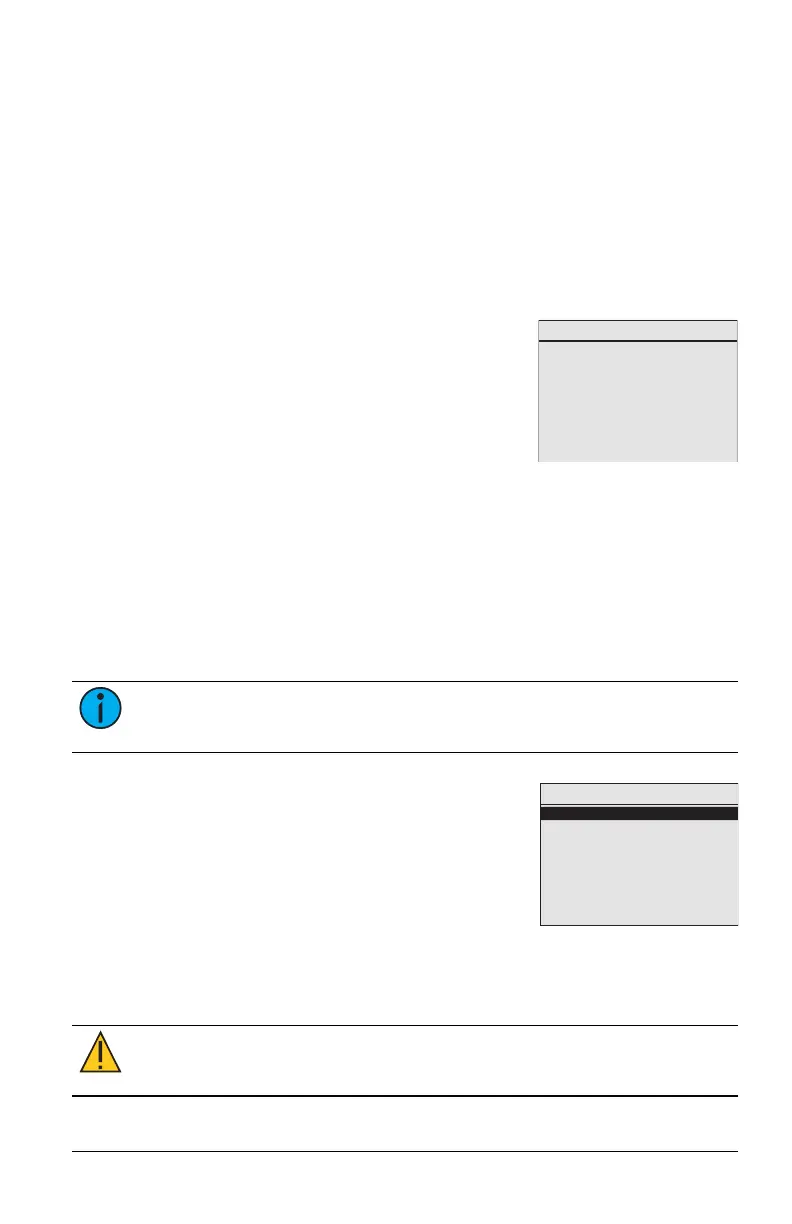
Link or Unlink
Link or Unlink
Press Enter to send
a Teach message.
ID 058CF385 linked.
Echoflex devices that are part of an installed solu-
tion may be configured during the Echoflex pre-
commissioning process or at any time using
Garibaldi Pro software. A number of the para-
meters can be configured from the devices them-
selves (see relevant documentation for details).
The WTC also provides a means of linking or
unlinking controllers. See Organize on page8 for planning information.
The WTC sends a Teach message to Link or Unlink to a controller. The target
controller must be installed, powered, and within range of the WTC.
1. Press the [Learn] button on the controller to activate Link Mode.
2. Select Link or Unlink and press [Enter].
3. Press [Enter] again to send a Teach message. "(TX)" flashes to confirm
a Teach message is transmitted. The controller’s radio ID displays as
being Linked.
Note: The linking process is also used to unlink controllers. If you
send a second Teach message, the controller's ID shows as Unlinked.
System
Restore Defaults
Reboot
Show Seconds
About
System
Use the System menu to access settings that con-
trol the WTC.
Restore Defaults
There are two levels for defaults you can restore.
• Pre-commissioned: preserves only the pre-commissioned links and
settings.
• Factory: removes everything, a complete reset.
CAUTION: All manual settings will be lost and cannot be
retrieved.



 To Next Page