Wireless TimeClock Configuration Guide 15
7. Set a Time or an Offset, depending on the When option you selected.
• If Time of Day was selected, specify the Time in hours and
minutes 00h:00m (am or pm).
• If an astronomical setting was selected, specify the Offset hours
and minutes from the astronomical setting. For example, if
Before Sunset is selected, choose how long before sunset you
want the event to execute. The Next Time is calculated and
displayed in parentheses (##:## am).
8. Select Next Event and enter an Event Number from 1–50, if you want
to create a compound event.
Define a Temp Config Action
A Temporary Configuration action is controlled by a Set and a Revert action
type. Both types must be defined. See Temporary Configuration on page 10
for more information.
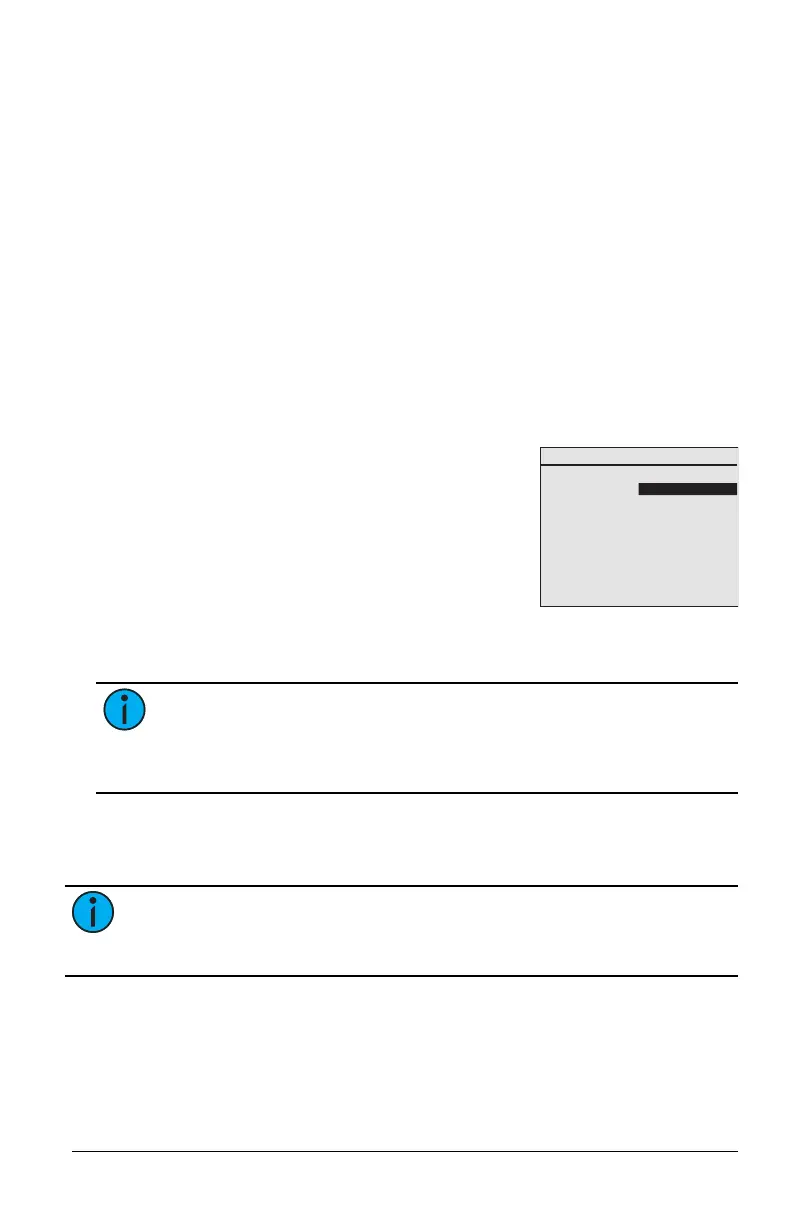
Temp Config Set
Schedule Event
Event Number: 5
Action: Temp Config
Group Number: 3
Set/Revert: Set
Config Param 5
Value: 06000
Channel: All
Recurrence: None
Next Event: None
1. Press [Enter] to select Temp Config as the
event Action.
2. Select a Group Number from 1 to 24, and
press [Enter] to select.
3. Select Set as the type to define a new
configuration.
4. Enter a C onfig Param number that
corresponds to the target configuration
setting, e.g.: 2 is for Partial-ON Level. See Configuration Parameter on
page 11.
a.
Note: For settings that need to be enabled and have a value,
create one event to enable the setting and create a second event
to enter the value. The two events can then be connected using
Next Event.
5. Enter a Value for the Config Param selected. For example, enter 20%
for a Config Param that controls a light level, or 00900 to indicate the
number of seconds for a Config Param that controls a timer.
Note: Timer values are five-digits that must be edited individually.
Press [Enter] after each of the digits to scroll to the right and save the
total number of seconds.
6. Enter the controller Channel number that this event addresses. From
0 to 254, or All for all channels.
7. Select a type of day for Recurrence.



 To Next Page