2 Wireless TimeClock Configuration Guide
Document Conventions
Configuration parameters are emphasized in italics. Switch actions
(ON/OFF) and relay events (lights ON/OFF) are written in ALL CAPS. Button
names appear in [Brackets] and key terms in the interface appear in Bold.
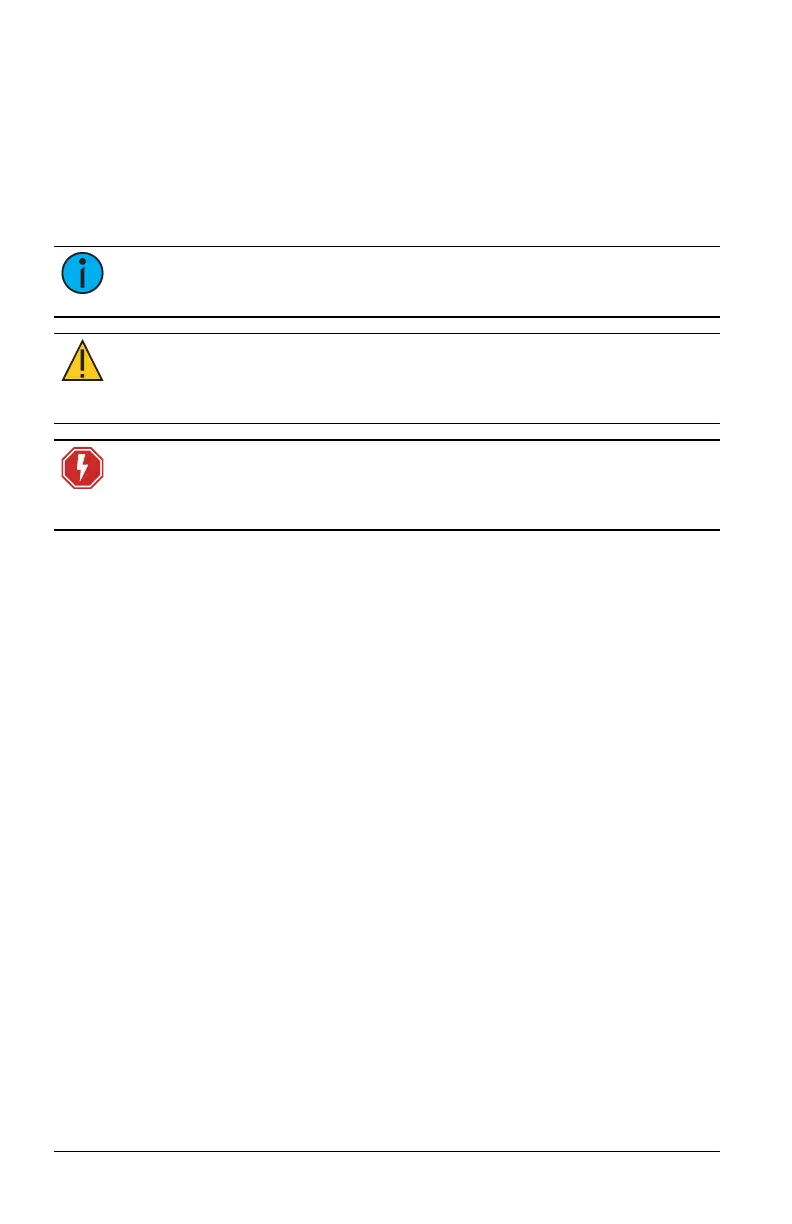
This guide uses the following conventions to draw your attention to import-
ant information.
Note: Notes are helpful hints and information that is supplemental
to the main text.
CAUTION: A Caution statement indicates situations where
there may be unwanted consequences of an action, potential
for data loss or an equipment problem.
WARNING: RISK OF ELECTRIC SHOCK! This warning state-
ment indicates situations where there is a risk of electric
shock.
All Echoflex documents are available for free download from our website:
echoflexsolutions.com. Please email comments about this manual to:
TechComm@etcconnect.com.
Help from Technical Services
If you are having difficulties that are not addressed by this document, con-
tact Echoflex support at service@echoflexsolutions.com or the main website
at echoflexsolutions.com. If none of these resources are sufficient, contact
Technical Services directly at the office identified below.
• When calling for help, take these steps first:
• Prepare a detailed description of the problem
• Be near the equipment for troubleshooting
• Find your notification number if you have called in previously
Technical Services Department
3031 Pleasant View Road
Middleton, WI 53562
800-775-4382 (USA, toll-free)
+1-608 831-4116
service@echoflexsolutions.com



 To Next Page