Specifications 8
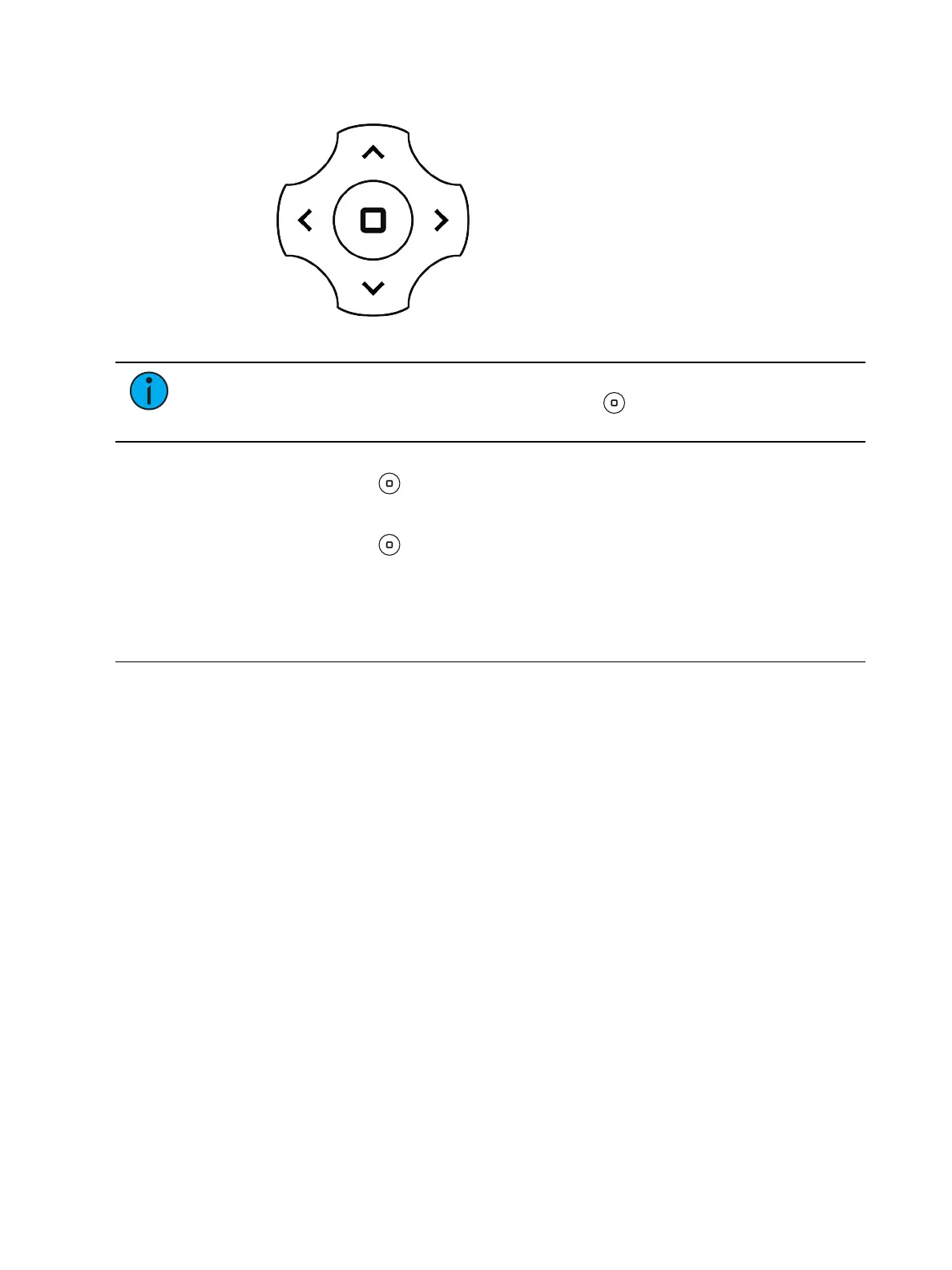
Navigation Controls
1. Press any of the navigation buttons to access the Main Menu.
Note:
The display is powered by the onboard battery when the fixture is not
connected to power; press and hold the Enter button for three seconds to access
the Main Menu.
1. Browse the menu by pressing the up, down, left, or right navigation buttons.
2.
Press the Enter button to select a menu item.
3. Modify the selection by pressing the up, down, left, or right navigation buttons
according to the selection.
4.
Press the Enter button to confirm a modified selection.
5. To exit the Main Menu, press the left navigation button until the main window is shown
in the user interface display.
Specifications
For complete technical specifications, see the technical datasheet:
etcconnect.com/Halcyon/Documentation.
Environment
• Ambient operating temperature range: -10°C to 40°C (14°F to 104°F).
• Relative humidity: 0%–90%, non-condensing.
• Storage temperature: -20°C to 60°C (-4°F to 140°F).
• Indoor use only.
• Dry locations only, IP20 rated.











 To Next Page