Ethernet Control 16
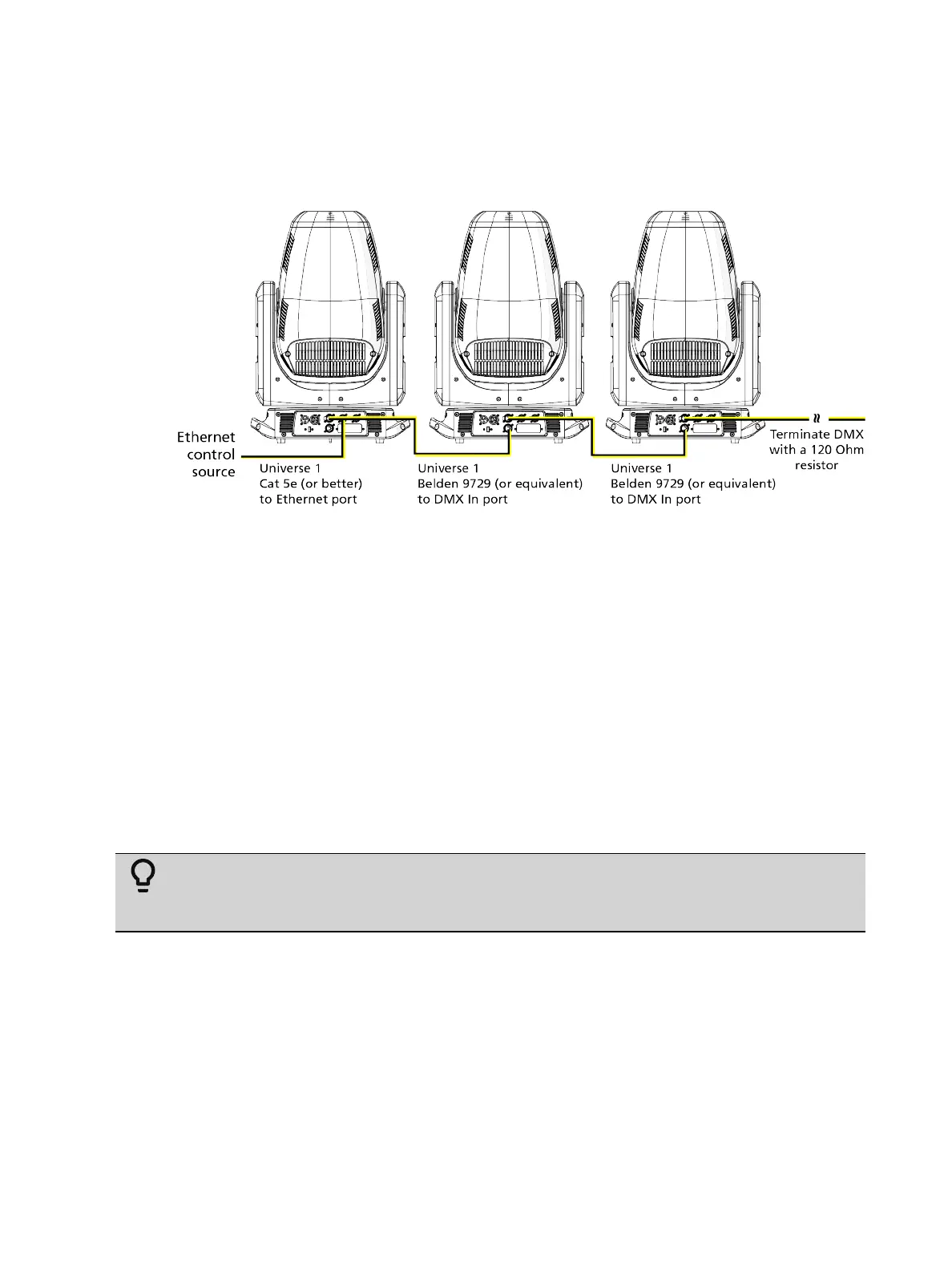
Ethernet Control and DMX Thru
You can use Ethernet control and DMX Thru. When a fixture is set up to receive Ethernet
control input, it automatically distributes DMX via the DMX Thru port. The DMX-512 signal is
sent as a single universe that corresponds to the universe of the fixture that is receiving
Ethernet control. This works with either the Art-Net protocol or sACN.
Terminate DMX
Use a DMX terminator or install a resistor on the last fixture of the DMXcontrol run to prevent
corruption (data reflection) of the digital control signal by electrical noise.
A DMXterminator is an XLR plug with a 120 Ω resistor connected between pins 2 and 3 that
can be installed into the DMX output receptacle of the last fixture in the DMX control run.
Contact your authorized dealer or ETC for ordering information (etcconnect.com/contactETC),
or purchase an XLR DMX terminator from the ETC Online Shop (shop.etcconnect.com).
Set the DMX Start Address
Give each fixture a unique DMX starting address so that the correct fixture responds to the
control signals. This DMX start address is the channel number from which the fixture starts to
“listen” to the digital control information sent out from the control source.
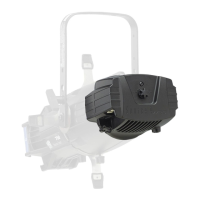
Modify the DMX start address on the user interface, which is located on the upper enclosure.
See
DMX Address on page 17
.
Example:
The Halcyon Gold requires 57 channels of control. If you set the DMX
starting address of the first fixture to 1, you could set the second fixture to 58 (57+1),
the third to 115 (57+58), and so on.
Set the Control Source and Network
For Ethernet control, you must configure the control source (Art-Net or sACN) and set a
universe for each fixture. See
Set Control Options on page 17
and
Set Network Options on
page 18
for details.



 To Next Page