Unison Station User Manual 31
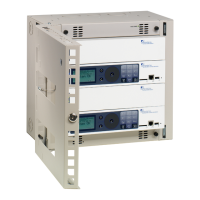
To answer the next four questions, find the Unison Architectural Processor,
which is located in a Sensor Installation Rack Control Electronics Module
(CEM). Your Sensor Installation Rack will usually be located in a utility room or
electrical cabinet. After locating the rack, open the door to find the CEM.
Note: If you have multiple Sensor racks, you will have to determine which one
contains the Architectural Processor. To find it, look for the Unison sticker
under the Sensor logo on the rack door. If you cannot find a rack with the
sticker, consult your system drawings to determine which Sensor rack
contains your Architectural Processor.
The CEM contains the Architectural Processor for your Unison system.
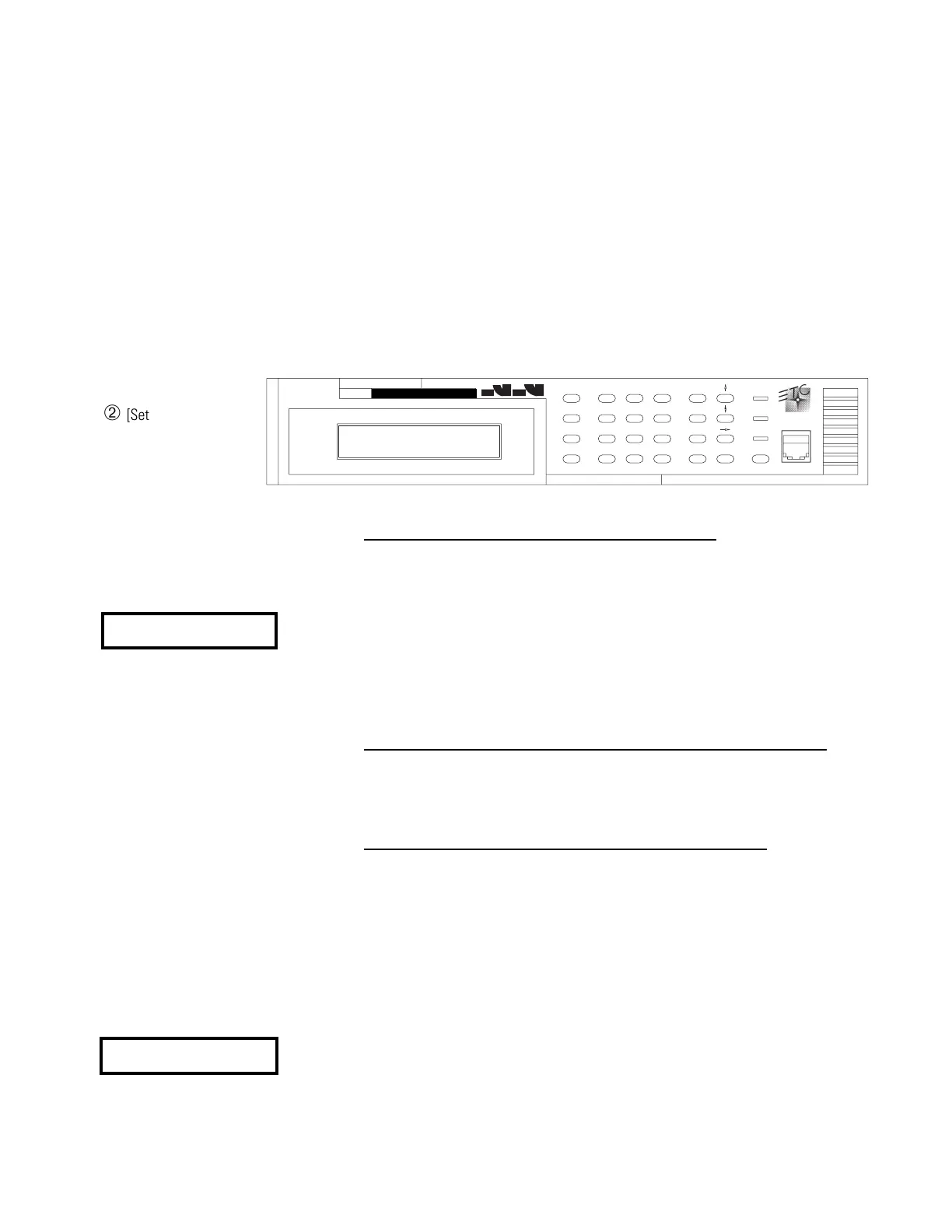
Access the Unison setup menu through the CEM keypad and LCD display.
Note: If you make a keypad mistake and want to start over, press [Setup]
.
2. Can you enter the Unison Setup menu on the CEM
? Access the Unison
setup menu through the CEM keypad and LCD display.
To enter the Unison menu:
Press [Setup] [3] [Enter]. If the CEM LCD display matches the LCD display
example to the left, you have entered the Unison Setup menu.
Note: The number in parenthesis on the top line of the Unison Setup
display is the software version number for your system. Enter this number
in the Software Version blank under on the System Information section of
the form if you have not done so already.
3. If you can’t enter the menu, does resetting the system change this?
To reset the system, press [Reset] on the CEM and wait for 30 seconds.
Then repeat the procedure to access the Unison Setup menu from
question 2.
4. If you can enter the menu, is there a configuration present?
The configuration contains Room, Control, and other data about your
system. If the configuration is present, this data is available to your
Architectural Processor. By checking for system data in the Setup
Information menu, you can determine if the configuration is present.
▼ To access the Setup Information menu from the Unison Setup menu
press [Enter] [↑] [Enter].
▼ To access the Setup Information menu after pressing [Setup] to start
over, press [Setup] [3] [Enter] [Enter] [↑] [Enter].
The second line of the Setup Information menu shows how many wall
stations are in the configuration and how many are linked to the
Architectural Processor. If the number after [Sta:
is not zero, there is a
configuration present.
ETCLink
OA
OB
OC
ResetEnter
Exit
Next
Thru
Clear
9
6
At
3
8
5
0
2
7
4
A/B
1
Setup
Backup
About
Dimmer
s
nsor
E
➁ [Setup]
➂ Numeric keypad
Setup 1–Dimmer
2–Rack 3–System
➀ LCD display
➀
➂
➁
➃ [Enter]
➃
Unison Menu (1.2)
[Setup]
↕
LCD display
Setup Information
[Sta: 15 Con: 15]
LCD display



 To Next Page