Chapter 8 Installing Optional Products
> 8.2 Drive Enclosure Installation
ETERNUS DX60/DX80/DX90 Disk storage system User Guide
196
Copyright 2010 FUJITSU LIMITED
P3AM-3042-07ENZ0
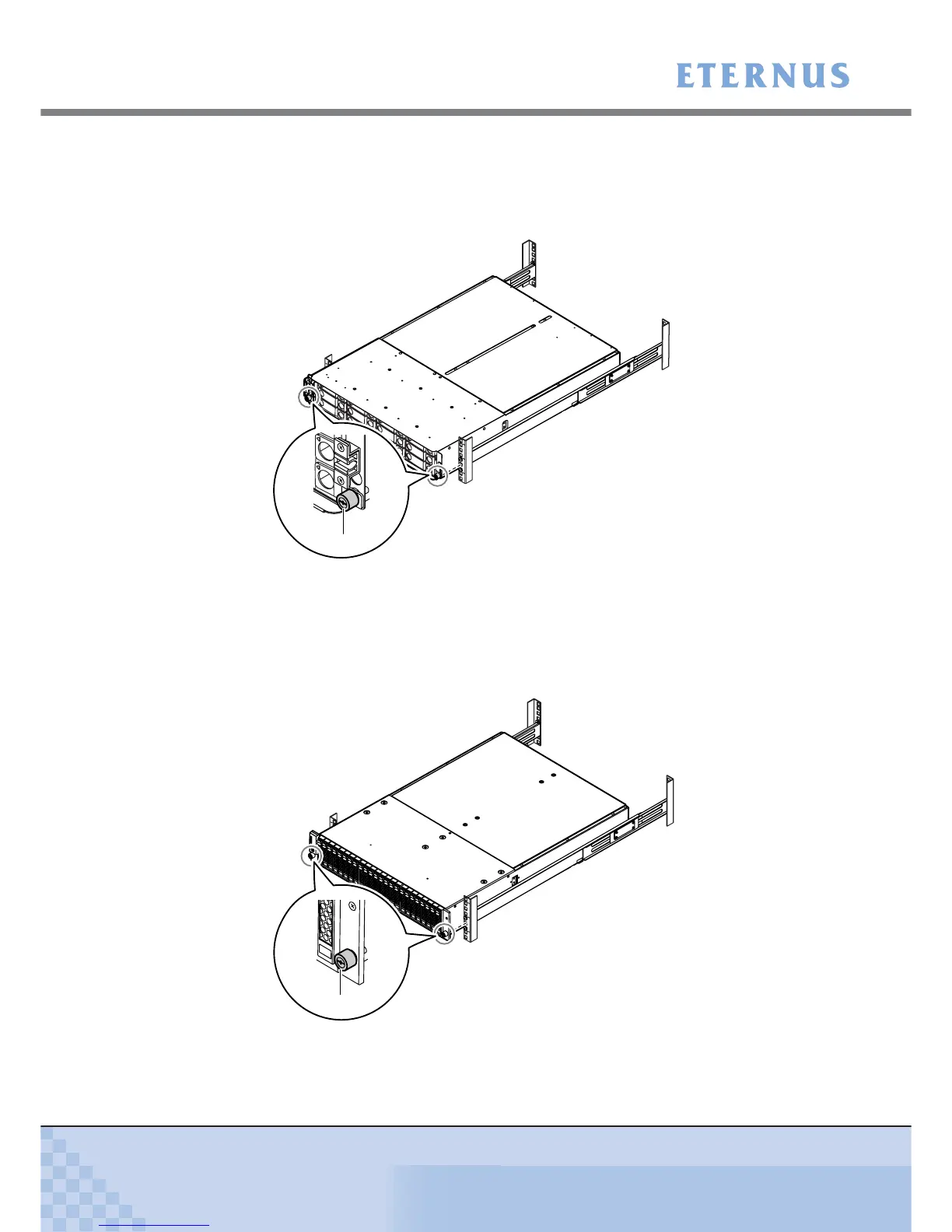
7 Fix the drive enclosure in the rack.
■ 3.5" type drive enclosure
Use the two thumb screws at the front of the drive enclosure to fasten it in the rack.
■ 2.5" type drive enclosure
• Use the thumb screw to fasten the front right of the drive enclosure to the rack.
• Do not fix the front left of the drive enclosure to the rack at this point.
After all work for addition has finished, attach the supplied flange cover, and use the
thumb screw to fasten the front left of the drive enclosure to the rack.
(Rear rack pillars)
Thumb screw
(Rear rack pillars)
Thumb screw



 To Next Page