Chapter 3 Standard Operations
> 3.3 Attaching and Removing the Front Cover
ETERNUS DX60/DX80/DX90 Disk storage system User Guide
76
Copyright 2010 FUJITSU LIMITED
P3AM-3042-07ENZ0
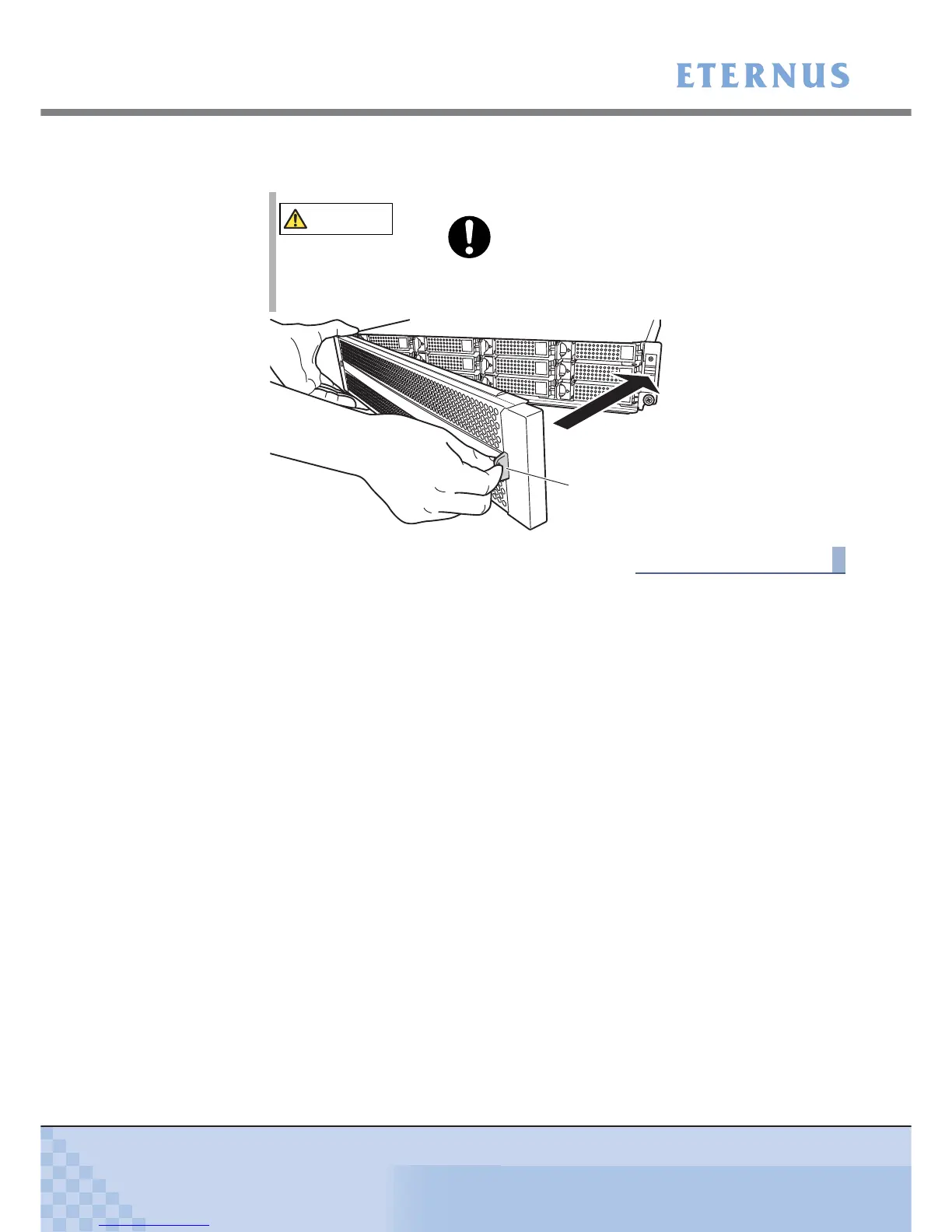
2 Holding the tab on the front cover, attach the right side of the cover to the
enclosure.
End of procedure
CAUTION
Do
• When removing the front cover, support its left side with your
left hand, to prevent it from coming loose and falling.
Tab



 To Next Page