BRUSH SWITCH
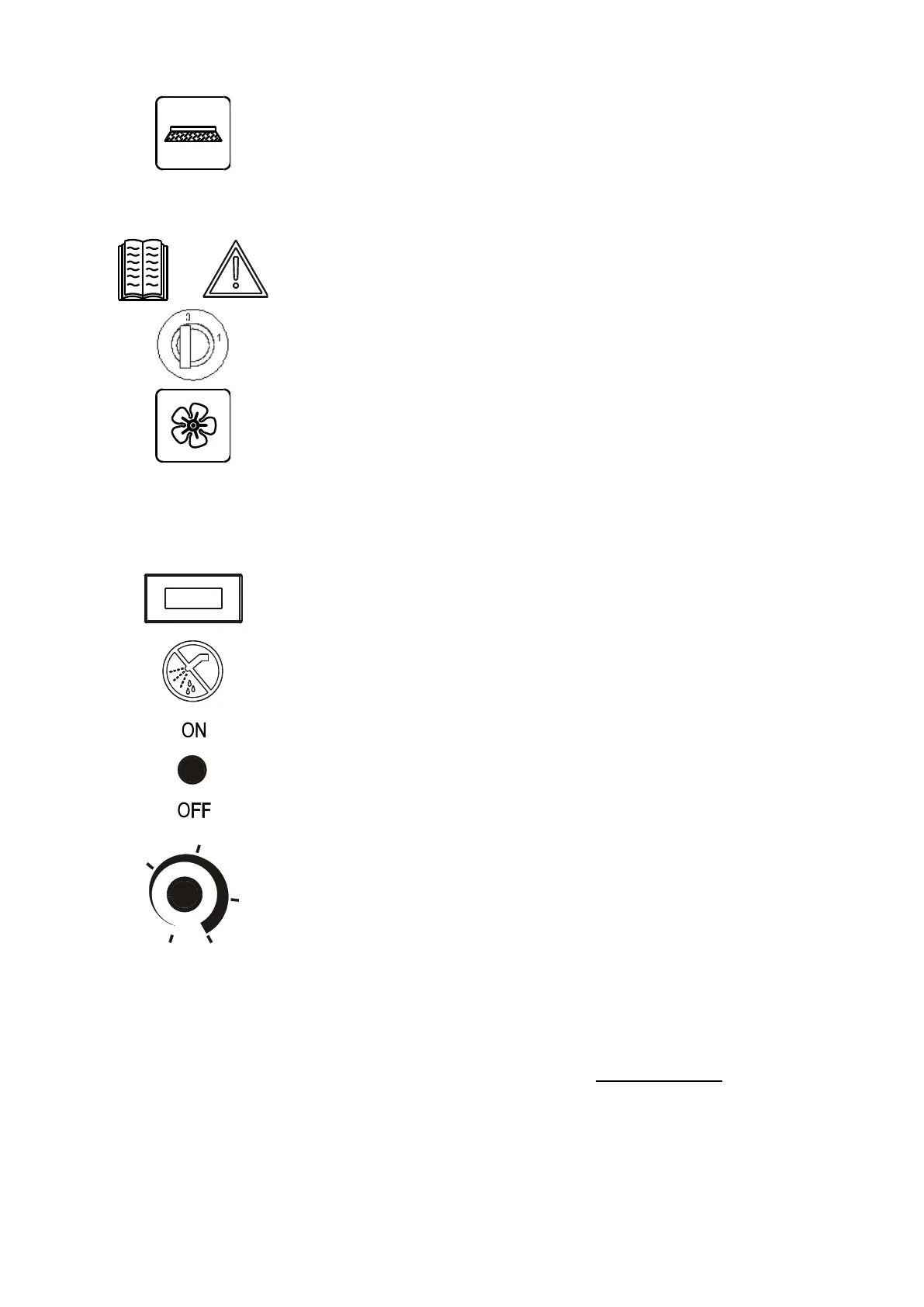
By pressing the button towards position 1, the brush function starts.
The brush will start turning when the drive bar is pressed.
When the bar is released the brush stops.
To the brush function is also connected the solenoid valve (if fitted) which
permits automatically opening and closing the solution flow.
By pressing the button towards position 0, the brush stops and the solenoid valve
closes (if fitted).
In the TRAC version, when the brush is on, the machine goes at a reduced
speed. This allows advantages in washing, drying and manouvrality quality.
WARNING SYMBOLS
The symbol on the left advises to use the instruction manual at all times for any
information regarding the machine.
KEY-OPERATED SWITCH
The machine will start by rotating the key switch clockwise (position 1);
VACUUM SWITCH
By pressing the rocker switch towards pos. 1, the vacuum unit comes on.
By pressing the rocker switch towards pos. 0, the vacuum unit switches off.
DRIVE BAR
With the key in pos. 1 and the brush switch in pos.1 by pulling the bar, the brush
starts operating. When the bar is released, the brush stops. In the TRAC version
by pulling more or less the bar, the forward drive and the speed of the machine
can be adjusted.
NO WASH SYMBOL
Do not wet the control panels. Electrical hazard.
LEVER SWITCH (OPTIONAL)
To turn on/off the detergent dosing system pull the lever towards pos ON or OFF
DETERGENT PERCENTUAGE ADJUSTING POTENTIOMETER
(OPTIONAL)
To increase or decrease the detergent percentage on brushes turn the knob
clockwise or counter-clockwise
CHARGE BATTERY LEVEL INDICATOR / CHARGER DISPLAY
With a working machine, the charger display works as the charge battery level
indicator.
Green led lights on: charged batteries
Yellow led lights on: batteries low level
Flashing red led light: flat batteries and brush motor stop. Bring the
machine to battery charging area.
BRUSH MOTOR PROTECTOR FUSE
When the brush motors exceed a power draw, the fuse will engage and stop the
motor. Wait 1-2 minutes then press the fuse button and the brush will resume
operation. If it occurs repeatedly, check to see if there are any objects that blocks
the rotation or if the type of brushes are suited for the type of floor.


 To Next Page