EasyManua.ls Logo

Eventide ARGUS 5000 - Page 102

Eventide ARGUS 5000
237 pages
Print Icon
To Next Page IconTo Next Page
To Previous Page IconTo Previous Page
Loading...
1:
Creates
a
temporary,
unnamed
waypoint
at
the
current location
of
the
aircraft.
2:
Draws
a
courseline
from
this
waypoint
to
the
next
desired
waypoint.
3:
Centers
the
CDI,
since
you
are
now,
by
definition,
on
course.
You
can
press
this
key
as
often
as
you
wish.
In
each
case,
it
will
bring
you
on-course.
If
you
are
using
a
"DIRECT
TO"
waypoint
instead
of
a
flight
plan,
it
will
draw
a
courseline
from
your
present
position
to
that
waypoint.
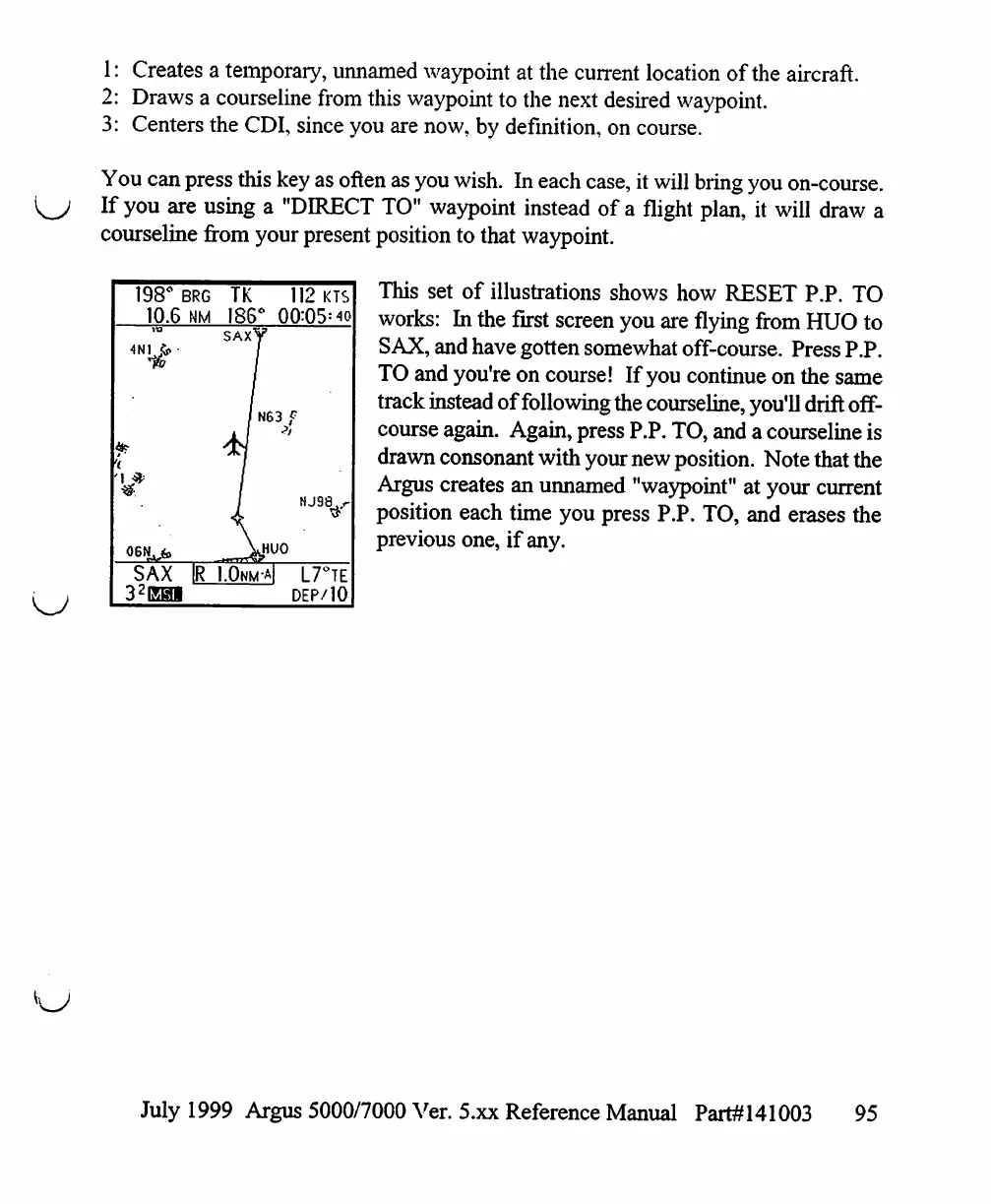
This
set
of
illustrations
shows
how
RESET
P.P.
TO
works:
In
the
first
screen
you
are
flying
from
HUO
to
SAX,
and
have
gotten
somewhat
off-course.
Press
P.P.
TO
and
you're
on
course!
If
you
continue
on
the
same
track
instead
of
following
the
courseline,
you'll
drift
off-
course
again.
Again,
press
P.P.
TO,
and
a
courseline
is
drawn
consonant
with
your
new
position.
Note
that
the
Argus
creates
an
unnamed
"waypoint"
at
your
current
position
each
time
you
press
P.P.
TO,
and
erases
the
previous
one,
if
any.
198°
E
10.6
4Nvr
06N^fe
SAX
32E0I
3RG
NM
|R
TK
186°
SAXV
112
KTS
00:05=10
>
I
N63
f
t
I.Onm-
wo
A|
L7°TE
DEP/IO
July
1999
Argus
5000/7000
Ver. 5.xx
Reference
Manual
Part#141003
95

Table of Contents

Other manuals for Eventide ARGUS 5000

Related product manuals