EasyManua.ls Logo

Eventide ARGUS 5000 - Page 194

Eventide ARGUS 5000
237 pages
Print Icon
To Next Page IconTo Next Page
To Previous Page IconTo Previous Page
Loading...
ADAPTER
SELECT
ADAPTER
TYPE
-*AUX.
TERM.
B
ADF
USAGE
SECONDARY
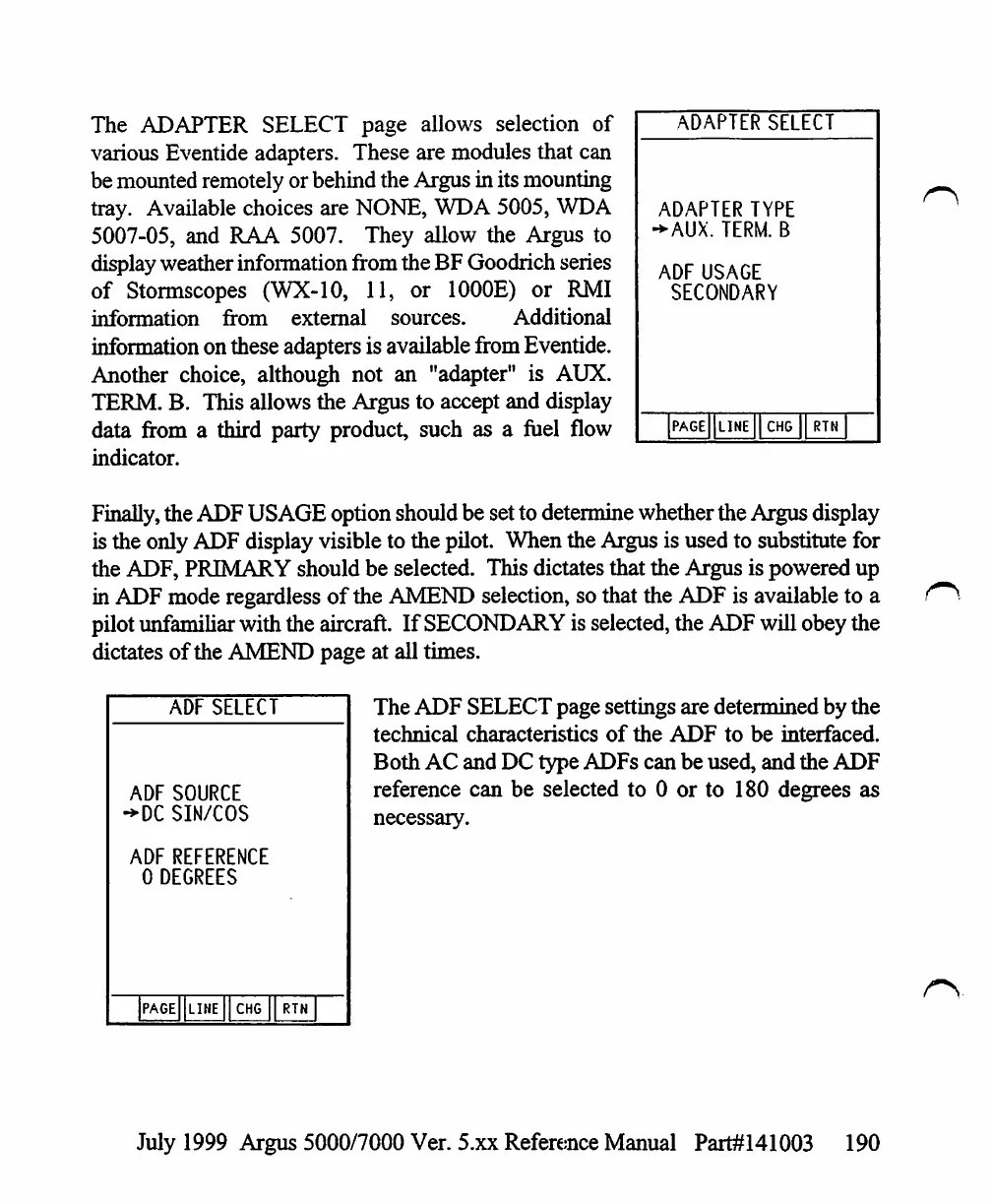
The
ADAPTER
SELECT
page
allows
selection
of
various
Eventide
adapters.
These
are
modules
that
can
be
mounted
remotely
or
behind
the
Argus
in
its
mounting
tray.
Available
choices
are
NONE,
WDA
5005,
WDA
5007-05,
and
RAA
5007.
They
allow
the
Argus
to
display
weather
information
from
the
BF
Goodrich
series
of
Stormscopes
(WX-10,
11,
or
1000E)
or
RMI
information
from
external
sources.
Additional
information
on
these
adapters
is
available
from
Eventide.
Another
choice,
although
not
an
"adapter"
is
AUX.
TERM.
B.
This
allows
the
Argus
to
accept
and
display
data
from
a
third
party
product,
such
as
a
fuel
flow
indicator.
Finally,
the
ADF
USAGE
option
should
be
set
to
determine
whether
the
Argus
display
is
the
only
ADF
display
visible to
the
pilot.
When
the
Argus
is
used
to
substitute
for
the
ADF,
PRIMARY
should
be
selected.
This
dictates
that
the
Argus
is
powered
up
in
ADF
mode
regardless
of
the
AMEND
selection,
so
that
the
ADF
is
available
to
a
pilot
unfamiliar
with
the
aircraft.
If
SECONDARY
is
selected,
the
ADF
will
obey
the
dictates
of
the
AMEND
page
at
all
times.
PAGE
LINE
CHG
RTN
r\
ADF
SELECT
ADF
SOURCE
->DC
SIN/COS
ADF
REFERENCE
0
DEGREES
]PAGe||lIHE
I]
CHG
II
RTN
The
ADF
SELECT
page
settings
are
determined
by
the
technical
characteristics
of
the
ADF
to
be
interfaced.
Both
AC
and
DC
type
ADFs
can
be
used,
and
the
ADF
reference
can
be
selected
to
0
or
to
180
degrees
as
necessary.
July
1999
Argus
5000/7000
Ver.
5.xx
Reference
Manual
Part#141003
190

Table of Contents

Other manuals for Eventide ARGUS 5000

Related product manuals