EasyManua.ls Logo

Eventide ARGUS 5000 - Page 196

Eventide ARGUS 5000
237 pages
Print Icon
To Next Page IconTo Next Page
To Previous Page IconTo Previous Page
Loading...
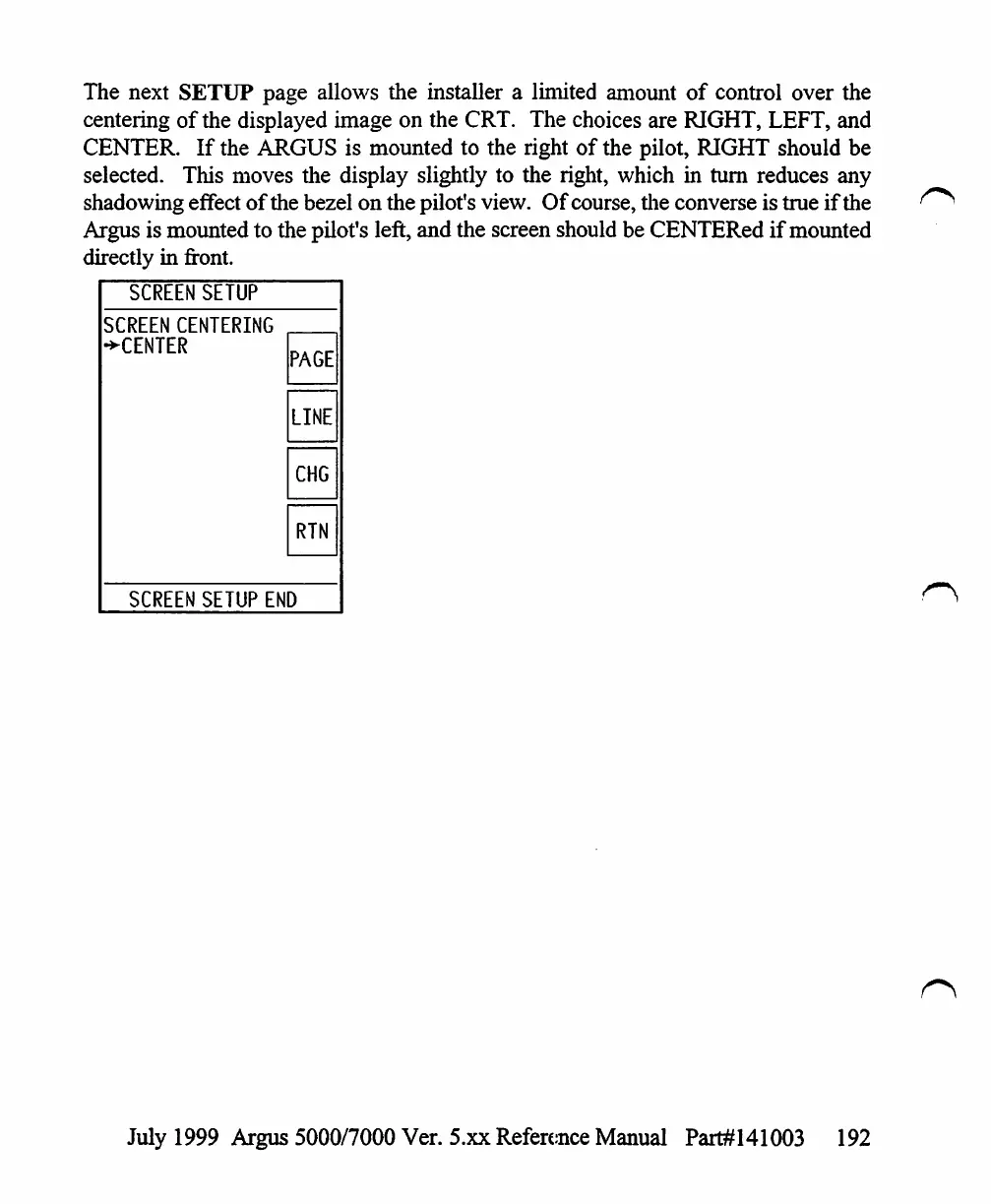
The
next
SETUP
page
allows
the
installer
a
limited
amount
of
control
over
the
centering
of
the
displayed
image on
the
CRT.
The
choices
are
RIGHT,
LEFT,
and
CENTER.
If
the
ARGUS
is
mounted
to
the
right
of
the
pilot,
RIGHT
should
be
selected.
This
moves
the
display
slightly
to
the
right,
which
in
turn
reduces
any
shadowing
effect
of
the
bezel
on
the
pilot's
view.
Of
course,
the
converse
is
true
if
the
Argus
is
mounted
to
the
pilot's
left,
and
the
screen
should
be
CENTERed
if
mounted
directly
in
front.
SCREEN
SETUP
SCREEN
CENTERING
•►CENTER
SCREEN
PAGE
LINE
CHG
RTN
SETUP
END
July
1999
Argus
5000/7000
Ver.
5.xx
Reference
Manual
Part#141003
192

Table of Contents

Other manuals for Eventide ARGUS 5000

Related product manuals