EVER UPS SINLINE RT / RT XL series instruction manual
Pomoc Techniczna, tel.: +48 61 6500 400
DESCRIPTION OF SCREENS SHOWN IN THE LCD DISPLAY
Information screens
Information screens (screensavers) include seven, separate screens (UPS STATUS,
INPUT, OUTPUT, NETWORK CARD, UPS MODE, MESSAGES, ALARMS) that
display useful information about the UPS unit's functional status. After the UPS is
switched on, the LCD display shows a start screen, followed by the default UPS
STATUS screen. Switching between individual screens is done by using the
keys. To go to the main menu from any screensaver press the key. To
go back from the menu to the default UPS STATUS screen press the key.
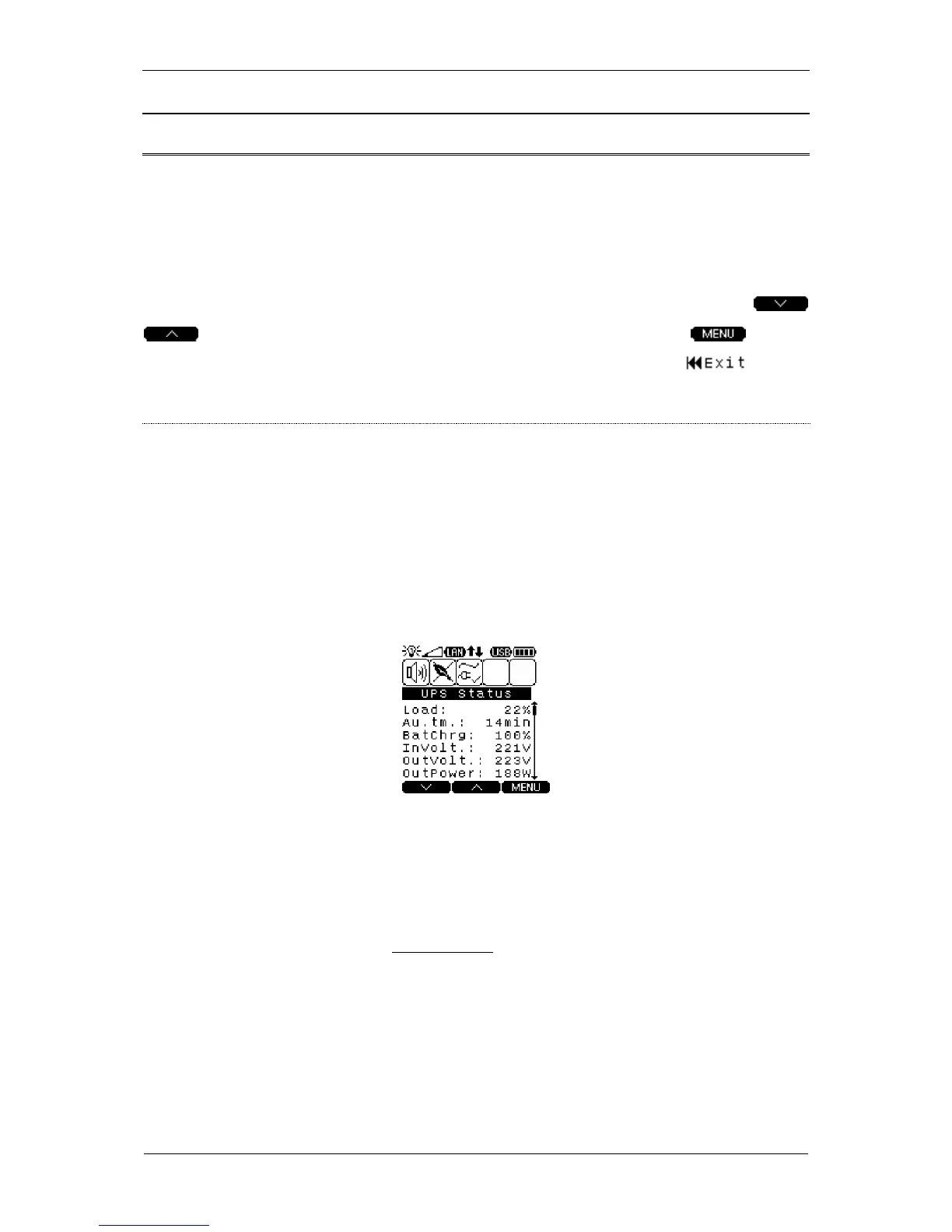
UPS STATUS
Description: UPS unit's basic parameters
– expected duration of UPS backup operation
– battery charge level in %
- value of active output power (consumed by receivers)
Thanks to the incorporation of an advanced time calculation algorithm, the unit
can accurately predict the duration of autonomous operation in real time. The
algorithm to calculate expected battery operating time offers the highest precision
when recommended types of batteries are used (for the list of recommended
battery types, please go to www.ever.eu). In case when batteries other than
recommended are used, indications may become imprecise, which means the
actual available time of backup operation may differ from the indicated time
(Au.tm).



 To Next Page