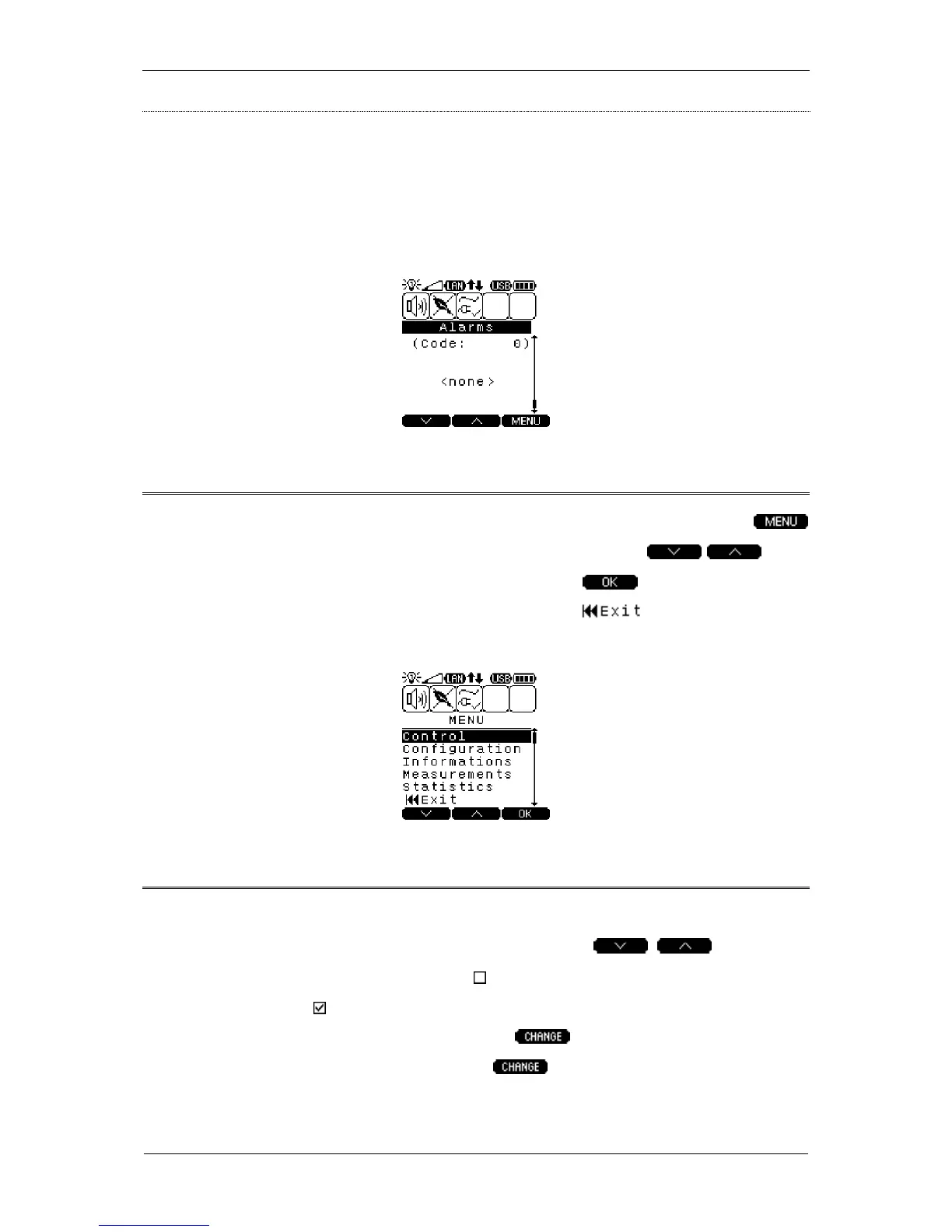
Main menu
To go to the main menu from any information screen (screensaver) press the
key. Switching between individual screens is done by using the keys.
To confirm the selection (to go to a submenu) press the key. To go back from
the menu to the default UPS STATUS screen press the key. The Main menu
screen is shown below.
CONTROL submenu
The CONTROL submenu is divided into two screens. Navigation between the
screens is similar to the way shown earlier (use the keys). The
CONTROL submenu uses checkboxes . The activity of a given parameter is
signaled with an icon displayed next to the parameter. To check (select) an item to
change select it; to accept the action press the key. In case of Failure-delete,
Green mode and Temp.EPODiss, once the key is pressed, the command is
executed and the following messages is displayed:



 To Next Page