EVER UPS SINLINE RT / RT XL series instruction manual
Pomoc Techniczna, tel.: +48 61 6500 400
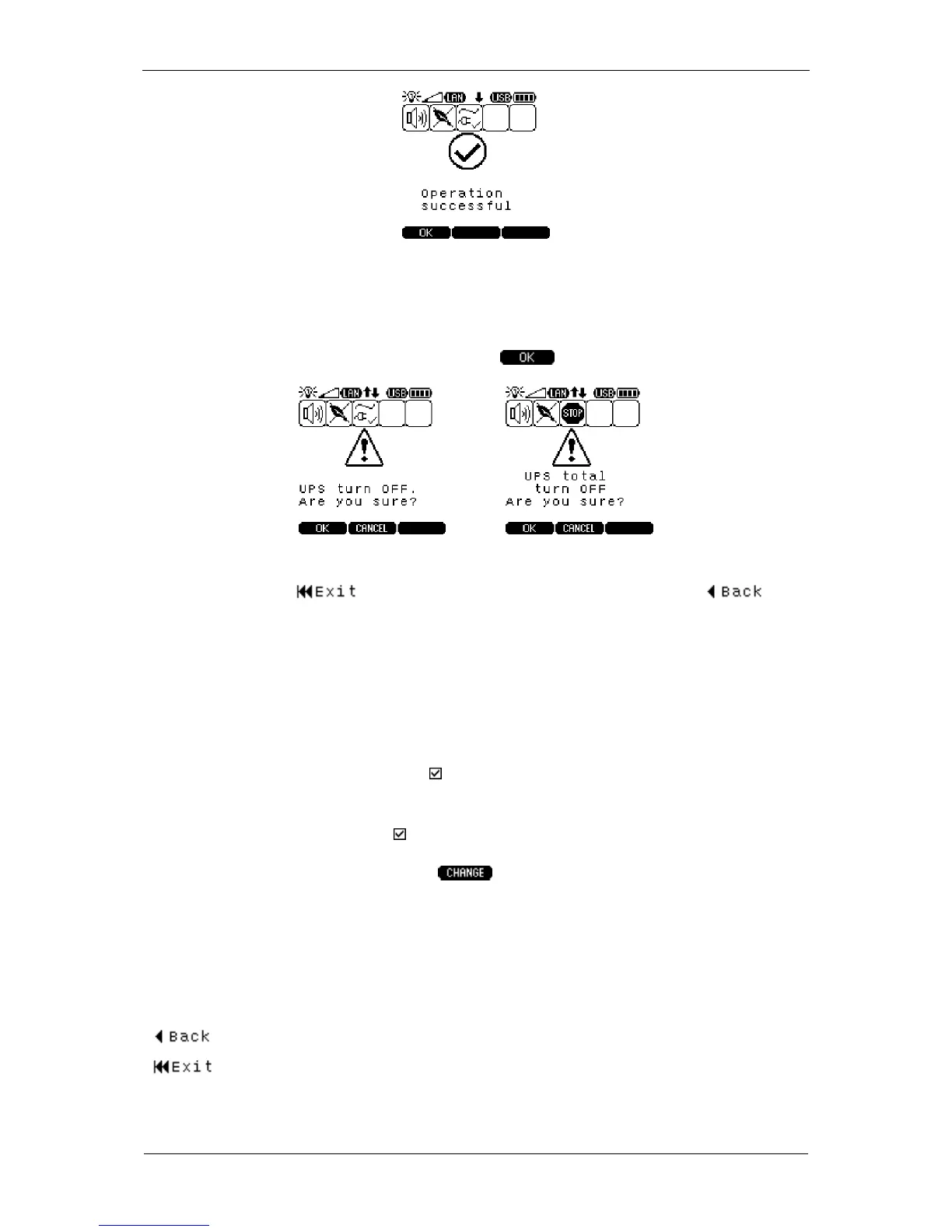
If the UPS is active (logically on) and the user wants to switch the UPS off logically or
completely (power off), prior to executing the command, an additional window
prompting the user to confirm the command will be displayed. The command will be
executed once it is confirmed by pressing the key.
To go back from the CONTROL submenu to the default information screen UPS
STATUS press the key; to go back to the main menu press the key.
The description of the CONTROL submenu is presented below.
Description: Controlling the operation of the UPS
– switching the UPS logically on / off (receivers connected to the
UPS unit's output). The status of the logically on UPS is signaled
by displaying the icon.
– switch the UPS off completely (power supply off)
– the UPS is in the emergency mode only if the icon is
highlighted ( ). Once the cause of the fault is identified and
removed, the EMERGENCY mode can be canceled. To cancel
the fault press the key.
– activating / deactivating the function of saving energy stored in
the battery when the UPS operates in the back-up (battery)
mode. If this function is selected and the power consumption by
receivers connected to the UPS is below the threshold value of
30 W, the UPS will automatically switch off after 15 minutes.
– temporary EPO input deactivation (1 min). The parameters is
available in SINLINE RT XL UPS units with expansion cards.
– go back to the main menu (after confirmation)
– go to the default information screen STATUS UPS (after
confirmation)



 To Next Page