8. Disconnect the bridge connecting two batteries in series: from the positive (+)
terminal of battery no. 1 and from the negative (-) terminal of battery no. 2
(Fig. 40).
9. Make sure the dimensions and type of replacement batteries satisfy the
technical parameters (are identical as the parameters of the old batteries).
10. Install the new battery in reverse order to the steps for uninstalling the battery.
11. Install the battery compartment cover.
12. Connect the conductors to the UPS unit's front panel.
13. Install the UPS unit's front panel.
SINLINE RT 1600 - 3000 and SINLINE RT XL 1250 - 2250
To replace the battery inside the UPS follow these steps:
1. Switch off the UPS unit.
2. Disconnect the UPS unit's power cord from the mains (it is NOT ALLOWED to
replace the battery when the UPS is connected to the mains).
3. Disassemble the UPS unit's front panel.
4. Disconnect the conductors from the front panel (Fig. 21).
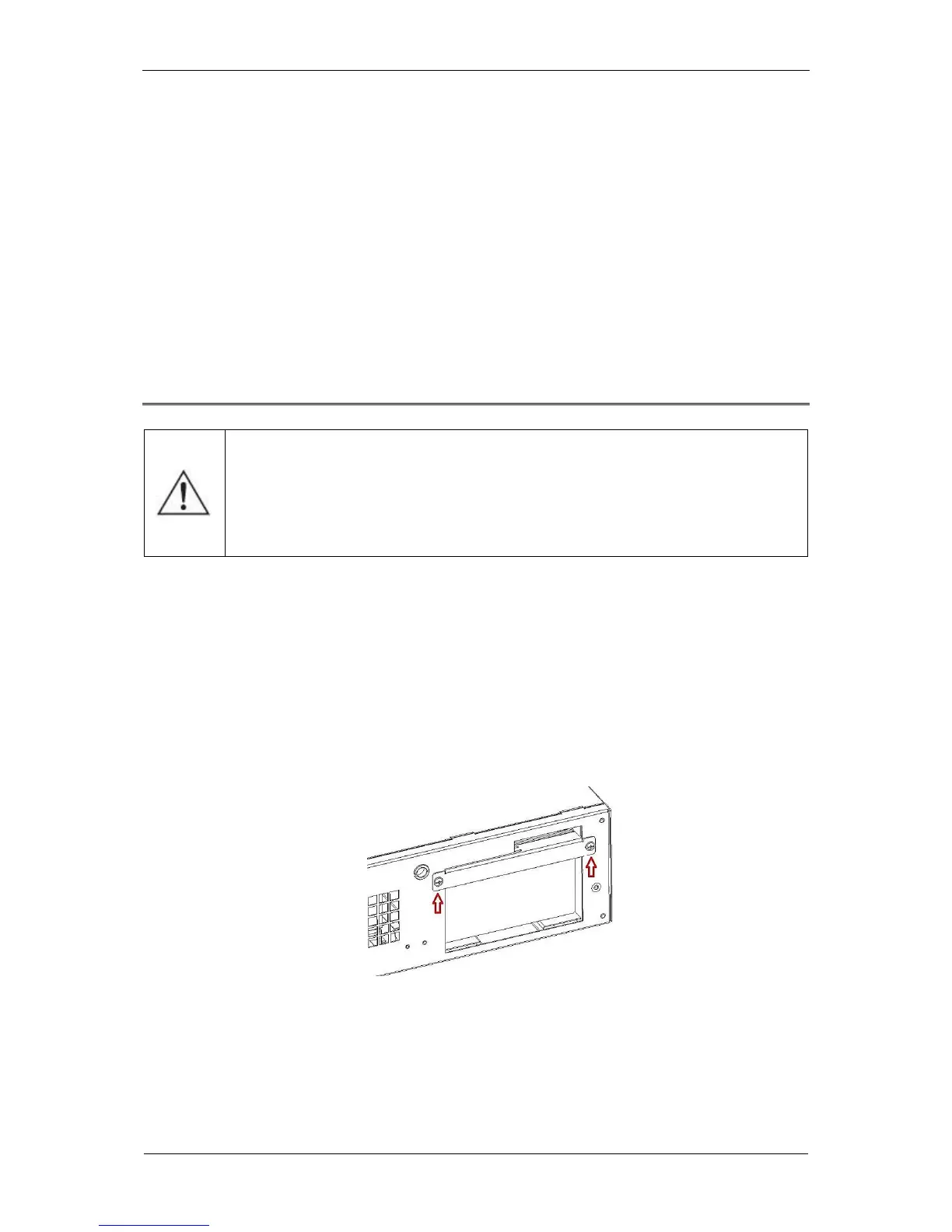
5. Disassemble the battery compartment cover (Fig. 41).
Fig. 41: Disassembling the battery compartment cover.
6. Use the belt attached to the battery compartment cover to carefully slide out
the batteries from the UPS unit's housing, one by one, and disconnect the red
conductor from the positive (+) terminal of the battery no. 1 (Fig. 42).
CAUTION! Battery replacement can be conducted only when the UPS is
in horizontal position (Rack version). Performing the operation in any
other position may cause damage to the device.



 To Next Page