The following functionalities are implemented in the network card:
SNMP agent – provides the management of the power supply system using the
PowerSoft management software or another type of management/control
software package installed by the user. Default passwords for the SNMP
protocol (read: public, save: private, notifications: trap)
HTTP server – allows monitoring of the UPS parameters using a www browser.
Default logging parameters (username: ever, password: ever).
EXPANSION CARDS (applies to SINLINE RT XL UPS units)
EPO CARD
The EPO card for SINLINE RT XL UPS units is optional and can be installed by the
user. The card allows the user to remotely cut off the supply of power to devices
connected to the UPS in emergency situations, such as a fire. The card is installed in
a special slot in the UPS unit's back panel.
The EPO card's default configuration is NC (normally closed). If the card is not
connected to an external circuit, a jumper (supplied with the card) must be installed.
Installation of the card
1. Use the control panel to go to any information screen.
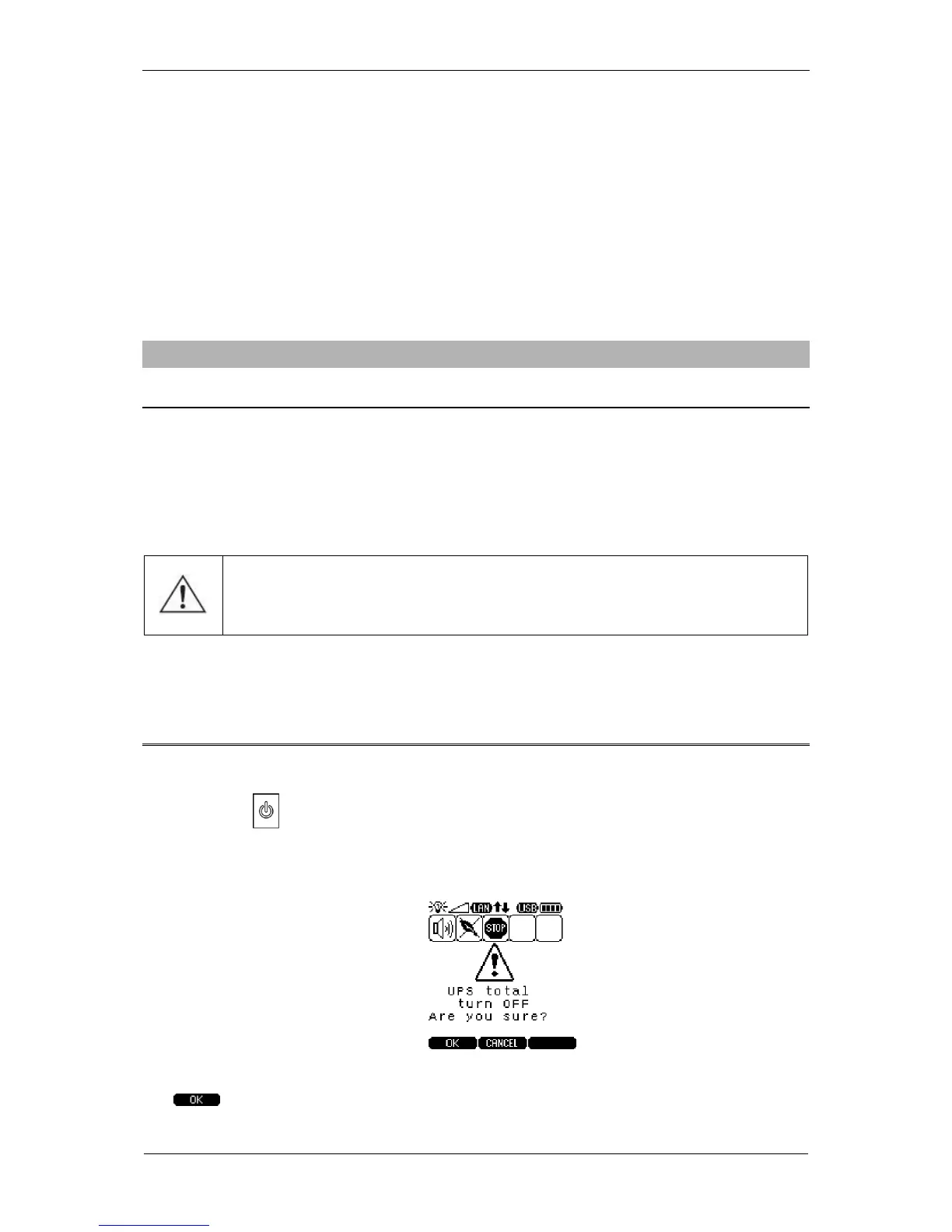
2. Press the key and keep it depressed for over 1 second to switch the UPS off.
Prior to executing the command, an additional window prompting the user to
confirm the switch off command will be displayed.
The UPS will be switched off once the command is confirmed by pressing the
key.



 To Next Page