CAUTION! Taking into account the considerable weight of the devices,
we recommend that two persons work together to install the UPS and
the battery module in the rack cabinet.
Depending on the model, 2U or 3U worth of free space should be left in the cabinet
for the UPS and 2U worth of space for the battery module. To install the UPS follow
these steps:
1. Switch off the UPS and disconnect the power cord from the mains socket.
2. Following the method of installation of the UPS in the rack cabinet, assemble
and attach the installation rails inside the cabinet (one set of rails for each
device). Attach side brackets to the UPS and the module (Fig. 27 - 29).
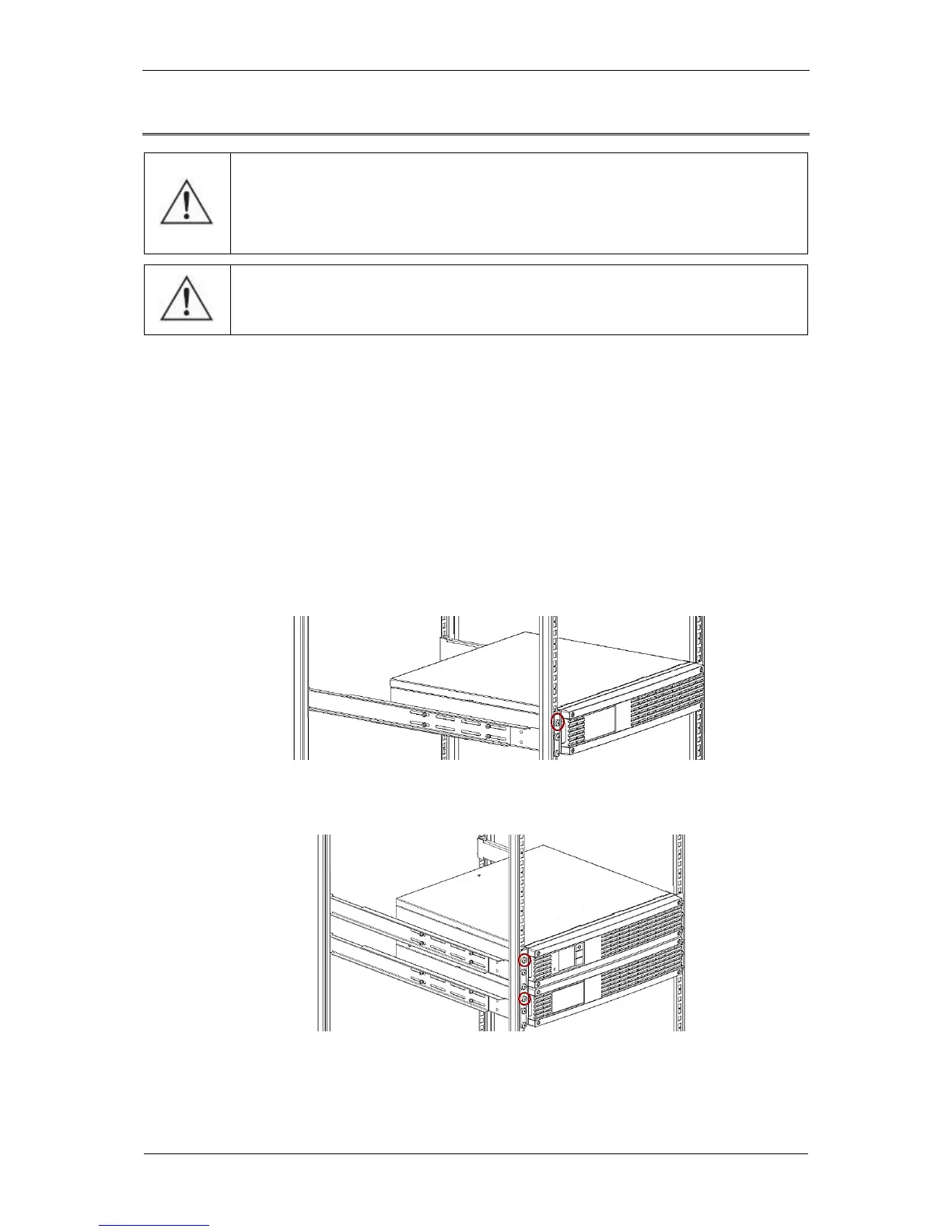
3. Slide the battery module into the bottom installation rails and fix with bolts (Fig.
31).
Fig. 31: Installation of the battery module inside the cabinet
4. Slide the UPS into the upper installation rails and fix with bolts (Fig. 32).
Fig. 32: Installation of the UPS inside the cabinet
5. Remove the front panels from the UPS and the module. To do this, unscrew 4
bolts from each panel.



 To Next Page