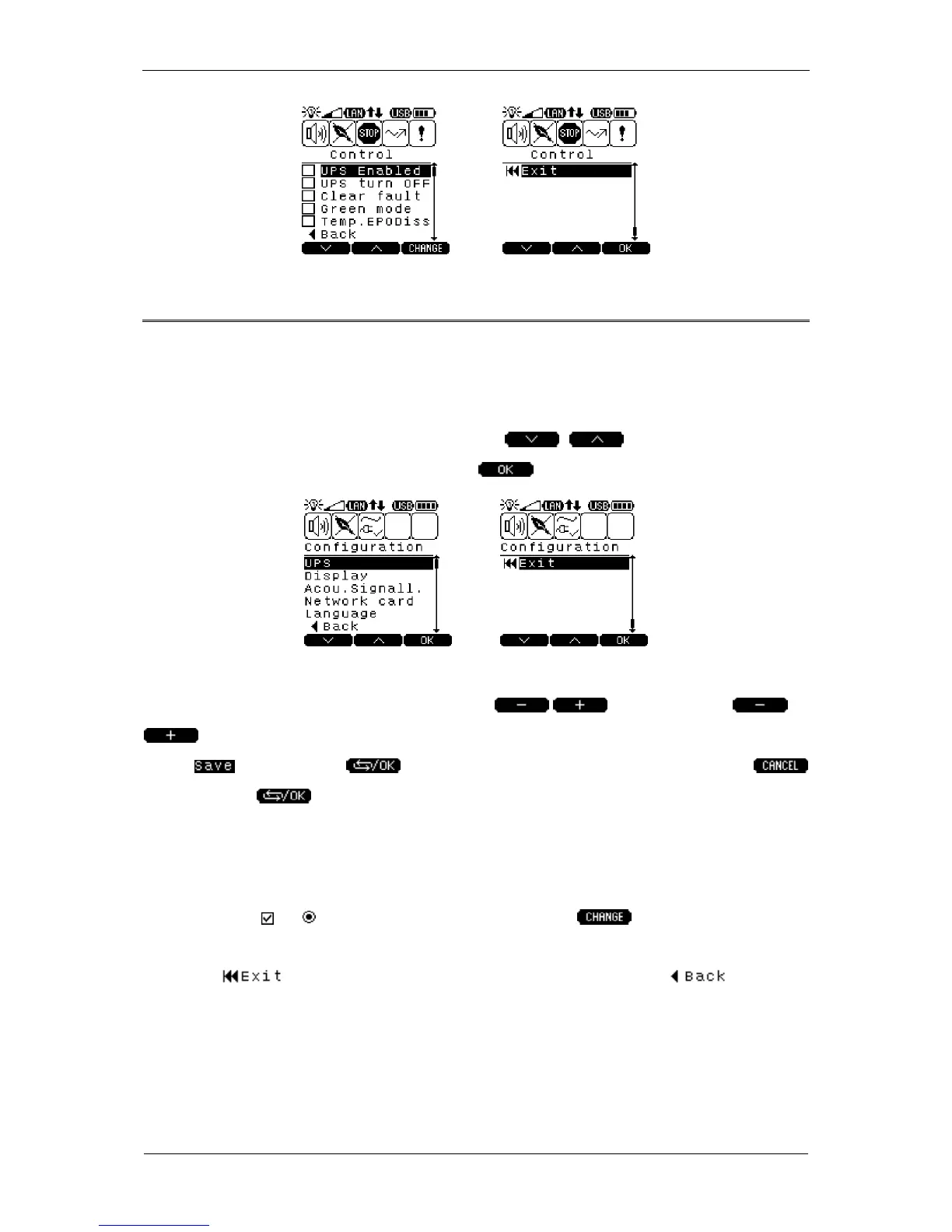
CONFIGURATION Submenu
The CONFIGURATION submenu uses two screens divided into five subject groups:
UPS, DISPLAY, ACOU SIGNALL, NETWORK CARD, LANGUAGE; these can be
used to change the UPS unit's parameters. Navigation between the screens is
similar to the way shown earlier (use the keys); to confirm the
selection (go to a specific group) press the key.
Numerical parameters are used in the CONFIGURATION submenu options. To
increase or decrease a parameter, press the keys. Keep the or
key depressed to change the parameter more quickly. To confirm the change
select and keep the key depressed. To cancel the change select
and keep the key depressed. Checking the entered values is carried out at
the time of saving. The Saving completed successfully or Saving failed messages
indicate whether the changes have been completed successfully. To edit the
remaining parameters (other than numerical) check (select) an item that you wish to
change (fields or ); to accept the action press the key. To go back from
the CONFIGURATION submenu to the default information screen UPS STATUS
press the key; to go back to the previous screen press the key.



 To Next Page