73
Electrical System
Power Control
• Activates and monitors the DC powered sea-
water and freshwater pumps.
• Activates and monitors the holding tank DC
powered overboard discharge pump for the
waste tank.
DC Power Meter
• Displays the current voltage of engine and
house batteries. Includes low and high volt-
age alarms.
• Displays battery capacity in ampere hours and
% charge/discharge, includes low ampere hour
alarm.
• Displays charge and discharge amps.
Fluid Levels
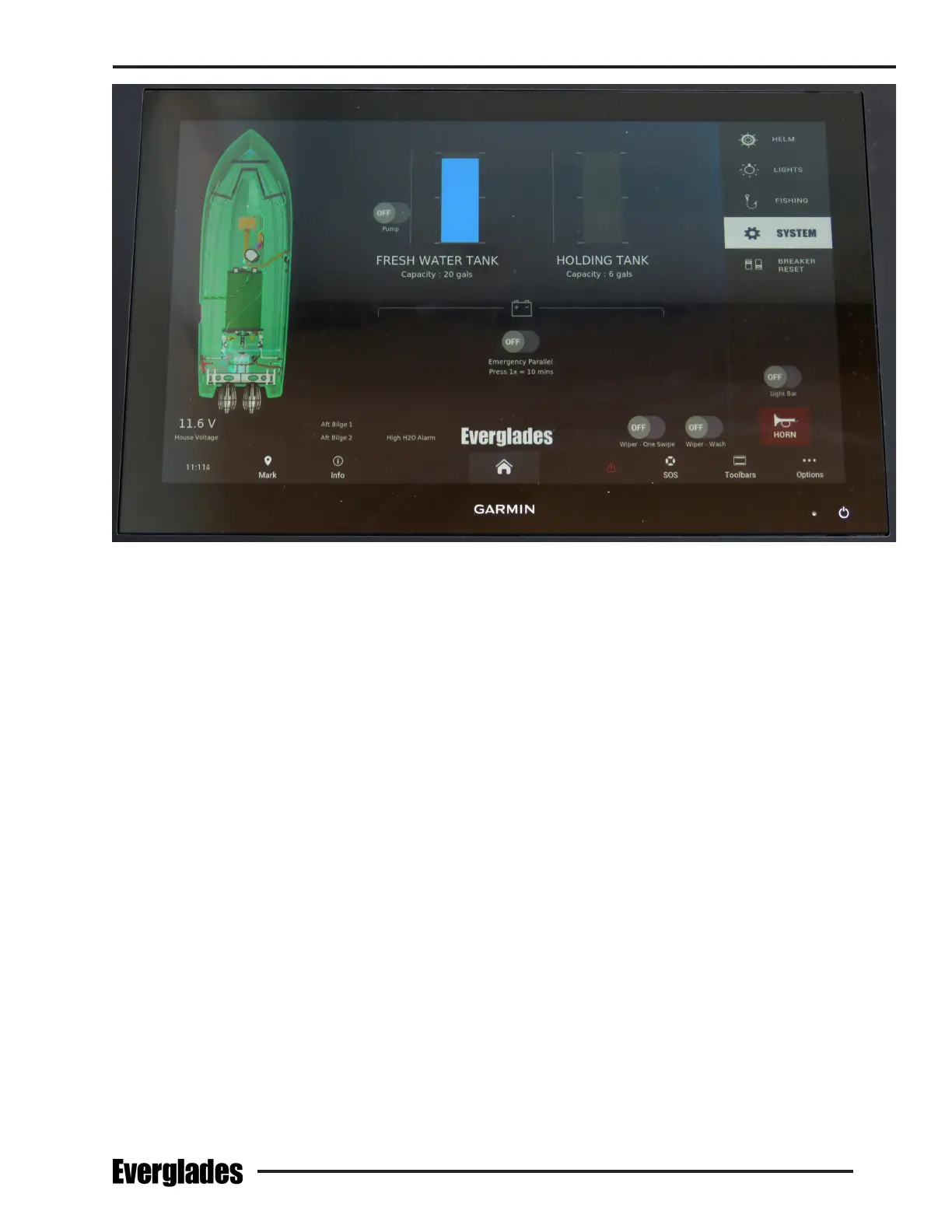
• View tank level information for water and waste
tanks.
Data
• Displays network information.
• Displays temperature and pressure values.
• Monitors all circuits connected to the digital
network.
Typical Fluid Level Monitoring Screen
Alarms
• Digital network status reporting.
• Indicates alarms for onboard faults in audible
and visual form (bilge pump operation, high
bilge water level, smoke alarm). Other alarms
indicate low or high uid levels in the fuel, water
and waste tanks.
Disabling Tank Warning Alarms
Tank uid level warning alarms can be temporar-
ily disabled by the operator. Use the following
procedure to disable the alarms:
1. Touch the home button in the main toolbar
2. Click the “Vessel” button
3. Click “EmpirBus Settings”
4. Click “Alerts” in the toolbar at the top of the
screen
5. Any of the warning alerts can be toggled to
“Disable” (all alarms will automatically reset
to “Enable” after power down)
Refer to the Garmin digital switching system op-
eration manual for additional information on the
features and operation of the digital control system.


 To Next Page