6 Settings Menu
70/ 132 Enigma User Manual | © Eversys S.A.
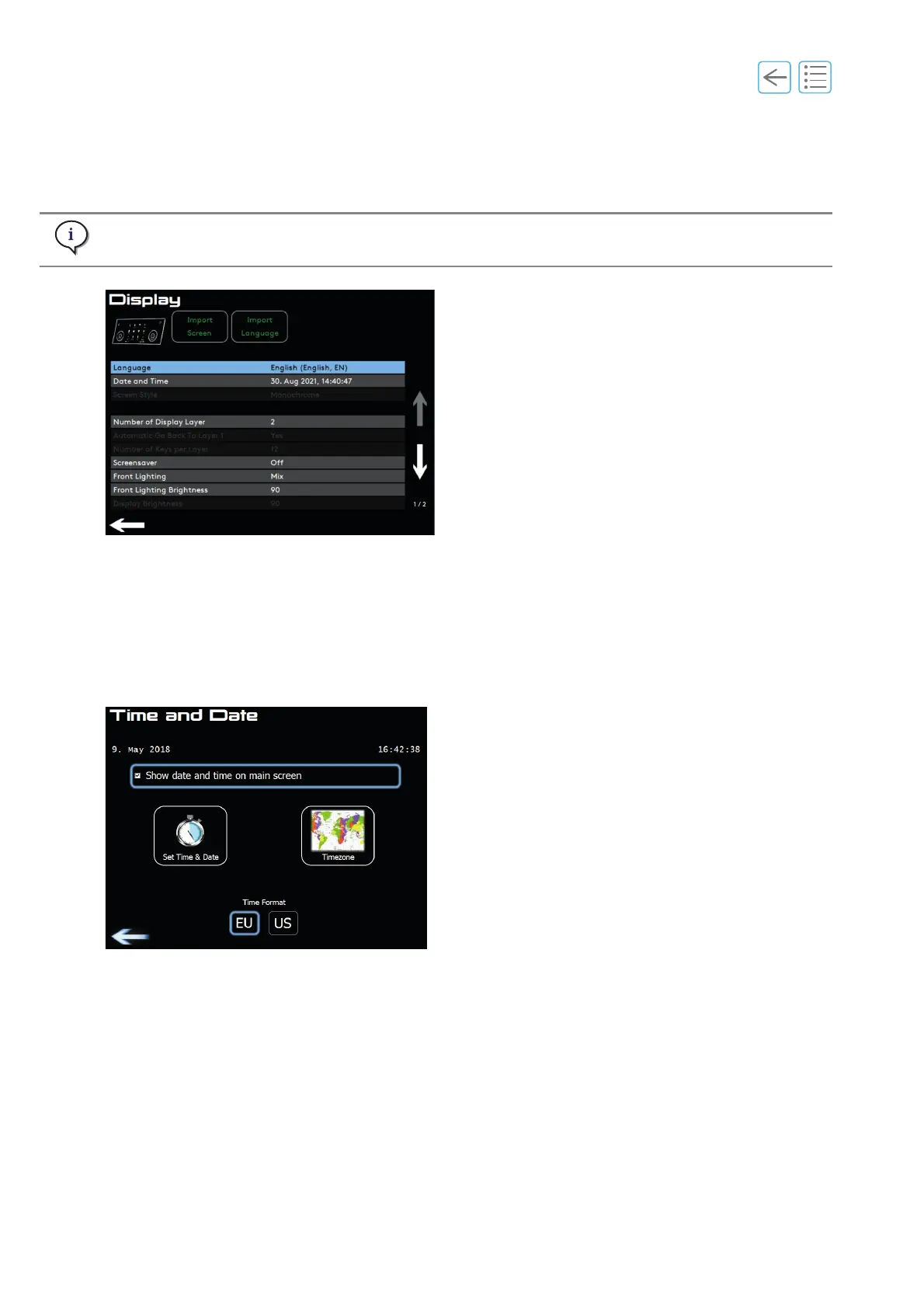
6.5 Display
With manager access it is possible to import and set a language, import new Screens and set the date,
number of display layers, screensaver and front lightning.
Set time and date
Follow the screen instruction. Set time and date if needed.
Time zone
Choose time zone to get correct daylight saving time.
Front lighting
• Off (no decorative light under front panel)
• Select colour (fixed colour under front panel)
• Mix (complete colour spectrum within 3 minutes)
Number of display layers
1 to 4 layers (up to 15 products per layer depending on settings).
Maximum 62 product keys.
If a required language is not available, please contact your service organisation.
Fig. 6-8
Fig. 6-9



 To Next Page