DreamCatcher Replay SystemDream Catcher
Revision 1.13 Page 25
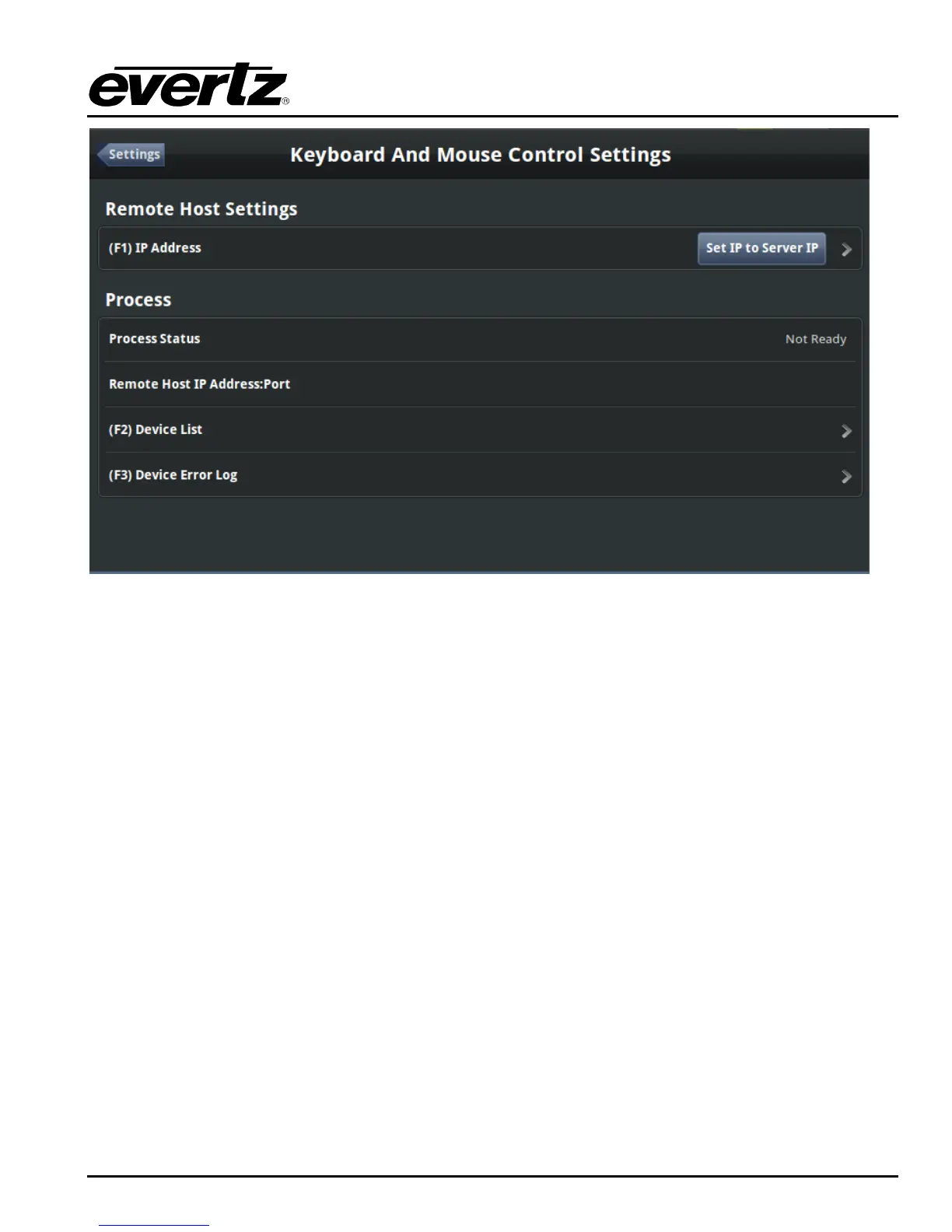
Figure 3-10: Keyboard and Mouse Control Settings Menu
If the displays are being hosted off of DreamCatcher, set the IP Address value for keyboard and
mouse controls to Dreamcatcher‟s IP and save.
If a display is being hosted off of the Controller set the IP Address value for keyboard and mouse
controls to 0.0.0.0.
Exit to the Engineering Settings menu, at this point if your network settings are correct and the server
and controller have a connection the connection icon will be green.
3.1.4. DreamCatcher Server System Configuration
If everything has been connected appropriately the display coming from the server DVI should have
DreamCatcher‟s multi-viewer visible as shown on Figure 3-11. The Display coming from Display Port 1
should show the following image in Figure 3-12.


 To Next Page