DreamCatcher Replay SystemDream Catcher
Revision 1.13 Page 31
3.2. TOUCH SCREEN CONFIGURATION
Ensure all USB connection and Displays are properly connected.
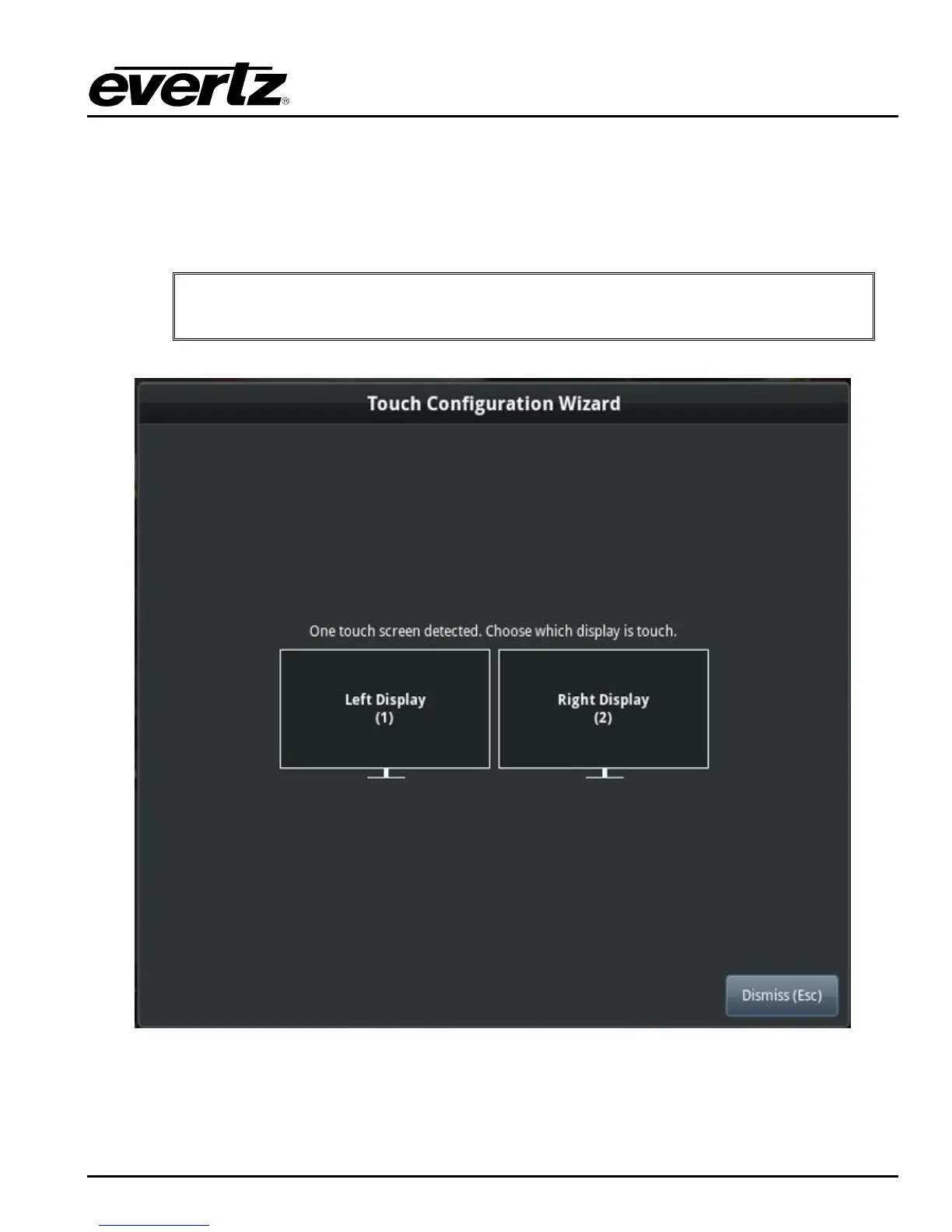
Press SHIFT-CTRL-F11 on the keyboard to bring up the touch screen configuration dialog as shown
in Figure 3-15.
IMPORTANT: If your keyboard does not have a F11 key press SHIFT-CTRL-FN-F1 to
bring up the touch screen configuration dialog
Figure 3-15: Touch Screen Configuration Menu
Select the touch screen configuration and confirm with the restart button that appears.


 To Next Page